EA not launching/downloading sims 4
Not sure if this is because of the buyout but honestly I dont know what to do anymore. I just got a new pc tower (monitor, keyboard, mouse the same not sure if it matters) because my old tower decided to keep freezing, with this new tower being of higher specs than my old one I thought everything would run smoothly and I chose the specs because it could provide higher graphics, speed for the sims.
I downloaded ea from the official website because thats where I purchased my dlcs, then I tried to download the sims with the dlcs, then I just tried to download the base game only, I thought it would download because it said “preparing” but it never did.
I tried everything, restarting the app, app recovery, uninstalling deleting the files through localappdata, programappdata, nothing appeared on appdata, cmd commands, restarting my pc, turning off my antivirus and smart app control, honestly I was thinking of reseting the pc entirely because the tower came with apps that showed the cpu and gpu temperatures and other things like: NZXTCAM, RGBFusion, Heaven Benchmark, MSI Afterburner
These are my specs:
Processor AMD Ryzen 7 5700 (3.70 GHz)
Installed RAM 32.0 GB (31.9 GB usable)
Graphics card NVIDIA GeForce RTX 3060 (12 GB)
Storage 91 GB of 477 GB used
System type 64-bit operating system, x64-based processor
The tower came with built in wifi but the driver cant be found through device manager, so I have in a Wifi adapter.
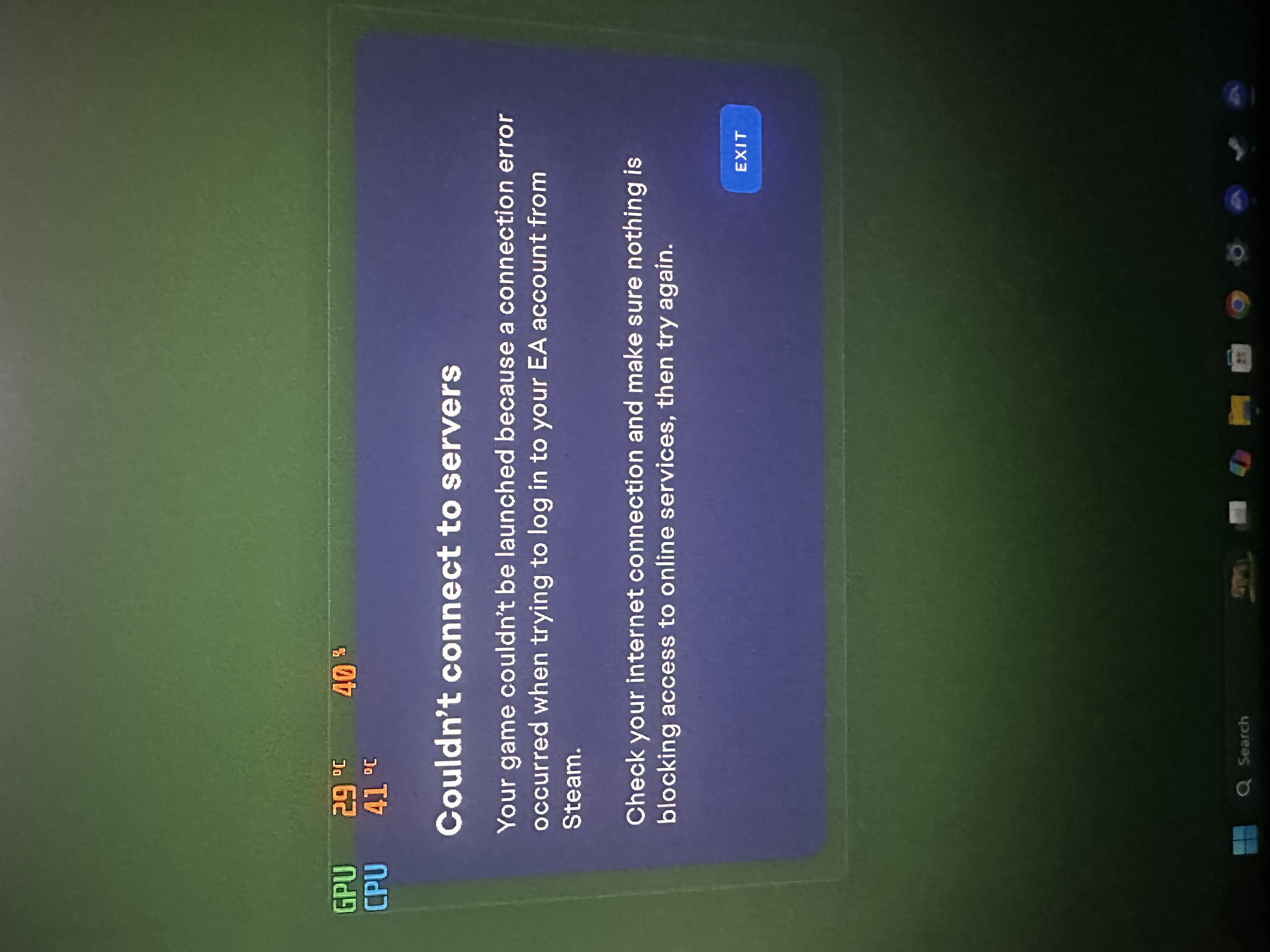
I also tried downloading sims 4 through steam and linked my ea account but it still didnt load up the game. It just says what I attached.
Can someone PLEASE help me?