Expansion Pack Worlds showing as not installed
I have been playing since the pre-release and own almost every EP for The Sims 4. This is the first time I've encountered this issue.
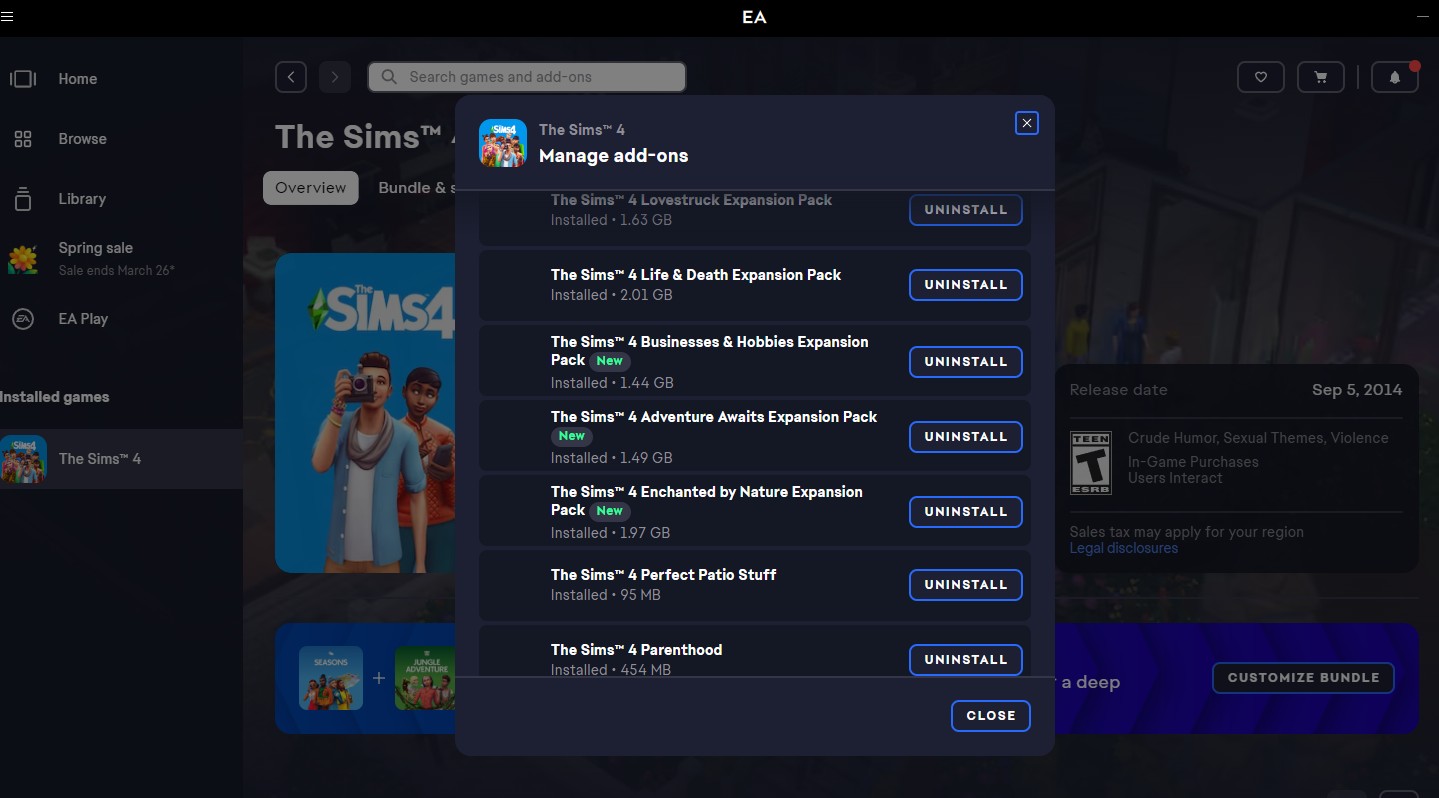
I recently purchased three more packs and downloaded them immediately. I made no changes. I don't use any CC or mods. I checked my PC and can see the packs listed there: EP18, EP19, & EP20. It all looks great.
However, when I try to manage the worlds in my game, they're reflecting as "World not installed." Honestly, there could be other content from these packs not working as well, I just don't know. This is the most blatant example of an issue.
I've repaired my game three times. I've uninstalled and reinstalled everything. I manually deleted the new files from my file explorer on my PC and redownloaded them. I've cleared my cache. I've restarted numerous times.
I'm at a loss at this point. I don't know what else to try, aside from uninstalling and deleting everything an starting from scratch. I'd really rather not do that on on whim.