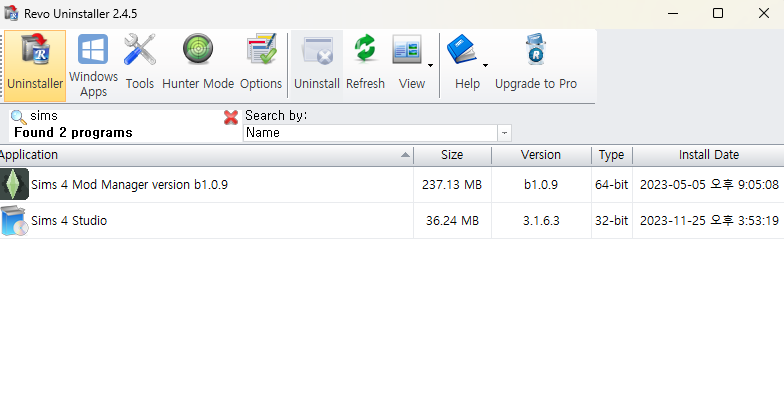
@SEUL2222_Bebe I'm not completely sure from your screenshot, but does that mean that the name "The Sims 4" isn't present? That would explain why Revo can't find the game and also why you need to repair in order to play. It doesn't explain why repairing changes the language to English, but maybe that doesn't need to come into play at all.
By default, Sims 4 is installed here:
C:\Program Files\EA Games
Please close the EA App and kill the EABackgroundService in the Task Manager. Open the EA Games folder and see how the Sims 4 folder is named. If it has a different name, try entering "The Sims 4" (in English characters) and see whether you can play without repairing. Even if the name is correct, try writing it again. If that doesn't help, try copying the name from my post here and pasting it into the field for the folder name.
Even if you can't play, this should at least allow Revo to find the game, so you can use Revo to uninstall, then reinstall from scratch.