Forum Discussion

PaneleLedas's avatar
PaneleLedas
Seasoned Novice
27 days ago
Solved

EA and Steam DLC missing

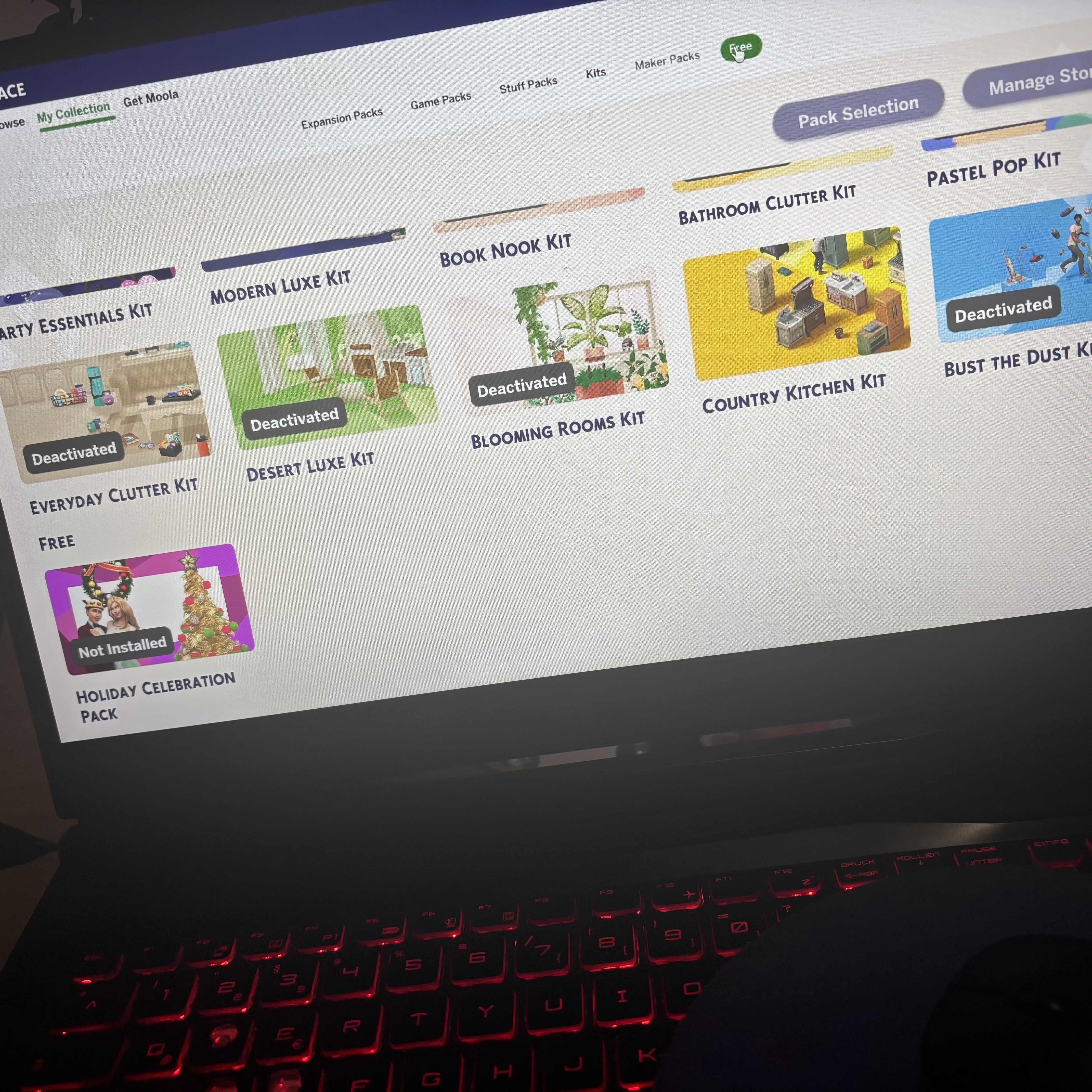
On my new pc downloaded EA instaled sims4 and after downloaded it on Steam, on same account. And  if I open game on EA it shows only EA Dlc, and if i open on steam it doesn’t show any dlc I have… on Ea show 56 files.. steam mixes with Ea

  • Finally today after 4-5 days.. I thought I just delete files from EA games on my pc. And on EA app it showed- download and just downloaded it and launched game. On game it showed deactivated, pressed to activate and restarted game and now everything is working perfectly. 

5 Replies

  • PaneleLedas​  In order to use the DLC you own in Steam, you'll need to install the base  game through Steam.  Uninstall the EA App version first, install the base game and any DLC you own in Steam, then open the EA App and install the packs you own there, but not another copy of the base game.

    If you open the game and your DLC is deactivated, delete UserSetting.ini, in Documents > Electronic Arts > The Sims 4, and look again.

  • PaneleLedas's avatar
    PaneleLedas
    Seasoned Novice
    26 days ago

    How i have to download only dlc on EA? It automatically starts downloading after i press on any Dlc

  • PaneleLedas's avatar
    PaneleLedas
    Seasoned Novice
    25 days ago

    Finally today after 4-5 days.. I thought I just delete files from EA games on my pc. And on EA app it showed- download and just downloaded it and launched game. On game it showed deactivated, pressed to activate and restarted game and now everything is working perfectly.