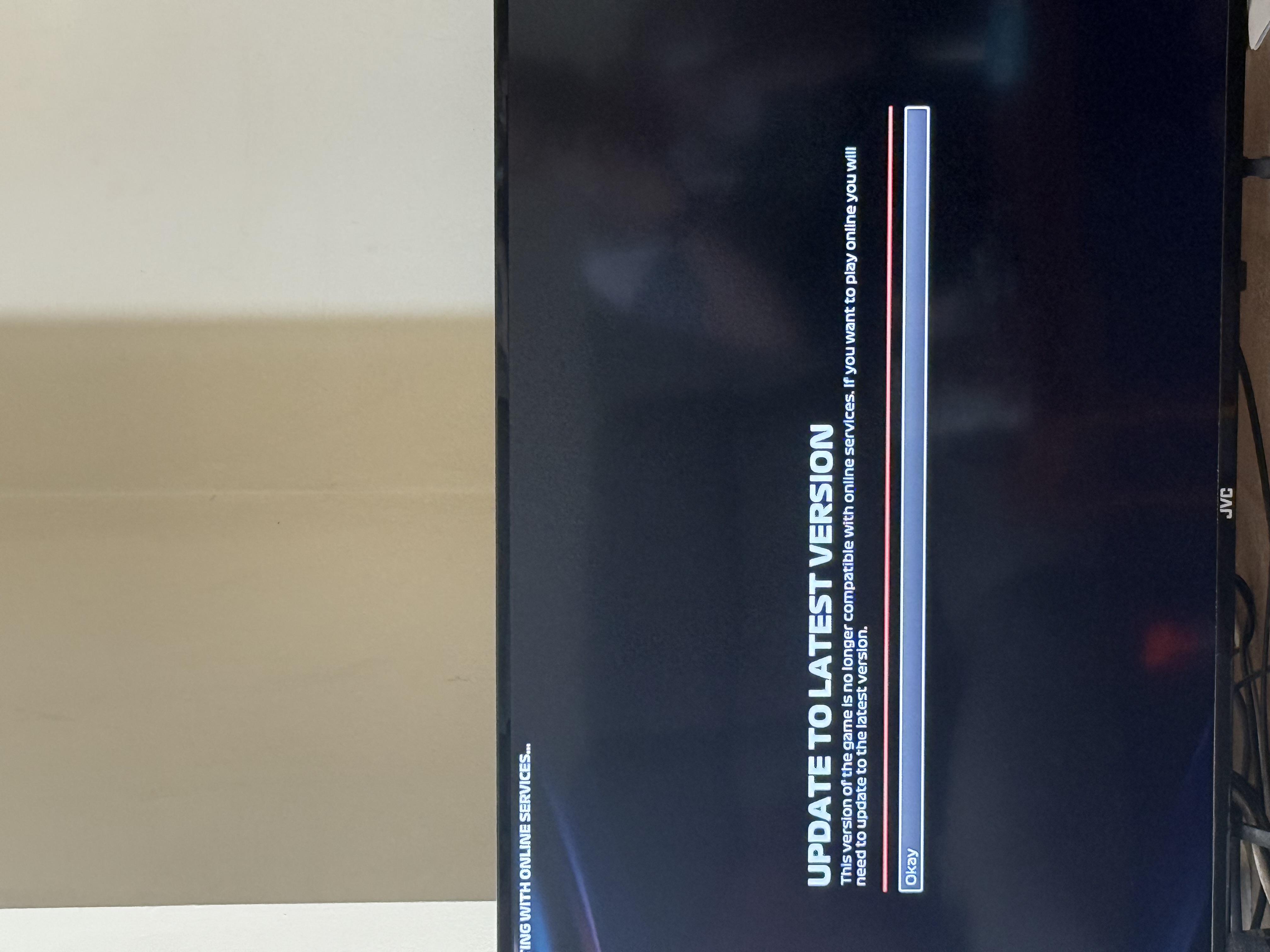
Ever since the new update came out, this message has been popping out every time and I can't connect online. There's no option for me to update the game at all on Steam. I've tried clearing download ...
Ideas
Update to Latest Version Bug


i5xgelo7ziz1
1 year agoNew Spectator
I’m very new to gaming and in fact only got a ps5 to play this game - I paid for it in full and got it a few days before release getting iconic version everything was fine until I was being prompted to install updates
I’m trying to install them but can’t seem to see where to install it and I’m also encountering this screen.
There appears to be no option to contact EA support and I’ve paid for this game in full so why is this being displayed with no option to resolve it? Please can someone help
- XthedarkwhiteX10 months agoNew Spectator
Try to clean te cache of EA. Click on the tre bars on the top left > Help > App Recovery. Do it and it should be okay, it worked for me
- SmokyAtom0710 months agoRising Adventurer
If you bought it before the release and haven't updated it since then, it's probably due to that. It might not be, but it's a place to start!
On your home screen of the PS5, if you hover over the thumbnail for F1 25 and press start then there will be a Check for Updates option in the list.
As soon as you do that, it should say Added to Downloads and it'll start updating the latest version. It will probably restart the game so make sure you're not in the middle of something that isn't saved!
Of course, it might not be that, but hopefully you've either got the game working by now as I think this has been open a while, or this helps you if you haven't.
- Tomas_ont0p6 months agoNew Spectator
i have the same problem steam pc anyone finna help?