Ideas

Mil0saur's avatar
Mil0saur
Seasoned Newcomer
5 months ago

Can’t save my builds to the gallery

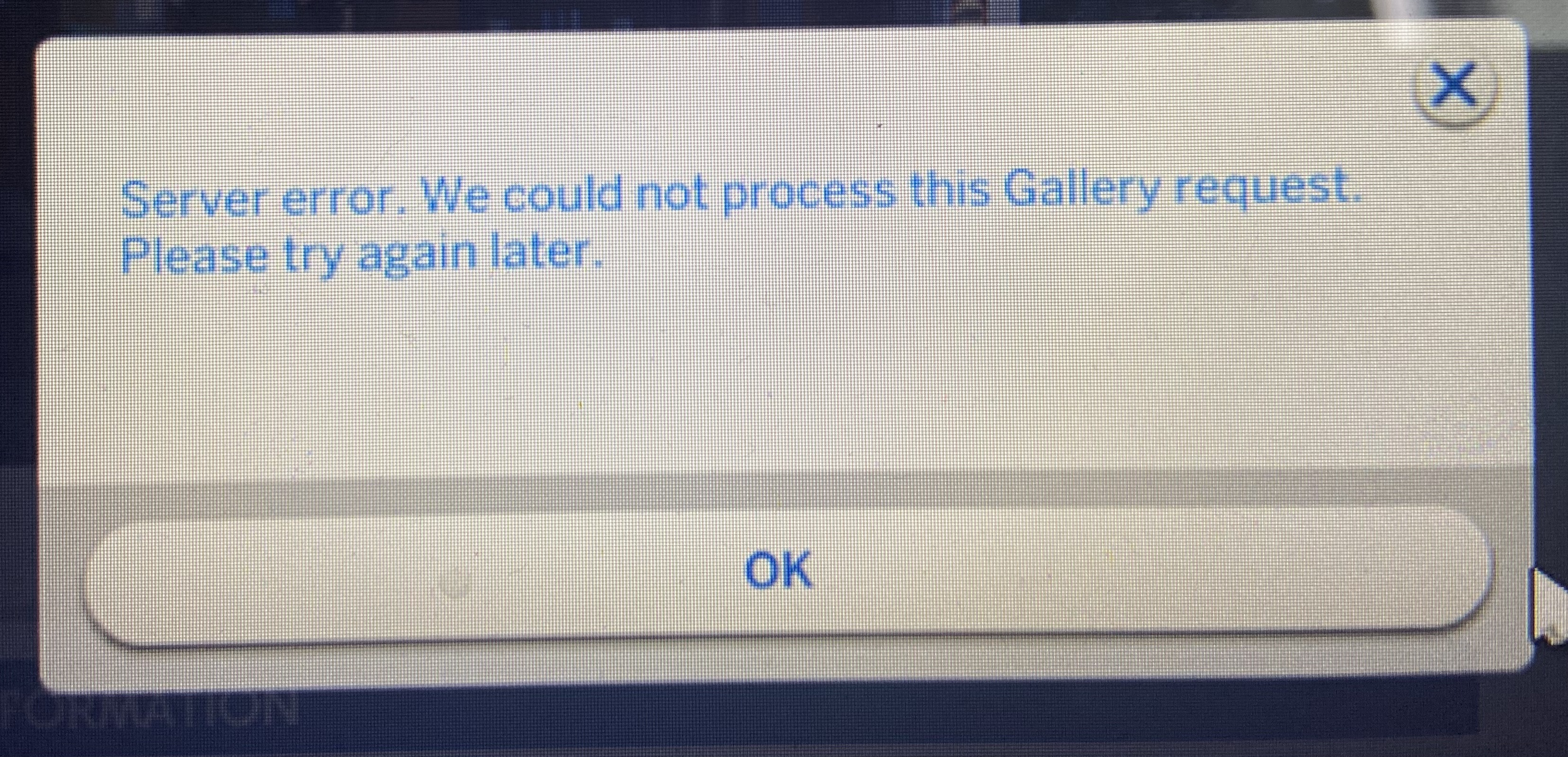
For over a week now, every time I try to save my builds to the gallery, a server error message pops up. "Server error. We could not process this Gallery request. Please try again later."
I’m currently trying to rebuild some of my worlds, so I removed any kind of cc or mods I have in my game because it has lead to issues in the past. Literally moved it out of the Mods folder into a backup folder on my desktop. So, it can’t be that. 
I tried the whole technique with renaming your Sims 4 folder, starting the game to force it to make a new one, and then putting back the old Tray, Cache and Saves folders twice. That didn’t work either, so I figured I just don’t have space in my gallery. Removed everything I had in my Tray folder and that didn’t work either. I repaired the game several times and it didn’t do anything. 
As a last resort, I created a new game to check if my save was corrupted. No dice.
The only possibility left, according to google, is that some file in my game is corrupted and is messing with the saving process. I’m really not sure what could’ve triggered it, because it started before the update (really hoped it would maybe fix it but no) and I didn’t do anything different than usual. 

I attached a photo of the error message. Can anyone help? I really don’t want to lose these builds because I'm actually really proud of them :/

15 Comments

Comments have been turned off for this idea
  • SheriGR's avatar
    SheriGR
    Hero
    5 months ago

    Mil0saur​ AndyNona​ I had that same issue this week. In my case I thought that it may have been thrown off by the fact that I added some hash tag terms, or the fact that too many of the tags included the word 'cure', plus it was in the title and wording of the description. However, earlier that day I had uploaded the same household with 2 less of the tags fine. I went back in and removed the new tags, and even removed some of the wording, etc., that had uploaded just fine that same day. I was scratching my head also. I assumed I had freaked out some filter or blocker by re-uploading it more than once in a row or some such thing, particularly since I was having issues with getting the old one to remove from the gallery.

    I think it may have been some combo of cache and delays? In the end it finally worked after I finally got the old one to remove from the gallery first, I closed the game, deleted the 'localthumbcache.package' file, ran a game repair, and waited that hour or two to let the browser/gallery hopefully get the cache cleared out. Then I reopened the game and was able to get the household to upload without getting the error. I also had kept all of that description and the new hashtags I added.

    Not sure if any of that will help in your process, but I thought I'd mention it as options.

  • Mil0saur's avatar
    Mil0saur
    Seasoned Newcomer
    5 months ago

    I think I might’ve found the issue! When you go to Game Options and then Graphics, there should be a "DirectX 9" checkbox. Make sure to check it (as in turn it on) and then restart your game. Loading times are much shorter for me and my laptop struggles way less like this. I’m hoping it’ll stay this way. 

    I saw some people talk about this on a Facebook post that I can’t find anymore :/ 

    One of them basically said that the DirectX 11 was causing the whole gallery error for them, so I figured I’ll try switching to DirectX 9 as well. Hope it helps!! :>

  • Emmaiun's avatar
    Emmaiun
    Seasoned Rookie
    5 months ago

    Mil0saur, you are a lifesaver! I've been having this issue since early August and been getting really desperate! Switching to DirectX 9 solved the issue for me!

  • DnYBlack6280's avatar
    DnYBlack6280
    Seasoned Rookie
    5 months ago

    Unfortunately, those playing on consoles don't have a graphics options so we can't do this one 😔 

  • ArielisFree's avatar
    ArielisFree
    Rising Rookie
    4 months ago

    Yep, this is the fix! It works with modded stuff too. I thought I couldn’t save my CC builds because the mods were too big or something, but when I switched to DirectX 9, it saved in seconds. No shade to DirectX 11, but I think it might have an issue…

  • spacemunkypantz's avatar
    spacemunkypantz
    Seasoned Vanguard
    3 months ago

    Mine's not working either, occasionally a room will save despite a pop up saying it didn't work, but lots won't save at all. 

  • Jonalinn's avatar
    Jonalinn
    Seasoned Ace
    3 months ago

    Do we know if they are working on a fix for this issue? 

  • Gilmour2204's avatar
    Gilmour2204
    Seasoned Observer
    2 months ago

    I don't know, but as of December 14th the problem is still there... Didn't even had the chance to play with the packs I bought on Black Friday. It is really frustrating and annoying.

  • striped_moon25's avatar
    striped_moon25
    New Rookie
    2 months ago

    December  29th. Issue still here :/ guess my legacy sims aren’t moving. 

  • amharp's avatar
    amharp
    Rising Newcomer
    2 months ago

    This worked for me, thank you so much! I spent months wondering what why I couldn't save my favorite lot but now I finally can.

  • Marrggie97's avatar
    Marrggie97
    New Spectator
    2 months ago

    OMG thank you! Not only did it fix the saving issue, but my game stopped lagging too 🤩

Featured Places

Node avatar for The Sims 4 Bug Reports

The Sims 4 Bug Reports

Report bugs for The Sims 4 on PC, Mac, Playstation, and Xbox.Latest Activity: 20 days ago
5,147 Posts