Ideas

Mil0saur
7 months agoSeasoned Newcomer
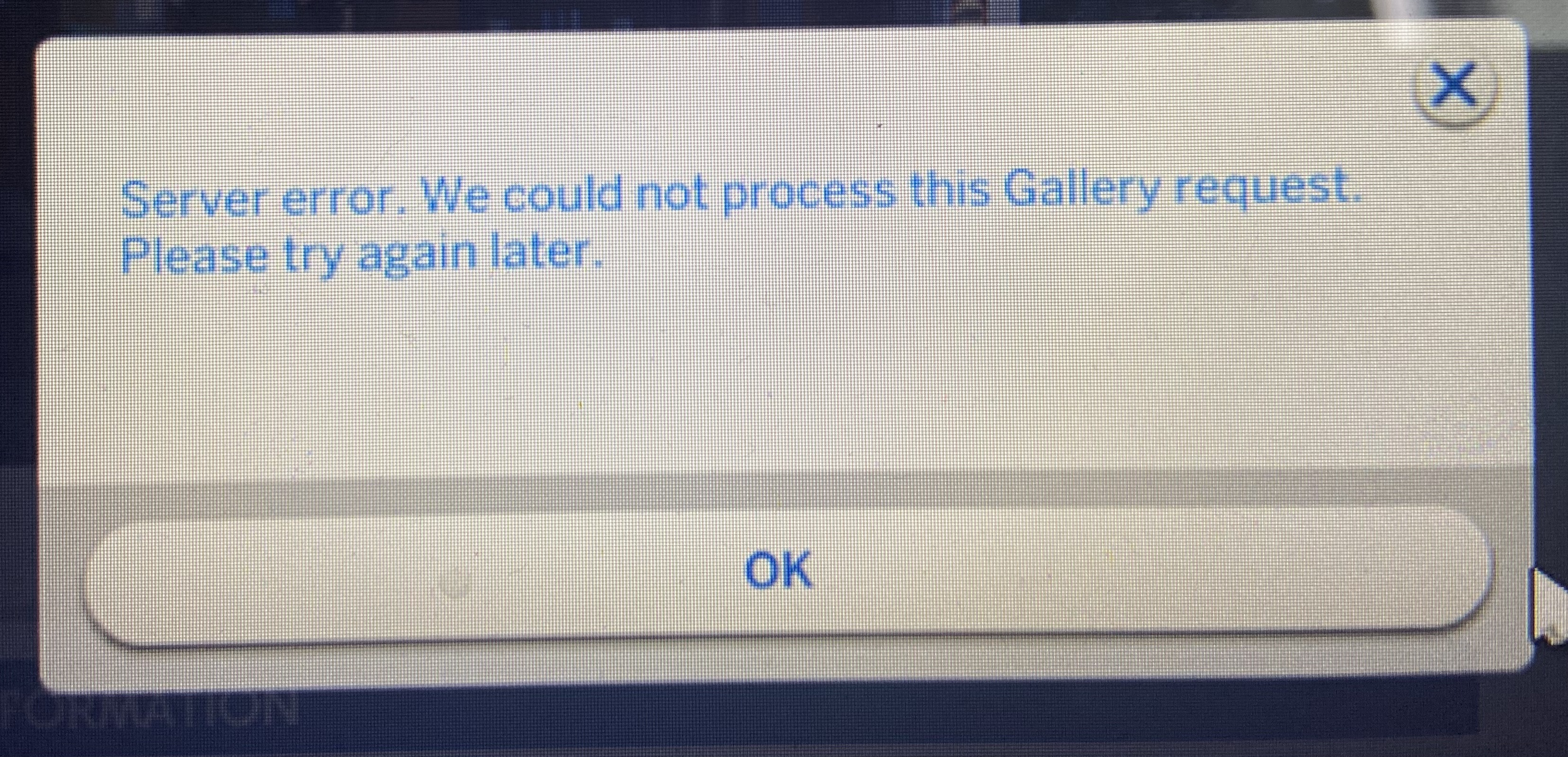
For over a week now, every time I try to save my builds to the gallery, a server error message pops up. "Server error. We could not process this Gallery request. Please try again later."
I’m currently trying to rebuild some of my worlds, so I removed any kind of cc or mods I have in my game because it has lead to issues in the past. Literally moved it out of the Mods folder into a backup folder on my desktop. So, it can’t be that.
I tried the whole technique with renaming your Sims 4 folder, starting the game to force it to make a new one, and then putting back the old Tray, Cache and Saves folders twice. That didn’t work either, so I figured I just don’t have space in my gallery. Removed everything I had in my Tray folder and that didn’t work either. I repaired the game several times and it didn’t do anything.
As a last resort, I created a new game to check if my save was corrupted. No dice.
The only possibility left, according to google, is that some file in my game is corrupted and is messing with the saving process. I’m really not sure what could’ve triggered it, because it started before the update (really hoped it would maybe fix it but no) and I didn’t do anything different than usual.
I attached a photo of the error message. Can anyone help? I really don’t want to lose these builds because I'm actually really proud of them :/

AndyNona
7 months agoSeasoned Newcomer
I'm having the same issue. 🙃
- Mil0saur7 months agoSeasoned Newcomer
I think I might’ve found the issue! When you go to Game Options and then Graphics, there should be a "DirectX 9" checkbox. Make sure to check it (as in turn it on) and then restart your game. Loading times are much shorter for me and my laptop struggles way less like this. I’m hoping it’ll stay this way.
I saw some people talk about this on a Facebook post that I can’t find anymore :/
One of them basically said that the DirectX 11 was causing the whole gallery error for them, so I figured I’ll try switching to DirectX 9 as well. Hope it helps!! :>
- Emmaiun7 months agoNew Traveler
Mil0saur, you are a lifesaver! I've been having this issue since early August and been getting really desperate! Switching to DirectX 9 solved the issue for me!
 DnYBlack62807 months agoSeasoned Rookie
Unfortunately, those playing on consoles don't have a graphics options so we can't do this one 😔
 ArielisFree6 months agoRising Rookie
Yep, this is the fix! It works with modded stuff too. I thought I couldn’t save my CC builds because the mods were too big or something, but when I switched to DirectX 9, it saved in seconds. No shade to DirectX 11, but I think it might have an issue…
- striped_moon254 months agoNew Rookie
Just did this and it worked thanks!
Featured Places

The Sims 4 Bug Reports
Report bugs for The Sims 4 on PC, Mac, Playstation, and Xbox.Latest Activity: 1 day agoRead First
- EA_Cade3 months ago
The Sims Team