Ideas


Spookycat760
8 months agoSeasoned Rookie
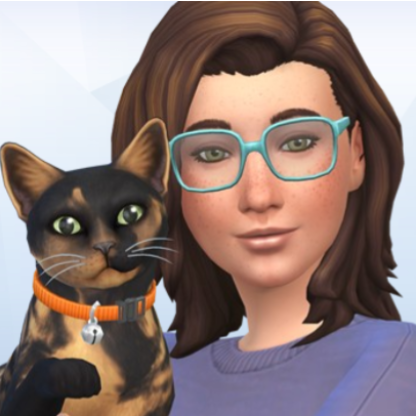
Happens every time I load a save file since yesterday's patch on my PS5, looks just like the photo above, trying deleting everything and reinstalling if it doesn't work I'm screwed til they come out with a fix. 😐

KaylahMak
8 months agoNew Spectator
Try removing any custom tattoos, once I removed them my sim went back to their normal shade. However I also repaired the game prior too that, so I am unsure if that also helped as well. Good Luck!
- Spookycat7608 months agoSeasoned Rookie
That seems to have stopped it ty, I just noticed the original post is 4 months old I was fine til yesterday, odd.
 kukkahilla8 months agoLegend
Phew thank you for this! I removed custom tattoos and my sim went back to normal 💛
I hope custom tattoos will be fixed soon!
Featured Places

The Sims 4 Bug Reports
Report bugs for The Sims 4 on PC, Mac, Playstation, and Xbox.Latest Activity: 1 minute agoRead First
- EA_Cade1 month ago
The Sims Team