Forum Discussion

JustBeGoodT0me's avatar
7 years ago

Attempt connection(1..9). Unable to connect to EA server.

Since I downloaded the game, I cant connect and always see the same error: "attempt connection 1..9"  and after "Unable to connect to EA servers". I tried everything: Reboot my router, restart the game and PC, clear origin cash, flushing DNS, used google DNS 8.8.8.8, reinstall the game, disable windows firewall, but nothing worked and i still have same error. All other games(EA or not, dosent matter) work perfectly without any connection problems or lags. So, the problem is not my internet i guess. On the russian forum many peoples faced same problem and they have to use VPN services to fix this error, and it does not help everyone.

I really hope developers find the issue and solution, cos I couldn't play at all, I didn't even go to the game menu...

29 Replies

  • EA_Darko's avatar
    EA_Darko
    Icon for Community Manager rankCommunity Manager
    7 years ago

    100% packet loss is fine @JustBeGoodT0me, it does not mean that there is an issue. It is anything between 1% and 99% that will cause issues.

    Can anyone having issues with the connection error, @TipsyAgent@-I-Scrooge-I- @Omnipotent33 @wtflolzomfgpwnd try our connection troubleshooting steps which you can find here: https://help.ea.com/en-us/help/faq/connection-troubleshooting-basic/

    Can you also ensure that you open the following ports for Origin:

      • TCP: 80; 443; 9960-9969; 1024-1124; 3216; 18000; 18120; 18060; 27900; 28910; 29900
      • UDP: 1024-1124; 18000; 29900

    Also can you ensure that you’ve added the Origin client as an exception to any Firewalls or other Internet Security Software you may have running so that it is not blocking Origin from connecting.

    Darko

  • @EA_Darko The issue is with servers. Contacted technical support and they advised me to do bunch of non-sense steps after I told them I've tried everything. Open ports, flush dns, change dns to google's, reinstalled both origin and games, both ran as admin...

  • Actually i haven't had any connection issues after the Apex Legends patch last night, i did read in the patchnotes that they worked on stability/connection issues, and are continuing to monitor the problem. I played for 5 hours uninterrupted after the patch, will jump on as soon as i get home today and test it further. (Before the patch i would get disconnected after/during every match, and then be stuck in "connecting" for 20-30min)
    No matter what, it's very nice to see in the patch notes that they acknowledge the issue and continue to work on it, just knowing that is a huge load off alot of peoples minds, so kudos to the team for being open (unlike some other development teams)

  • MP60020's avatar
    MP60020
    7 years ago

    @EA_Darko wrote:

    Hey all, if you are still having issues with connecting to the game can you please try the steps in this thread here: https://answers.ea.com/t5/Technical-Issues/Apex-Legends-Unable-to-connect-to-EA-servers/td-p/7425616

    Let me know how you get on.

    Darko


    Hey I tried every fix and 2 calls to EA help were unsuccessful as their suggestions didn’t fix it, and they ran out of ideas

    im in Canada, on PS4.   I’ve never been able to get past this error, and as I said, I’ve tried everything.  I can play every game fine, including EA games...but Apex and the 2 Anthem demos both refuse(d) to let me access the EA servers.

    im no techie, but everything points to an issue with the EA server not liking my account or something 

    please help, I’d like to play this game.  And Anthem is out soon...I’m worried I’ll waste my pre order $

    please

  • @EA_Darko, thank you for answering. I tried open ports, which you recommended, but it didn't help. I still able to play in other EA games except Apex legends. Idk what i should do to fix that :/ If you know what's the difference between Apex Legends and other EA games - it would help find the source of the problem i guess. Cos like i said, I faced this issue only in Apex.

  • EA_Darko's avatar
    EA_Darko
    Icon for Community Manager rankCommunity Manager
    7 years ago

    Hey guys, thanks for getting back to me.


    If you are still seeing this issue can you let me know the following:

    ISP:
    Router:

    Country:

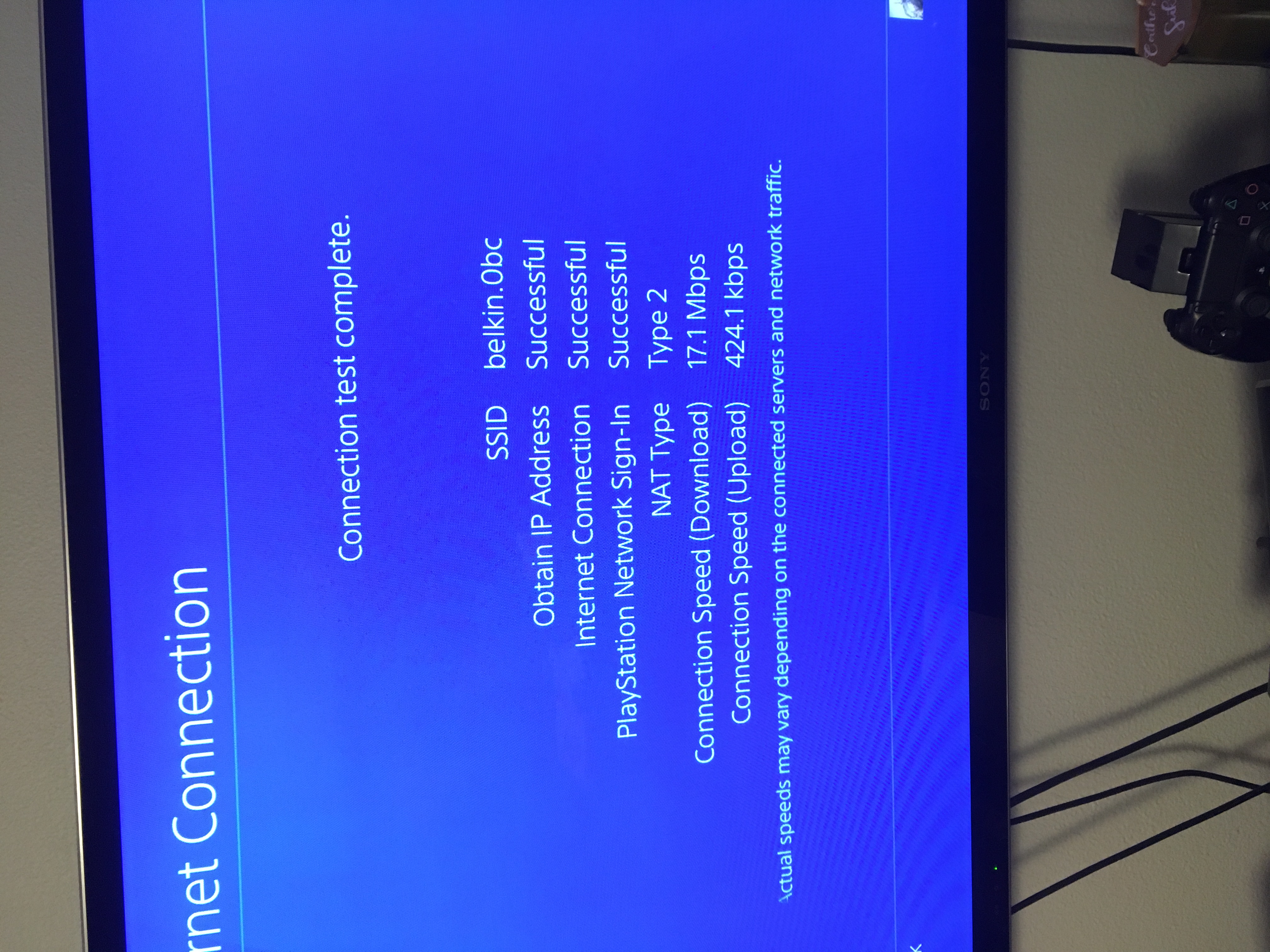
    If you are using a VPN:

    If you can connect using a hotspot or other network:

    Thanks


    Darko

  • @EA_Darko , Hi.

    Yesterday when i tried launch the game i faced with new error: "Origin update is available, restart the Origin...". But it was only once. Next time when i tried launch the game, i saw "Attempting connection" like before. 

Featured Places

Node avatar for Apex Legends Technical Issues

Apex Legends Technical Issues

Having issues with Apex Legends? Join here to find help with connectivity, performance issues, crashes and more.Latest Activity: 7 minutes ago
39,075 Posts