EasyAntiCheat Still not working after 2 weeks of a plethora of error codes
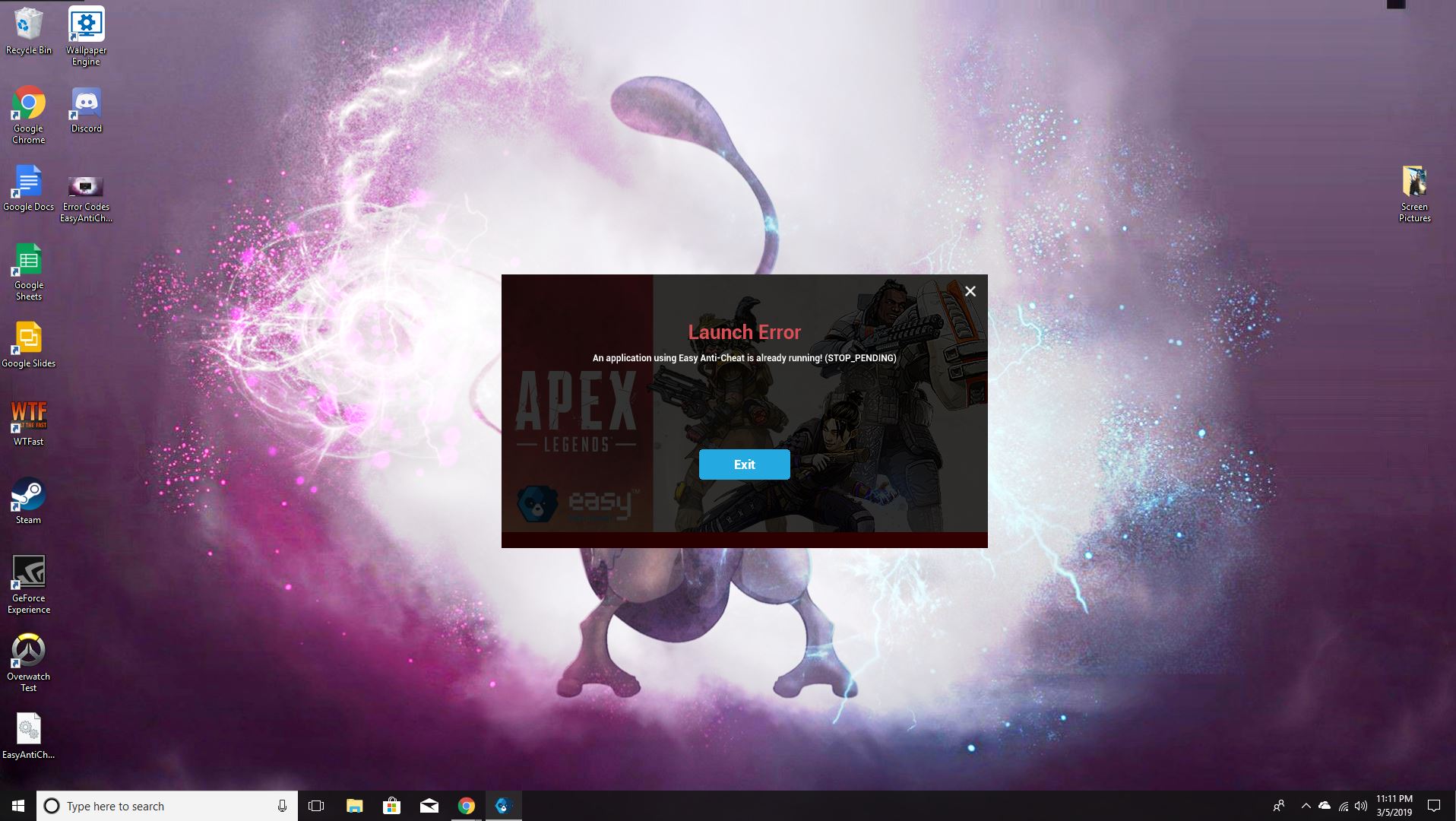
I thoroughly enjoyed Apex Legends when I could play it and racked up about 100 hours on the game. On March 21, a Thursday two weeks ago, I was greeted by an error code on EasyAntiCheat saying, "CopyFile failed with 32". When I went onto the internet, I tried multiple different strategies. Then when I did 'fix' the issue another error code came up. I don't remember every error code because there has been like 5-6 of them. I tried many strategies, from EA support forums to EasyAntiCheat support to YouTube. None of them helped. I got tired and decided that since the error with the anti cheat affected 3 of my other games, I reinstalled windows fresh from a new disc. The first thing I downloaded to avoid compatibility issues was Origin and Apex Legends. I got the same error codes. Why, is this not higher up in the forums? From what I can tell, there is a multitude of people with the same issue. I'll leave my system specs below but my PC was built in January and has been working great since. My question is what should I do? I have been waiting way too long for what seems like nothing is happening to fix the issue. I have checked my AV. Also, whenever I restart my computer and try and repair the EasyAntiCheat, it works but seems to be temporary, and when Apex tries to open it, it gives me the same errors. I can keep pressing the repair button, but nothing gets repaired,
System Specs:
Ryzen 5 2600
GeForce GTX 1060
16 Gigabytes of 3200 Mhz Ram
500 gigabyte SSD
500 Watt power supply
B450M motherboard