I keep having memory dump crashes
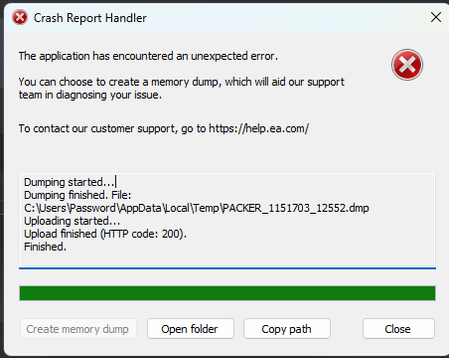

Before this I had upgraded my CPU from a Ryzen 7 2700x to a Ryzen 7 5800x, in the process found out that one of my memory sticks went bad so I replace it with a different one. I also tried taking out the stick that I put in and one of the working ones and put the two lefts on the A and C lanes for the RAM, but this had not solved the problem so I put them back in.

I see, faulty RAM could also explain why this is happening, does this mean you're still using one of the faulty sticks of RAM?
Make sure to test them properly using MemTest86+, information on how to do so can be found here: https://rtech.support/guides/memtest/memtest86/#_top
So make sure you aren't using any bad sticks of RAM at all, and make sure to put them in the correct lanes as per your motherboard manual.




