Forum Discussion

koalabearf's avatar
koalabearf
Not applicable
7 years ago
Solved

Weird mouse lag/stutter

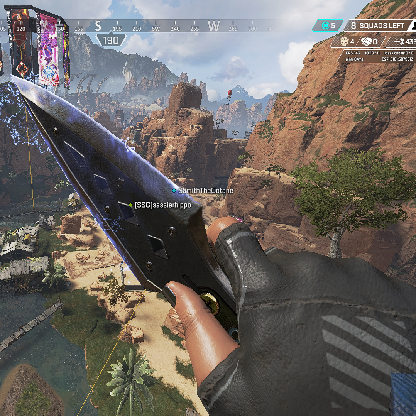
When I enter the game, my mouse has a really weird lag/stutter. The only way I can describe it is it's as if I'm playing with my mouse on a glass surface. It's as if the game is not picking up all of the mouse movements.

It is normal in the main menu screen and even when I'm jumping. But as soon as I hit the floor the problem starts. I have tested the mouse (Logitech g502) in other games (CS:GO, Fortnite, Starcraft 2) and the mouse works fine so I'm assuming it's a game problem. Any help is appreciated.

4 Replies

  • The_Tibber's avatar
    The_Tibber
    Not applicable
    7 years ago

    Common solutions to try:

    Close MSI afterburner if you have it.

    Disable or close Overlay software:

    Fraps, Discord, Riviatuner, Geforce experience, Origin in game.

    Anything that shows U.I. on top of the game.

    To disable Origin in game, right click apex in the origin launcher and select properties.

    untick enable origin in game for apex legends.

    Save changes.

    Try out the game afterwards.

    For quickness you can just close the apps through task manager and disable overlay settings afterwards if they are programs you actively use outside of Apex.

  • koalabearf's avatar
    koalabearf
    Not applicable
    7 years ago


    I only had origin overlay on and turned it off but it didn't work. I've tested it more and it happens when I'm in game period. So when im dropping, shooting anything

Featured Places

Node avatar for Apex Legends Technical Issues

Apex Legends Technical Issues

Having issues with Apex Legends? Join here to find help with connectivity, performance issues, crashes and more.Latest Activity: 5 hours ago
41,394 Posts