Forum Discussion

5 months ago

OskooI_007
5 months agoLegend
EYEScore I think the green GPU line in the performance graph is indicating inconsistent GPU frametimes. In other words, I think the GPU is somehow causing the low framerate performance.
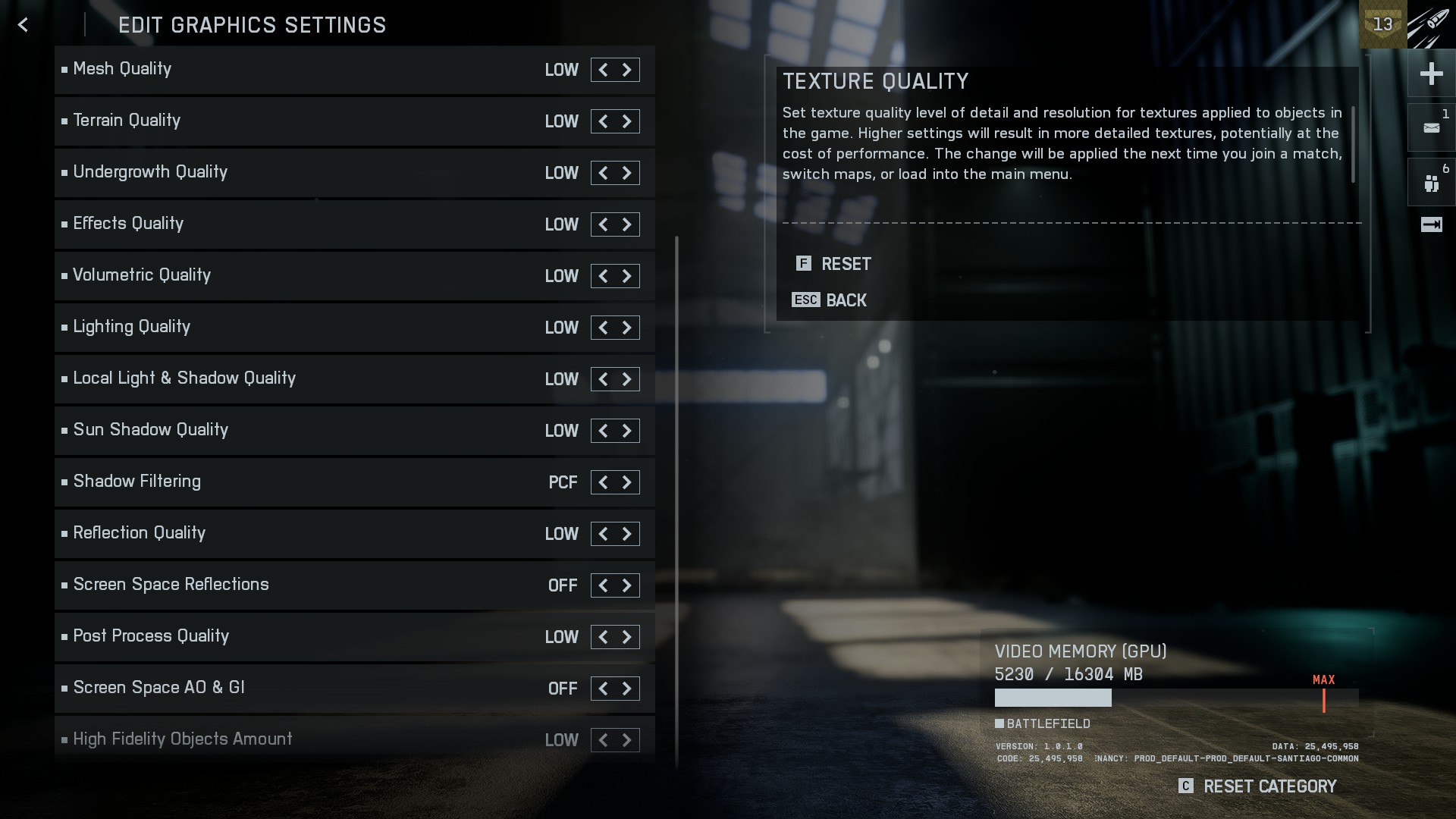
The above screenshot is one you posted. Usually the green GPU line is below the yellow CPU line because the GPU is able to render frames faster than the CPU.
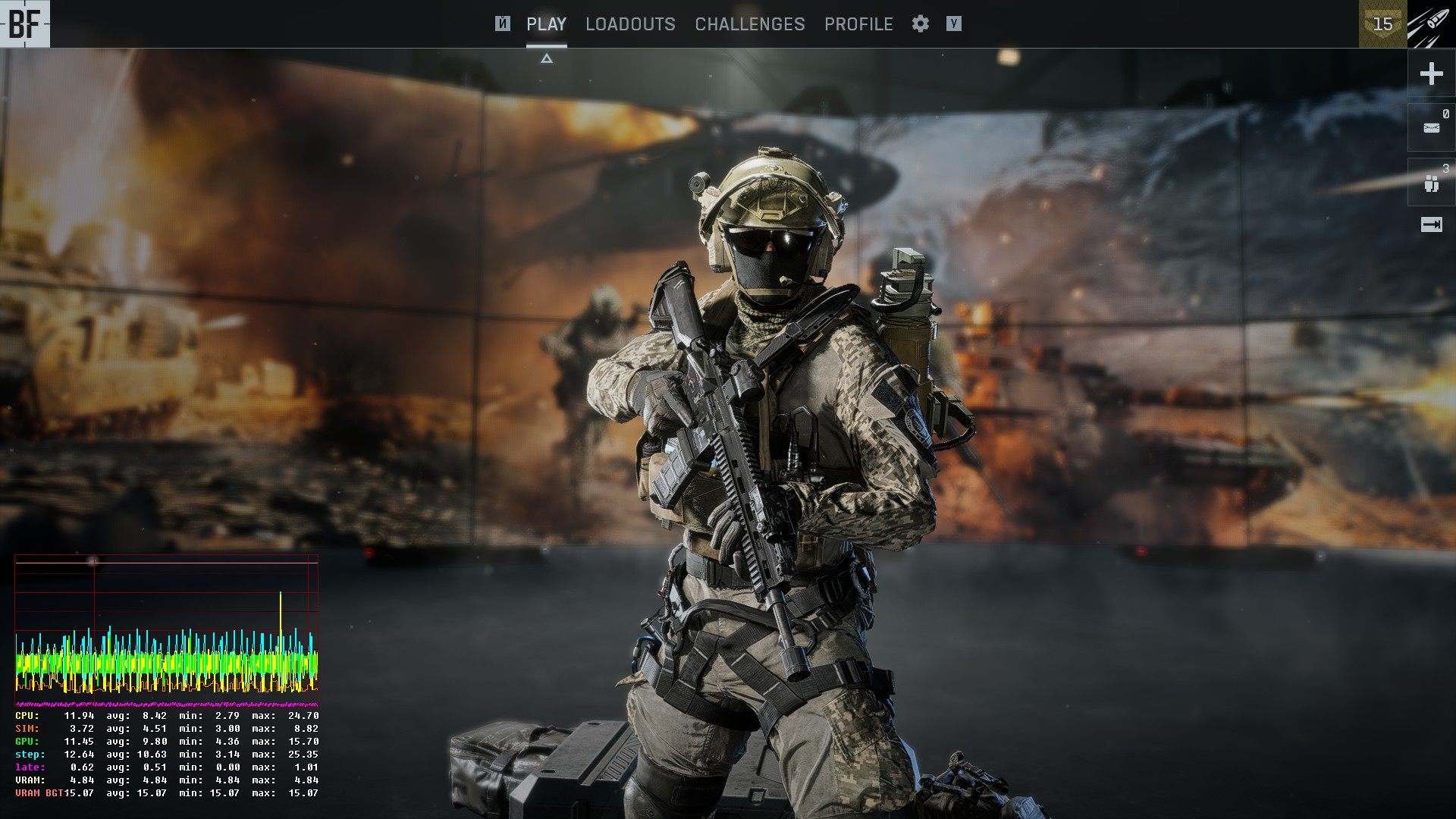
The below screenshot isn't yours, but shows how the performance graph usually looks. Notice how the green GPU line is below the yellow CPU line.
If the green GPU line goes up to the yellow CPU line, this indicated the GPU is maxing out. We see your GPU is maxing out in the first screenshot because it has an average render time of 20.26ms which calculates to 49fps.
1000ms ÷ 20.26ms = 49fps
I think we can safely say I was wrong in my initial assessment about the CPU being the performance issue, and instead you're having a GPU performance issue.
I'm not sure what's causing the GPU performance issue, but we can concentrate our efforts on figuring it out.
I'm wondering if it has something to do with the way the eGPU is connected to the laptop. What eGPU enclosure do you have? I'd like to learn about it.
Featured Places