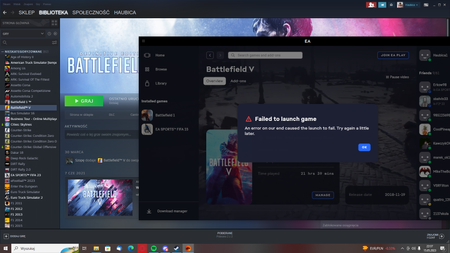
@Haubica1 As this is a generic error, we have to go down the list of steps that are typically the reasons players get it. Some work and some do not.
Nvidia
Delete Windows Temp Files
- Press the Windows key + R, go into the file explorer
- Type in %temp%, and hit Enter
- Delete everything it allows you to delete
- Reboot the PC
- EA App's Cache (Top Left Menu > Help > App Recovery)
- Repair/Verify your game based on which client you are launching from
- EA App - Repair (My Collection > Tile Dots > Repair)
- Steam - Verify in your library
- Run the System File Checker tool then Check for Windows and GPU updates
- Uninstall VC++ from the control panel
- Install/Repair your VC++ files for the game (Microsoft VC++ Link)
- Download and update DirectX
If these do not work, try the following:







.png)