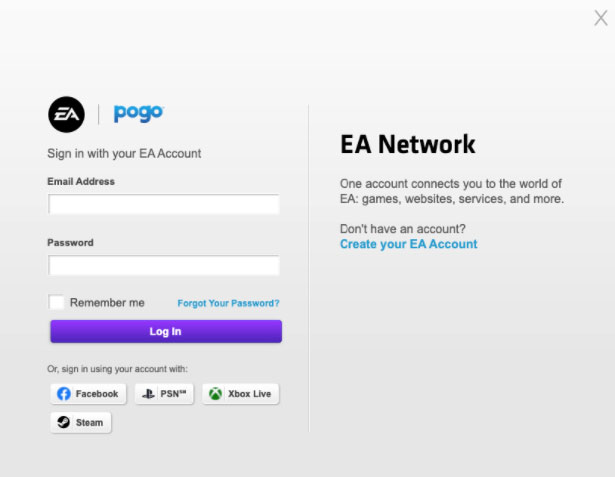
Cannot link Xbox Game Pass Account with EA Account
Product: EA Desktop
Platform:PC
Error Report ID (learn how to create an Error Report ID in the sticky post)
Which client functionality are you experiencing this bug with? Other (Please Describe)
Please describe Connecting Xbox account/profile with EA Account
When did this happen? (dd.mm.yy hh:mm) 29.11.2021 14:50
Summarize your bug When I attempt to connect Xbox account with EA Account by clicking 'Xbox' icon on EA Login, I am only able to see 'Try again later' error message. (Same issue happens when I try this on EA Desktop app.) When I attempt to install EA Play game through Xbox app on Windows 10, I can see the error message below. Error code: 0xa3e90338 Error message: {"error":"Internal server error","error_description":null,"error_code":null,"code":107019}
How often does the bug occur? Every time (100%)
Steps: How can we find the bug ourselves? Case 1. 1. Log on EA Account either on EA Desktop or help.ea.com 2. Click Xbox icon 3. I can only see' try again later' icon. Case 2. 1. Open Xbox app 2. Find an EA Play game 3. Click 'install' or 'see at EA Desktop' 4. Only the error message is shown
What happens when the bug occurs? Just a message with 'try again later' or Error message: {"error":"Internal server error","error_description":null,"error_code":null,"code":107019}
What do you expect to see? Xbox account is linked, and I can play EA Play game with Xbox Game Pass.
I cannot use my Xbox game pass for EA Play games.