Solved
Forum Discussion

169 Replies
Replies have been turned off for this discussion
Hi,
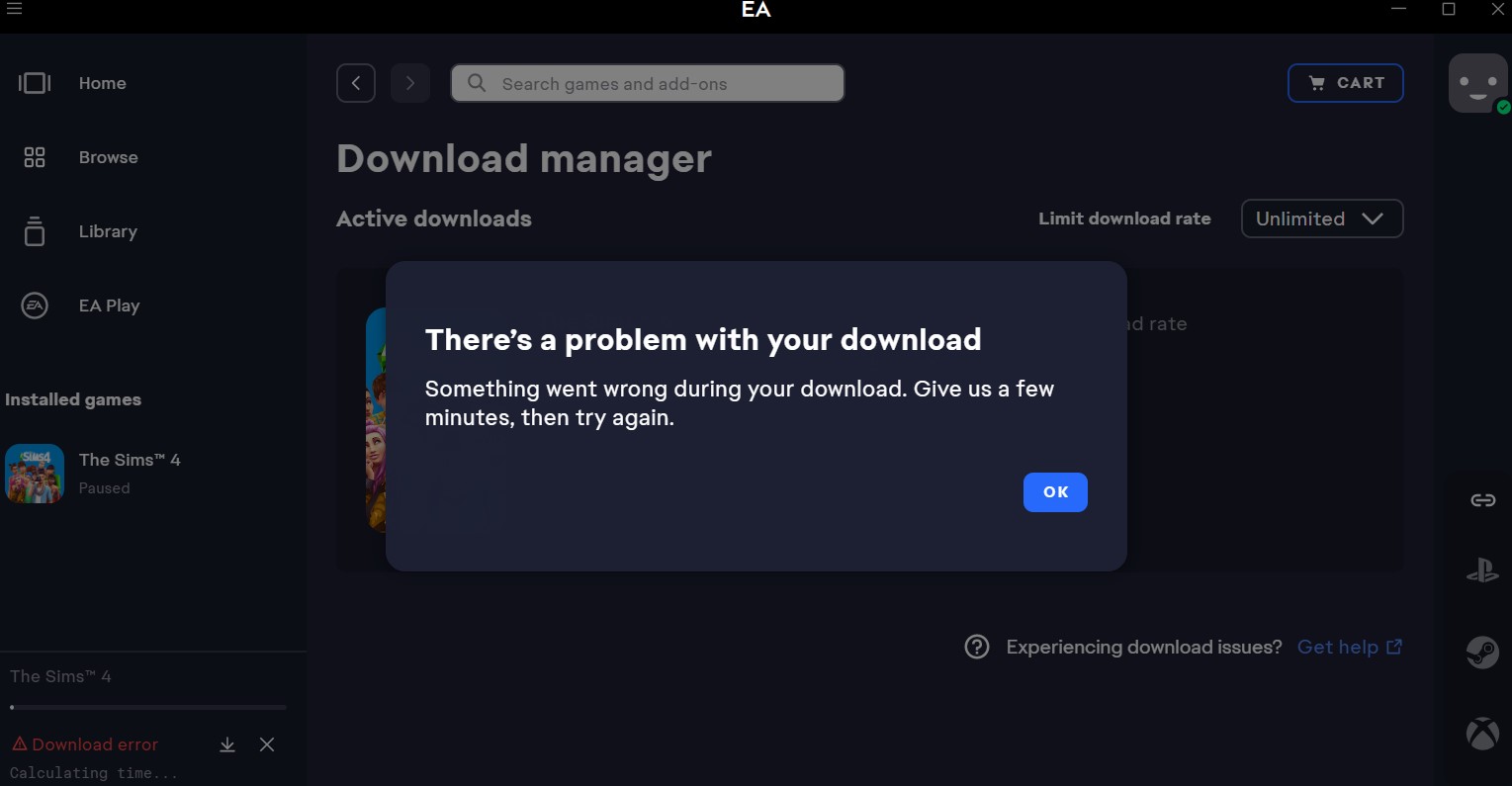
I'm trying to reinstall The Sims 3 base game, as well as all expansion and stuff packs, but it keeps getting stuck on "pending" and then an error will occur asking me to try again in a few minutes. I have tried clearing the EA app cache and restarting my pc, reinstalling the EA app, as well as making sure it's up to date but I keep getting the same error.
Can someone please help me? Thanks 🙂I am still able to see all of the add-ons but I can't install any of them. I've started the game and thought maybe after the first start-up I'd be able to install them but nothing. The second I go to download anything I'm met with the attached error. I've cleared cache already but that didn't seem to do anything.
It says that an unexpected error has occurred while downloading the expansion packs. I have restarted the app and followed all the steps but nothing is working. I was able to download my main game but not the expansion packs
I'm not sure what out of the steps I did fixed this I just know that I kept getting an error downloading my packs. I uninstalled Sims 4 and the EA App, I also then updated my drivers through Nvidia, and then restarted my computer. Redownloaded EA and then started downloading all Sims 4 and all the packs. No issues this time and the game is now running fine with all my packs. I hope this helps!
I can install base game no problems but if I want to install any expansion pack, game pack, stuff pack, or kit it's all met with an error and says I need to try again later. I just bought the new pack (the crystal creations stuff pack) and that's where my problems started. I tried restarting the app, clearing the cache, restarting my computer, repairing, then uninstalling the game and all my packs. Now I can only install the base game. I've also signed out of the EA app and that didn't work. Please if you know how to fix this, let me know.
Issues with Expansion Pack/DLC downloads. Receiving error message stating "Something went wrong" while trying to download the Crystal creations pack. Followed troubleshooting steps provided by EA and now only the base game will download. I am unable to download any of my game packs that I have had for years.
 MissSarahBeez2 years agoSeasoned Newcomer
I can't get any expansion packs to download. I've repaired the game a million times. Uninstalled and reinstalled the game and the ea app to no avail. Every time I reinstall the game as soon as the expansion packs begin to download I get a message that says "Something went wrong. Try restarting the app or contact customer service". Does anyone know what else I can try?
I'm having the same issues. I had installed the game and played it with all of the expansion packs just a couple of months ago and then took it off to clear up space for something else. When I came back yesterday it won't install anything beyond the base game now. I've done the same thing--changed the installation folder multiple times, cleared the EA app cache, reinstalled the EA app, reinstalled the game 4 times--nothing works. Amazing to me that such an expensive game (I own a lot of the expansions so this is the most I've probably ever spent on a single game!) has basic install issues like this. If you learn how to fix this, please post here!
Product: The EA app
Platform:PC
Error Report ID (learn how to create an Error Report ID in the sticky post)
Which client functionality are you experiencing this bug with? Download Game
When did this happen? (dd.mm.yy hh:mm) 02.29.24.11.50
Summarize your bug Can't download Dlcs for sims 4. Keep getting error "Something went wrong, An unknown error occurred. Restart the EA app and try again, or reach out to our support team for help."
How often does the bug occur? Every time (100%)
Steps: How can we find the bug ourselves? No idea
What happens when the bug occurs? An alert pops up saying " Something went wrong. An unknown error occurred. Restart the EA app and try again, or reach out to our support team for help." There is no error code on the message. It happens on every DLC that i try to download.
What do you expect to see? Installing and the pack to be installed.
Unable to download any of the packs that I have purchased. I have tried everything that EA says to try and nothings working. I've deleted the app and re downloaded it, uninstalled the game and reinstalled it, tried running app as administrator, cleared Cache, Logged out and logged back in. Nothing has worked.
My sims 4 needs to update on the EA app. Every time I try to update the game it will say an error occurred. I have already (multiple times) tried reinstalling the app, restarting my computer, turned off my antivirus program, ran the app as administrator and cleared my cache. Nothing works. Can someone please help me?


Featured Places