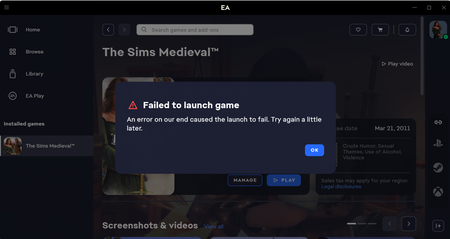
'Failed to Launch Game: An Error on Our End' for Multiple Games. Any Fixes?


 Community Manager
If you are not using the Windows Insider Preview or have the Preview updates installed and still experience this error, please do not hesitate to report back in this thread. When doing so, kindly provide your EA app Error Reporter ID and a DxDiag report. If we do not have anything to investigate, I'm afraid that there's not much we can do.
Thanks.

EA app reporter ID: 60564f2b-2f1c-4d20-9f0a-81c7d5f6bf79.
Having the same issue, no Insider preview update. I have tried everything marked as a solution. The only thing that works for me is completely removing the Mods folder. But, when I disable them (Sims 4 Mod Manager), the failure continues. Could it still be faulty mods? Every time I've disabled mods using the manager, I've successfully been able to diagnose. With this issue, the game just refuses to start entirely.