Solved
Forum Discussion


138 Replies
 bella8520012 years agoSeasoned Newcomer
Same here, I have exactly the same problem
Yes, I did! However, when I tried loading the game yesterday the packs were installed, even though the EA app didn't say so. Problem solved, for me anyway!
 EA_Leeuw2 years ago
Community Manager
Hi @JenJir0821, @bella852001,
Please see the reply from @Bluebellflora. Did you get these DLCs via Epic or Steam?I have the same exact problem after changing to the EA app today. It´s also those exact packs that only are "available on windows". ☹️
- bella8520012 years agoSeasoned Newcomer
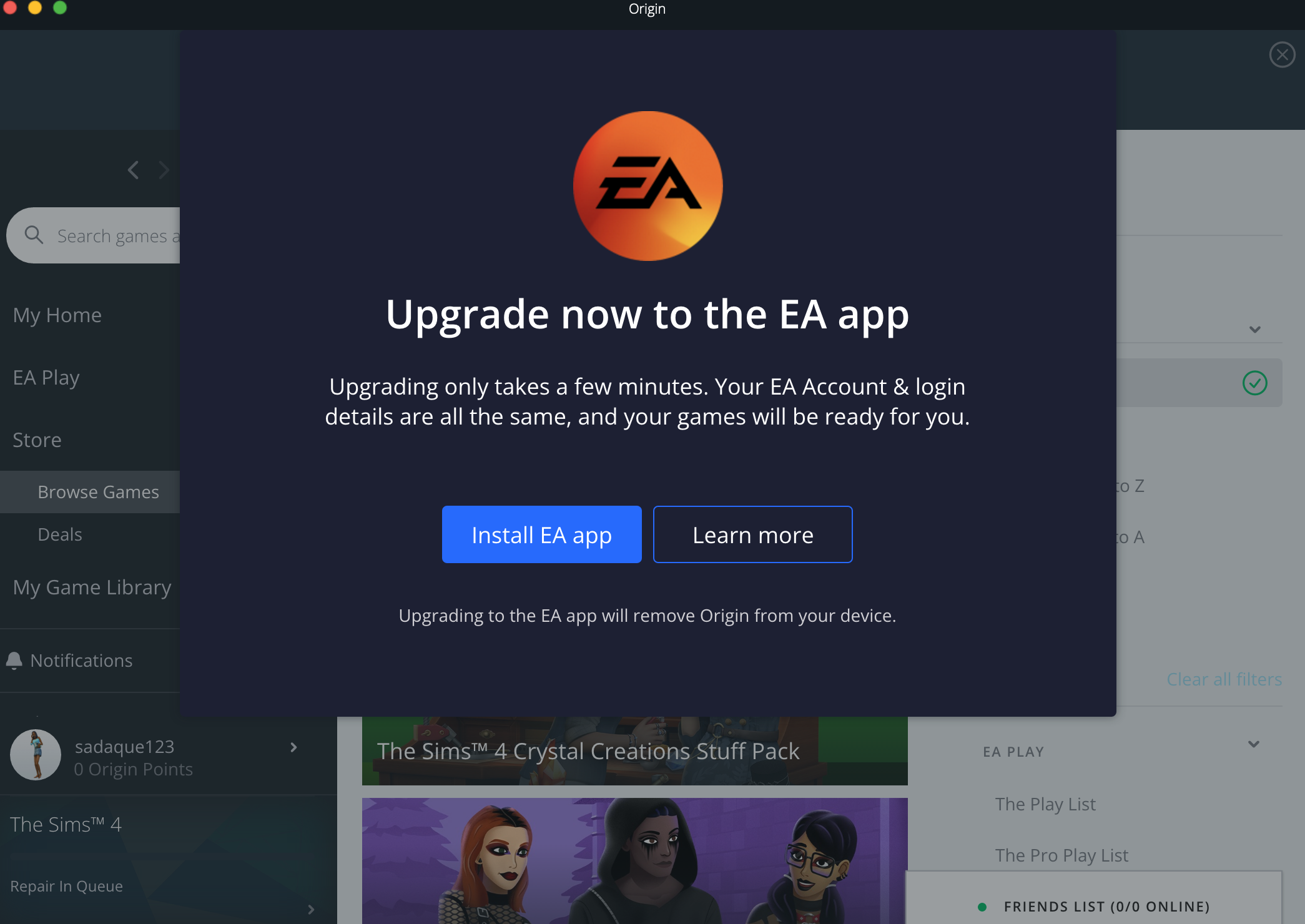
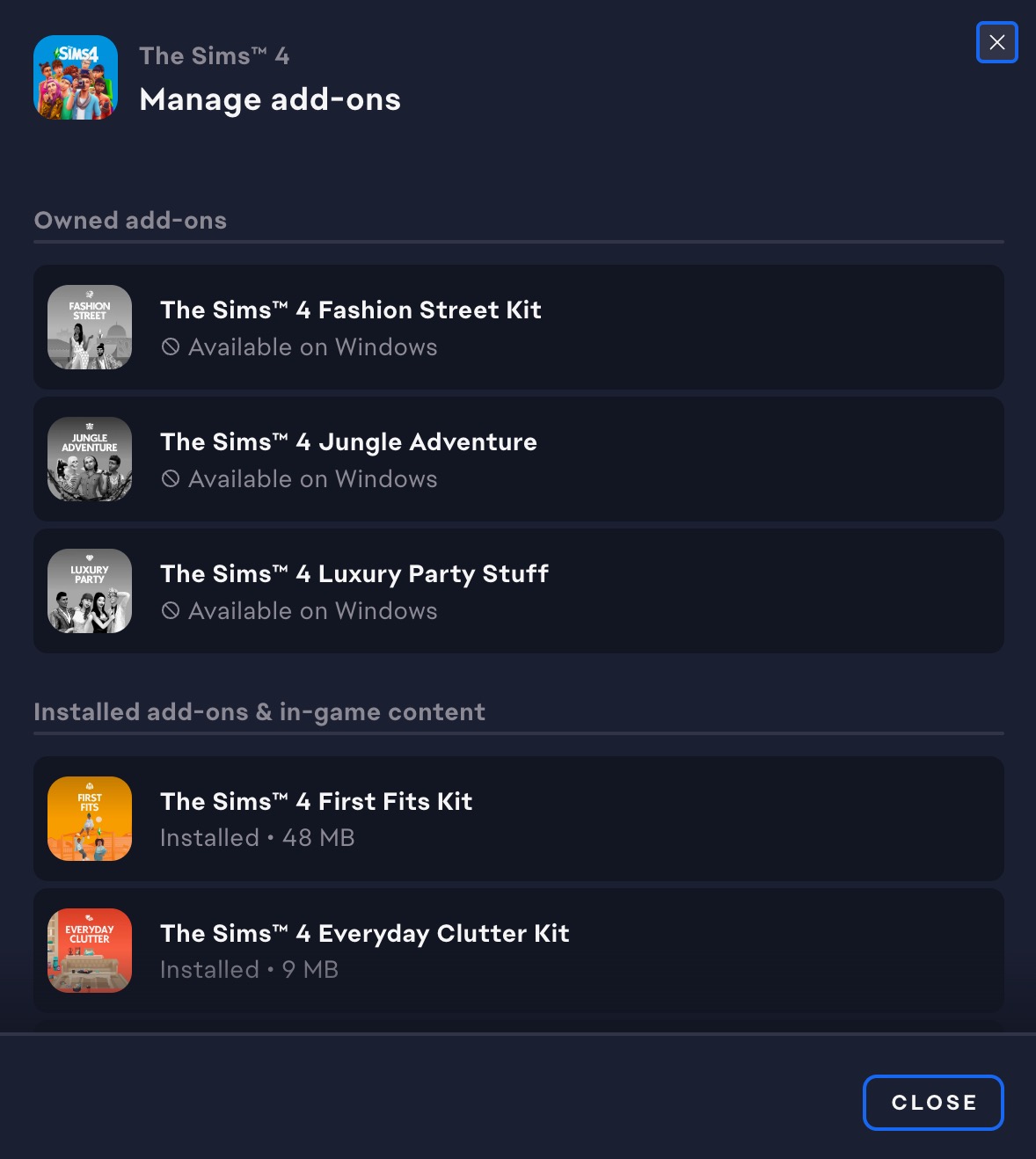
I was forced to change from my origin app to ea app as a Mac user recently, and since then 3 add-ons of the sims 4 game - that I own are no longer available to me. Until now everything worked well and I was using all 3 of them without problem but now since the change I no longer can. There is information that those packs are only available on windows but since I had them working perfectly well on my Mac for a long while I know that it's not true.
- @erinmeganxo
If you bought or claimed these packs in Epic or Steam they are not available in EA App for Mac as there is no Mac version of the game available on either platform. EA finally made mac users switch over to the EA app, just opened it for the first time and noticed three packs (Fashion Street Kit, Jungle Adventure, Luxury Party Stuff) are showing in my “owned add-ons” section but are separated from my other packs and all say ‘available on Windows’ below them, when I search them up it only lets me purchase them again, not download.
I launched the game and the packs are in my game. The EA app just seems to not have registered it. Glad it works
 crinrict2 years agoHero+
I just made the switch from the origin app to the EA app on my Mac
I play on both PC and Mac.
When Epic Games released the deal to get free packs I managed to add them to my library using my PC, and therefore my mac
So I have had those packs on my Mac for almost a year now
After moving to the EA App I no longer have those packs downloaded as it says it is for windows only
Is there anything I can do to get my packs back?


Featured Places