Solved
Forum Discussion


143 Replies
 EA_Solaire9 months ago
Community Manager
Hey there charlie_rains
Steam is not available for Mac, so any content you've bought for The Sims through Steam wouldn't work on your Mac- you'd need to repurchase that content directly through the EA app in order to play.
MehPillow Did you happen to claim these packs when they were free (along with Jungle Adventure) through the Epic store? If so, this is by design: the Epic version of Sims 4 is Windows-only, and therefore so is any content you own through Epic. Even if you don't think you got the packs through Epic, please check your game library there to make sure.
 MehPillow9 months agoRising Newcomer
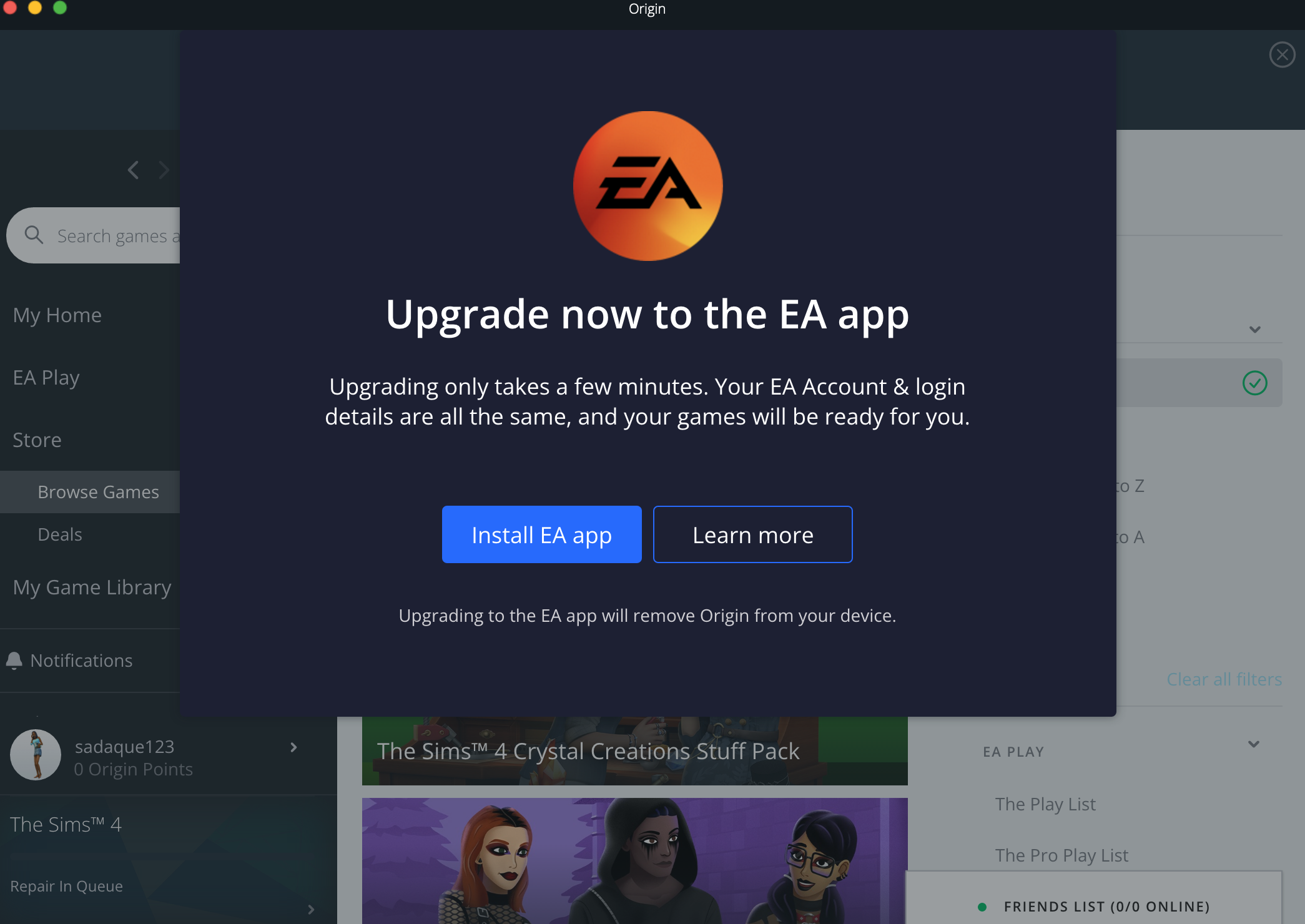
A while back, I switched from the Origin App to the EA app and now these two add-ons are missing from my game and files. It says that I own the packs and that they need to be downloaded, but when I tried to redownload them, I'm met with the add-ons being greyed out. and a "Available on Windows" message.
Yes, I've cleared my catche, repaired the game, logged off and back on and none of these have fixed the issue. Please help!
Here are some pictures of the first pack. It is showing the same for the Fashion Street kit.
 charliesotrue10 months agoRising Newcomer
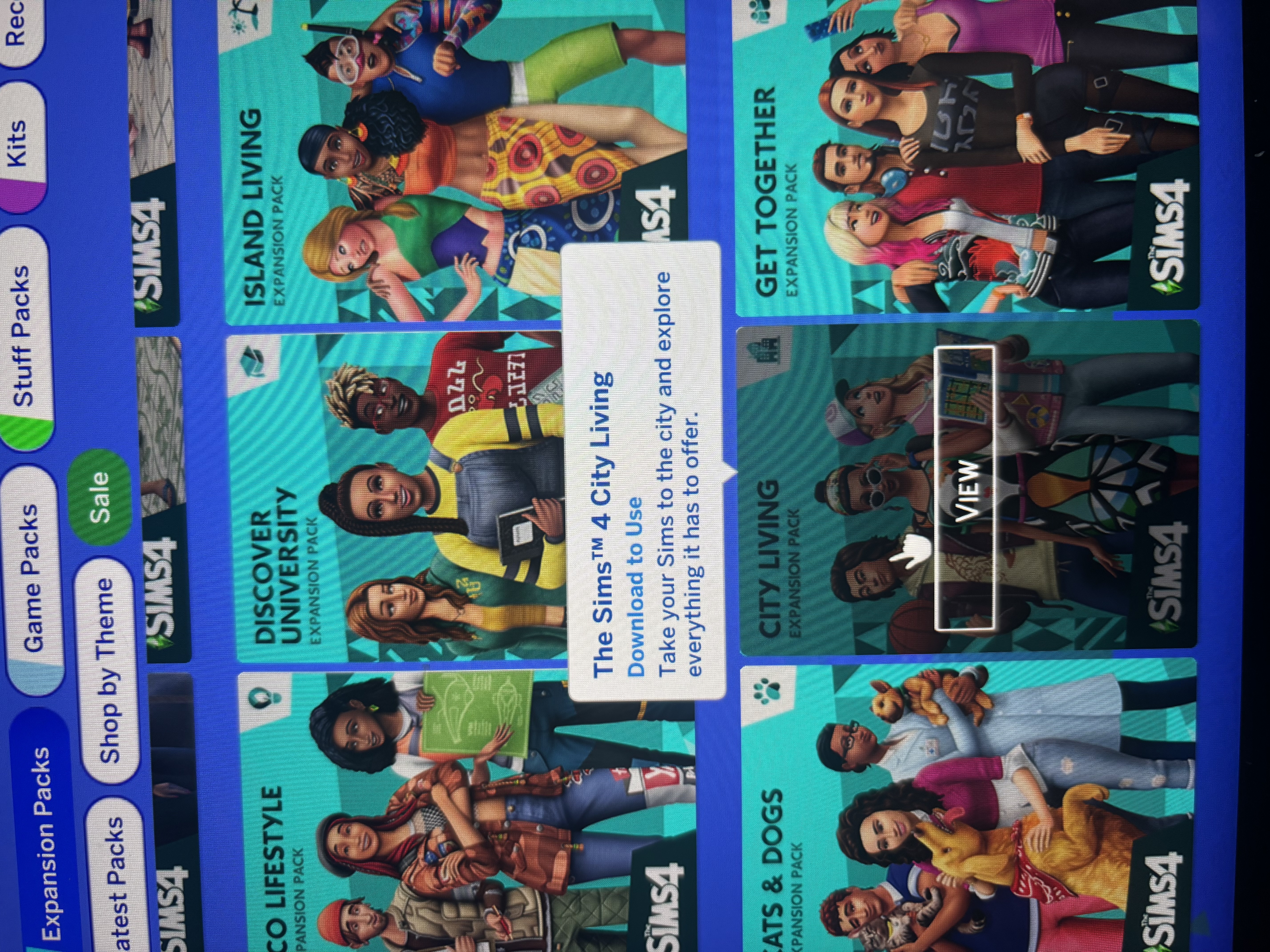
so i just recently got a new macbook, and when i downloaded the sims 4 again it only downloaded half of my packs. It says for some of the packs that i need to download the packs to use them. I tried to download them in the EA app and it says they are available on windows…can someone help so i don’t have to buy them again? ( also the photos came out a little blurry no matter what i do sorry about that )
- jtebteite10 months agoRising Newcomer
This transcript is from the most recent individual who provided assistance to me. Notably, they demonstrated genuine efforts to help me, rather than merely providing evasive responses.
- jtebteite10 months agoRising Newcomer
I’ve been jumping from support to support person, from Steam to EA, and I was just told by the last support person essentially that there is a bug that’s causing issues for people to switch from Windows to Mac and be able to download it to macOS.
 charlie_rains10 months agoNewcomer
I originally downloaded Sims4 on my PC through steam, and once that broke I bought a MacBook then redownloaded Sims on it. The only problem is that I can't transfer mine acts/kits. I'm using the same account and I just transferred my steam account onto EA. I already tried downloading it on steam but it won't allow me to. I think it's because it was originally downloaded on PC/Windows? I have like ten different packs and kits and I don't want to re-spend that money. Has anyone figured this out and how to get your packs/kits back? if so PLEASE let me know </3
ponyshorts Steam only offers the Windows version of Sims 4, and therefore any content you own there is also only available in Windows. You'd need to purchase the content again through the EA App, or through a website that offers codes to redeem in the App. (Make sure you're only buying from authorized vendors so you don't get a bad code.) To buy from EA, you might need to unlink your Steam and EA accounts.
If you've only recently bought the content in Steam, you may be able to get a refund from Steam considering the content is incompatible with your device.
 ponyshorts10 months agoNewcomer
I purchased Cats & Dogs, Seasons and Cottage Living expansions through Steam and linked my account to EA they're all listed an unavailable as they're on a windows license.
Is there any way for me to get this unlocked for Mac OS so I can play them on my MacBook?
- wiiboo010 months agoSeasoned Newcomer
EA support told me to “re-purchase” the game packs to enjoy them again 🥴🤑
Or make it compatible with macos on steam so people who bought the game previously on steam could play the packs that they OWN.
Featured Places