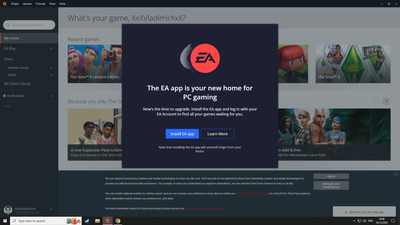
The install EA app message on origin won't go away anymore


Press Control + Alt + Delete.
Now :
In Control Panel, double-click Add/Remove Programs.
In Add/Remove Programs,right click on EA app click Delete.
Then:
Restart your pc and try again to install EA app.🤔
No one was born educated,we were all ignorant at first.No one is forcing anyone HERE,the future is constantly changing,we have to adapt😇🕒👍

your a life saver i have my peacekeeper in bf1 back now god save you




.png)