FC25 Won’t Launch After Latest Windows Update (Steam + EA App Error)
Issue Summary:
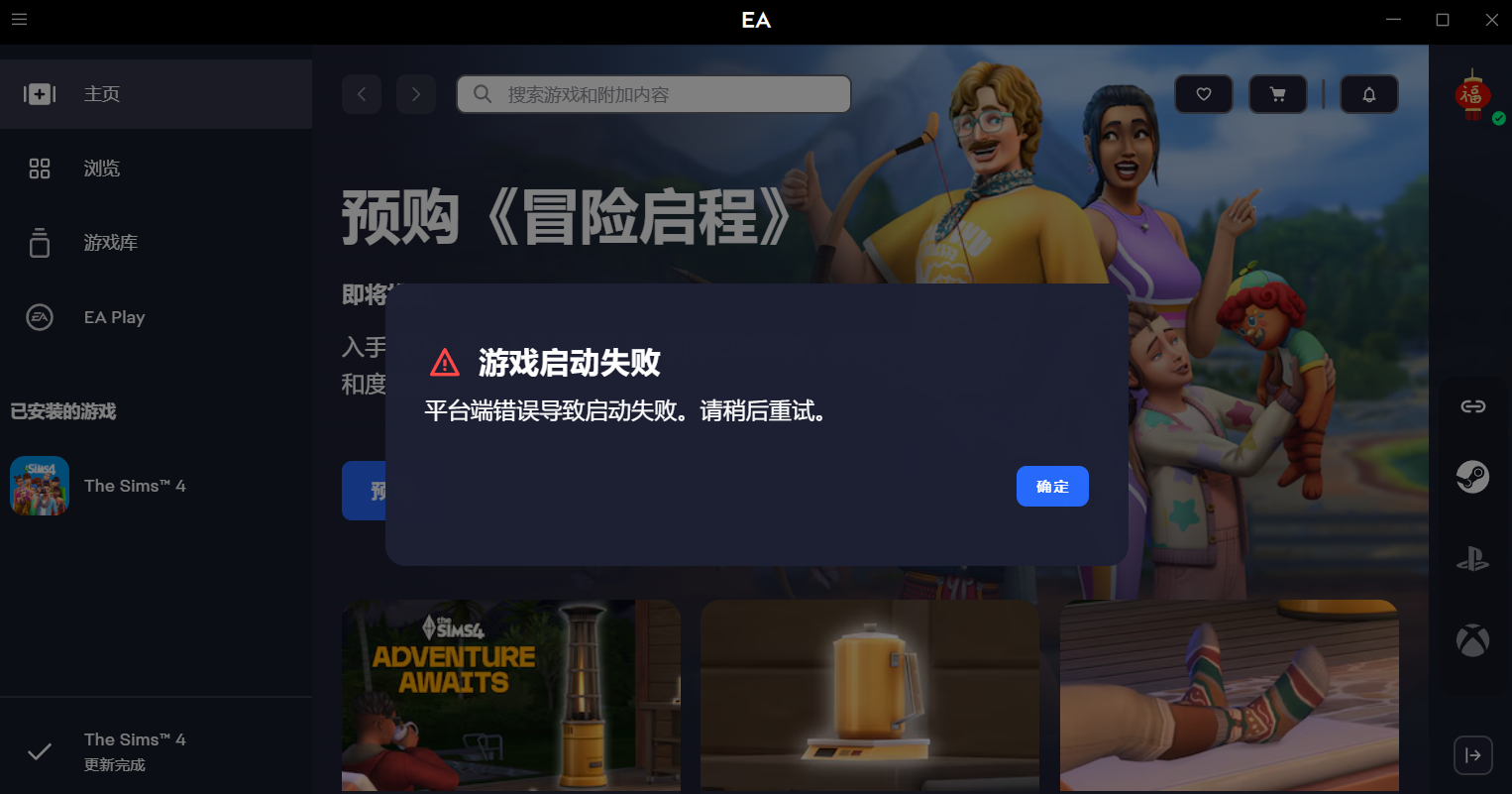
Unable to launch FC25 via Steam. The game shows the FC25 logo, then a black screen, and afterward the EA App displays the error:
An error on our end caused your launch to fail. Please try again a little later.
Platform:
PC (Steam)
Date & Time of Issue:
Started today, game was working fine yesterday.
Troubleshooting Already Tried:
- Verified game files on Steam
- Cleared EA App cache
- Restarted Steam and EA App
- Restarted PC
Result:
Issue persists, game still fails to launch.
System Specs:
OS: Windows 11 (latest update installed today)
CPU: AMD Ryzen 7 5800X
GPU: AMD Radeon RX 6800 XT
RAM: 32 GB
Storage: SSD
Additional Info:
Yesterday the game was working perfectly.
Before trying to play today, I noticed Windows wanted to install a system update. I installed it, and since then the game refuses to launch.
No other hardware or software changes.
Using the latest versions of both EA App and Steam.
I have also attached a video showing exactly how the error appears.
I already have a DxDiag report saved and ready to share if required.
Question:
Has anyone else run into this issue after the Windows update, or found a fix or workaround?
Thanks in advance!
Hey everyone. If you are still experiencing these issues, could you please confirm if you have all the latest Windows updates installed? You can check the Update History in the Windows Update tab to confirm the current version installed.
This error is mainly caused by two recent Windows Insider Preview updates ( KB5064075 and KB5064071). Uninstalling those updates resolves the problem for most players. You can check our main post for more information here.
Share your EA Error Reporter in case of any further issues and confirm your Windows version.
Let us know if you are launching the game registered on Steam or from the EA app directly.Thank you.
⚠️ Marked as Solution for Visibility Purposes Only - We do not consider this to be fixed at this time.








.png)