Forum Discussion

dt8250's avatar
dt8250
Seasoned Newcomer
3 days ago

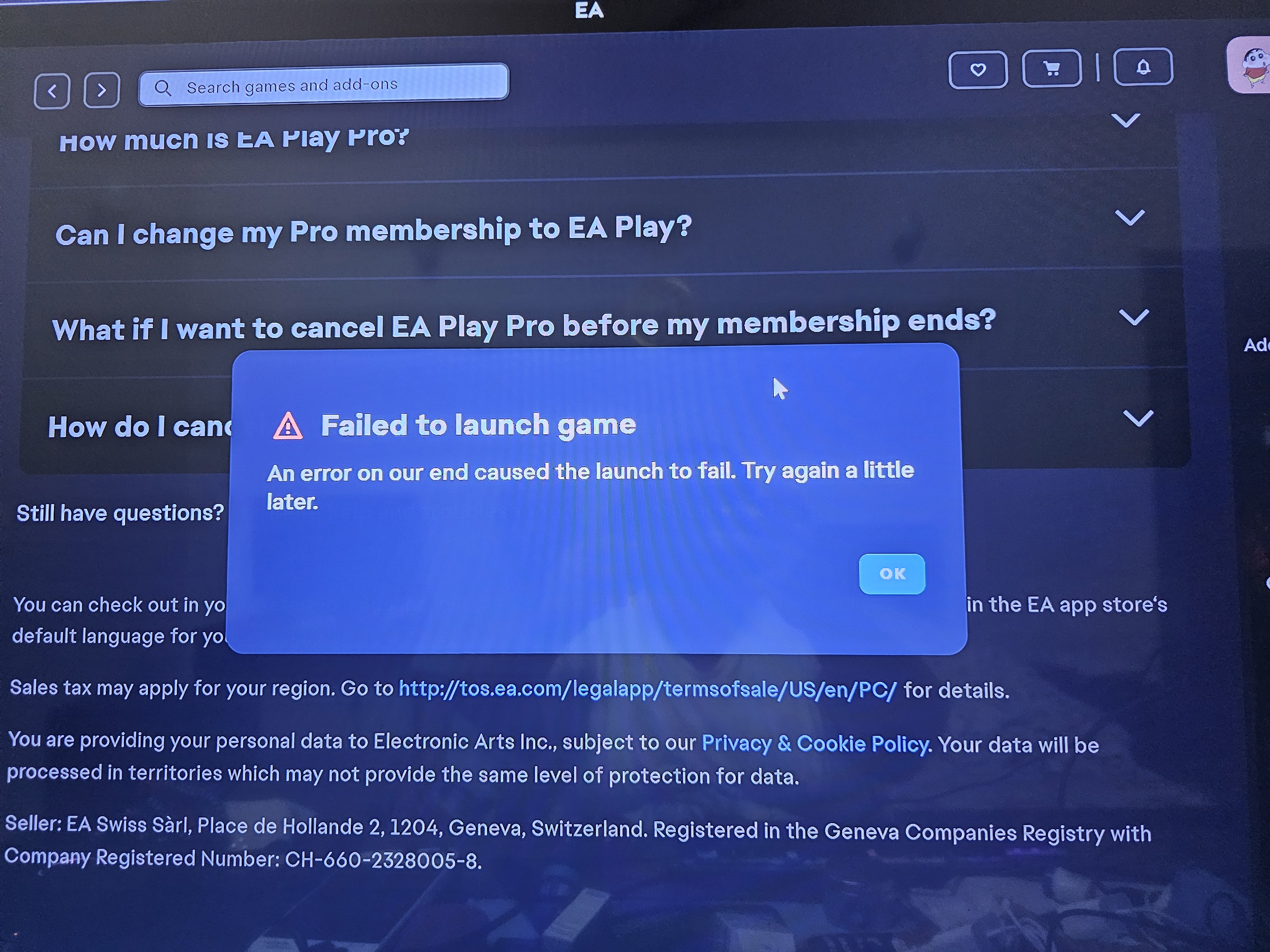
ea app doesn't launch the fc 26

I bought fc 26 on steam and when i select paly on steam or ea app, the game didn't launch after anti-cheat .

my fc25 working properly but fc 26 not working.


any else have this problem?


5 Replies

  • alexploszif76's avatar
    alexploszif76
    Seasoned Newcomer
    3 days ago

    have the same problem: when I launch FC 26 with the EA App, it starts EA Anti-Cheat, but the game itself doesn’t launch. Instead, it just takes me back to the launcher’s main menu.

  • seeeergs's avatar
    seeeergs
    Rising Newcomer
    3 days ago

    Same here, ea fc 26 screen loads and then goes back to ea app (also purchased through steam). any fixes?

  • ncoma8's avatar
    ncoma8
    Rising Newcomer
    2 days ago

    Just the same. Time for a refund. What a dumb company

  • same i need help with this i bought ultimate edition just for it to not work when i have early access.


  • erju's avatar
    erju
    Seasoned Rookie
    5 hours ago

    Yes, I had this issue for 2 days but found a fix. Game is working now.

    Steps:
    1) Uninstall FC26.
    2) Uninstall EA Anti-Cheat:
       - Open the EA Sports folder, go into the AC (AntiCheat) folder.
       - Run the installer .exe as Administrator and choose Uninstall.
    3) Uninstall EA App.
    4) Kill leftover processes (run Windows Terminal as Admin):
       taskkill /IM EADesktop.exe /F 2>$null
       taskkill /IM EALaunchHelper.exe /F 2>$null
       taskkill /IM EABackgroundService.exe /F 2>$null
    5) Delete leftover folders (safe cache/config):
       rmdir /s /q "C:\Program Files\Electronic Arts\EA Desktop"
       rmdir /s /q "C:\ProgramData\Electronic Arts\EA Services"
       rmdir /s /q "%LOCALAPPDATA%\Electronic Arts"
       rmdir /s /q "%APPDATA%\Electronic Arts"
    6) (PowerShell) Remove stale firewall rules:
       Get-NetFirewallRule | ? DisplayName -match "EA.*(Anti|Javelin).*Cheat" | Remove-NetFirewallRule
    7) Reboot.
    8) Reinstall EA App and sign in.
    9) Reinstall FC26 via Steam.
    10) Launch FC26 from Steam once as Administrator. When the firewall prompt appears, click Allow.
    11) In Windows Security > Firewall > Allow an app, confirm “EAJavelin Anti-Cheat” is allowed on Private and Public.

    This is what finally worked for me; the longest part is just the reinstall.

About FC 26 Technical Issues

Having issues with FC 26? Join here to find help with connectivity, performance issues, crashes and more.1,841 PostsLatest Activity: 4 days ago