Forum Discussion

Enesenes37's avatar
Enesenes37
New Rookie
22 days ago
Solved

FC 26 is not opening.

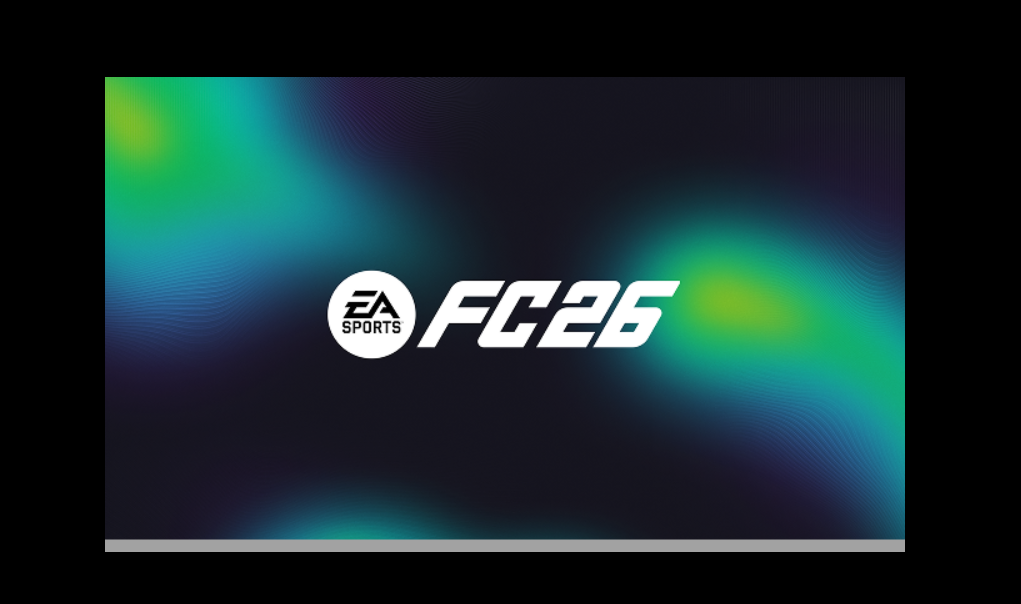
When I try to start the game, the loading screen appears, but the game doesn't start. I bought the game from Epic Games. Please help. The game doesn't open after this screen.

The game doesn't open after this screen.

[CM edit - CAPS]

  • I solved the problem.

    First, I set the clock and time settings to UTF-8, which is the worldwide language standard.

4 Replies

  • EA_QueenBee's avatar
    EA_QueenBee
    Icon for Community Manager rankCommunity Manager
    22 days ago

    Hey Enesenes37​,

    How long have you had this issue exactly? Was it working previously and suddenly stopped, or have you never been able to get into FC 26?

    Also, just to check, what troubleshooting steps have you already tried, if anything? That way I won't recommend something you've already done. 🙂

  • Enesenes37's avatar
    Enesenes37
    New Rookie
    21 days ago

    Hello  I've had the game for 2 days and I've been trying to open it for 2 days  Among the methods I've tried are

    Updating drivers

     Running as administrator

     Repairing updating removing EA Anticheat

    I've tried a few more methods, but they were mostly related to game updates.

  • Enesenes37's avatar
    Enesenes37
    New Rookie
    21 days ago

    Today, I opened the bios screen and activated the secure boot

    But there is still no change, there is no method left that I have not tried

    I deleted and installed ea anticheat, I repaired it, I did the updates, it still didn't hurt, I still can't do anything after the image I shared with you on the opening screen of the game.


  • I solved the problem.

    First, I set the clock and time settings to UTF-8, which is the worldwide language standard.

Featured Places

Node avatar for FC 26 Technical Issues

FC 26 Technical Issues

Having issues with FC 26? Join here to find help with connectivity, performance issues, crashes and more.Latest Activity: 41 seconds ago
11,957 Posts