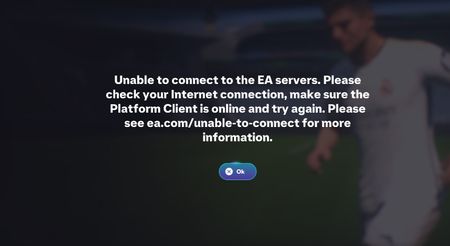
Game logs out every 5 minutes after connecting


 Community Manager
Thanks for trying the usual network steps already.
The next thing to try is a full local reset for FC 26 and the EA App, along with a graphics reset:
One more test you can try:
Temporarily disable Windows Defender Firewall in Advanced Security and check if the 5-minute logout still happens. Turn it back on right after the test.

None those troubleshoot steps work. We have exhausted every “fix” and nothing has worked.