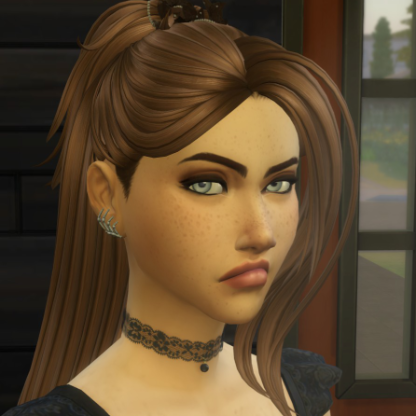
Suggestion: New Walls View Mode
Currently, there are three settings for the Walls View:
- Walls Down View - all walls are invisible
- Walls Cutaway View - exterior walls that would block the camera's view and interior walls are invisible; other exterior walls are visible
- Walls Up View - all walls are visible
For screenshots of my Sims' activities, I would like an intermediate setting between the current Walls Cutaway View and the Walls Up View. Basically, I would like a setting where only the walls that would block the camera's view of the current Sim are invisible.
Here is an example of a screenshot of a Sim near an exterior wall, using the Walls Cutaway View:
I'd like the back walls of the room she's in to be visible, so the camera doesn't see all the way through the living room, the dining room, and the kitchen to the back of the house. But if I use Walls Up View, then the exterior wall blocks the camera's view, like this:
I would like an intermediate "Walls Minimal Cutaway View" that would let me see into the room where my Sim is, without seeing all the way through the house. This would allow me to take better screenshots, where it looks like my Sim is in a real room. It would also make it easier to decorate interior walls in smaller rooms (e.g., bathrooms), where it can be difficult to view the interior wall without the top of the wall on the opposite side of the room getting in the way.
Thanks for your consideration.