Forum Discussion

ZWDZWT
6 months agoNew Novice
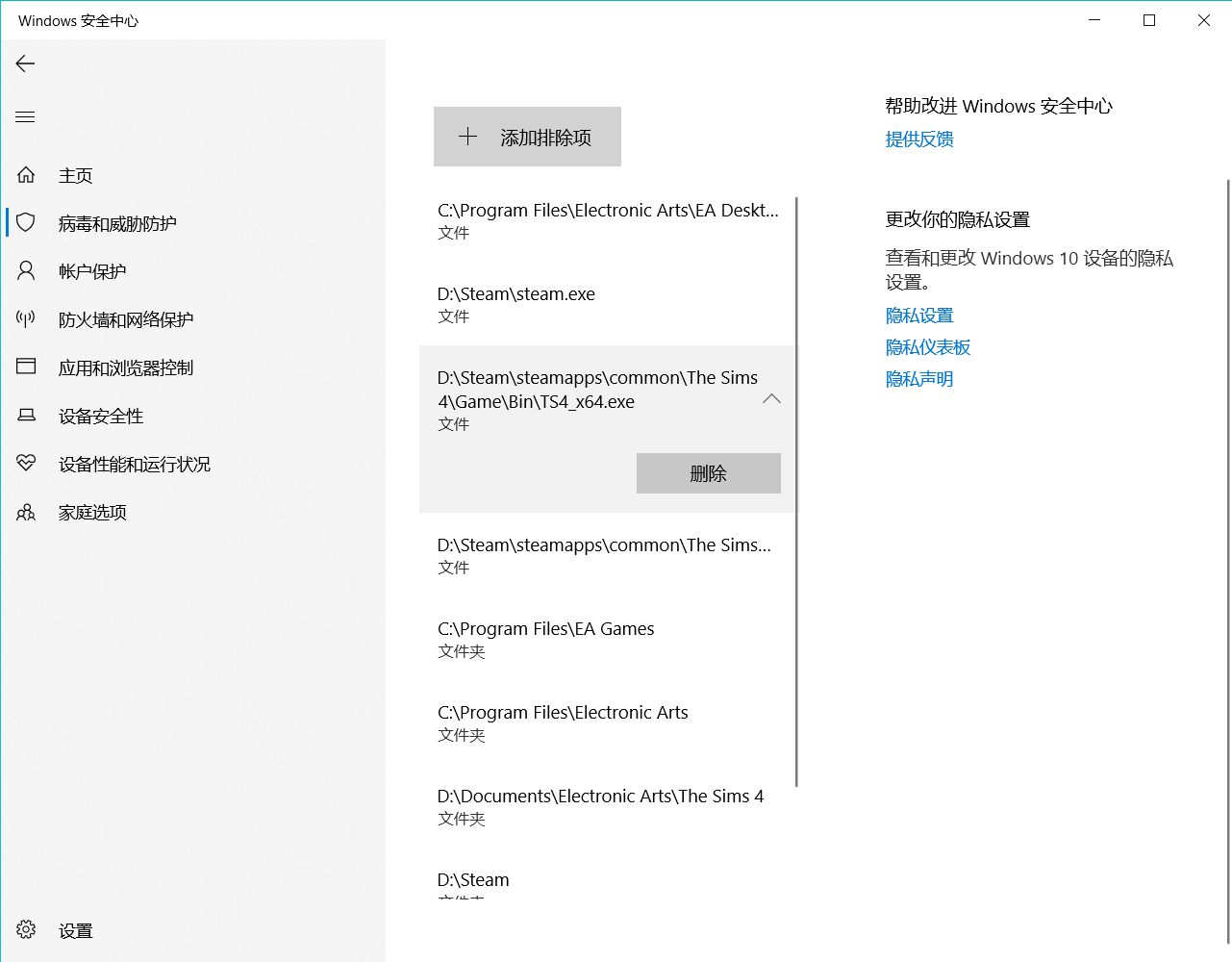
Hi I'm using the built-in Windows Defender. I temporarily turned off the firewall and antivirus for testing, and the problems still occur. Here are screenshots of the exception list. My system is in Chinese but I have added TS4_x64.exe, EADesktop.exe, and Steam.exe to the list and I have also allowed them in Controlled folder access.

crinrict
6 months agoHero+
Can you try the following
When on the main Ransomware protection page, click on the last option (mine's German)
Then check if there's any entries there (I only have an old one but it'll do for explaining). If you have any entries, click to expand
If there's any exe's related to Sims that haven't been added, do it under 'Actions'
- ZWDZWT6 months agoNew Novice
I checked the protection history, but there are no Sims related entries at all.
- crinrict6 months agoHero+
Let's see if a new user folder helps.
It's bascially these steps: 📓[GUIDE] Clean User Folder Approach | EA Forums - 12690428
Do test the new folder and check if the gallery works. If it does, you can just copy everything to your new folder. Don't reuse the old.
Just curious if that makes a difference.
- ZWDZWT6 months agoNew Novice
Hi thank you for your help it seems like a local network issue I just switched to my mobile hotspot and everything worked perfectly and then I switched back to my home Wi-fi and the problem was gone as well. Anyway the issue was resolved. Thank you again for your support!
Featured Places