Forum Discussion

Its_masterzen125
1 month agoSeasoned Novice
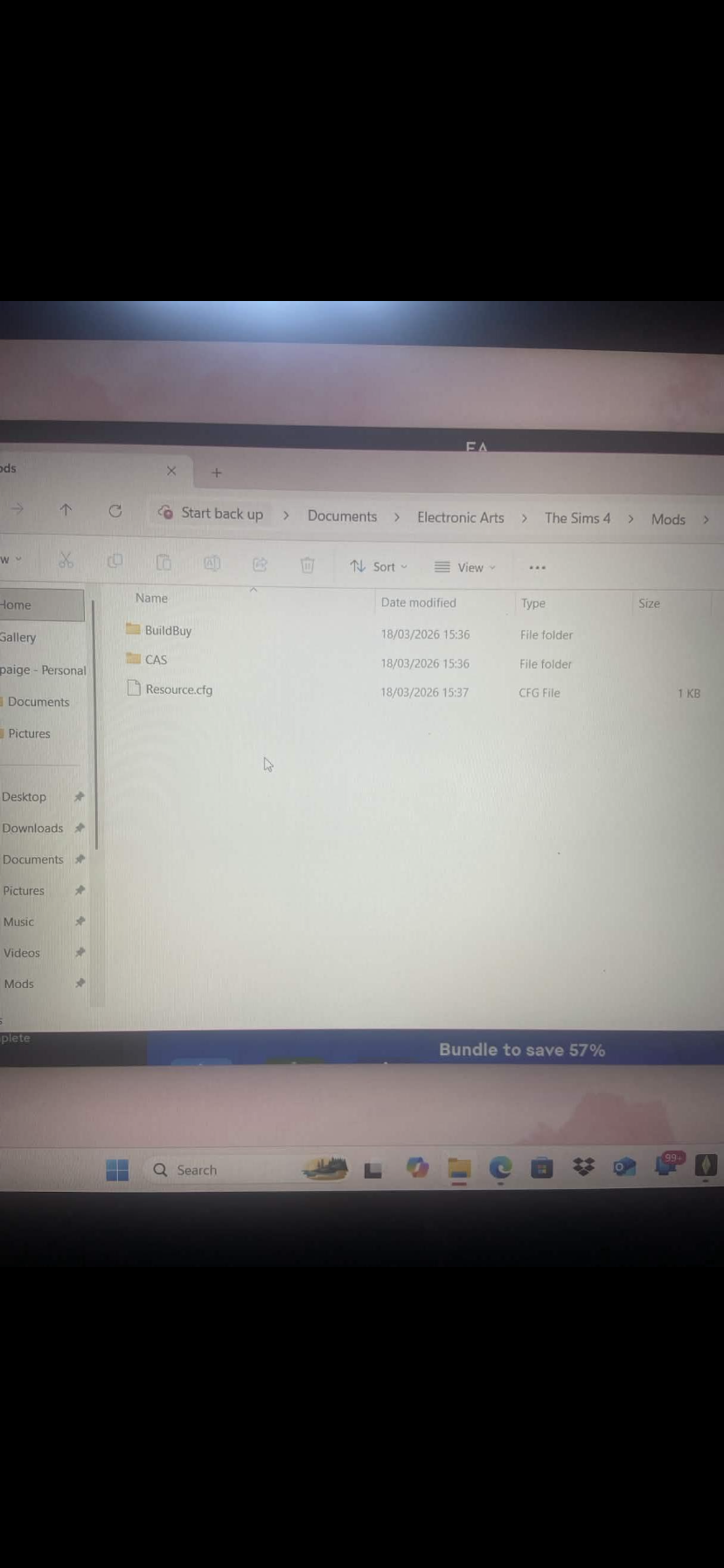
I updated my game (before the update this issue wasn't even a thing). The update to fix mods in game did not work, I asked for help in the sims discord server where i deleted all my script mods,eyelahses, sixam furniture, basically anything that people had said they deleted and it fixed their game, i then loaded my game.. I had no issues loading it but once it was loaded and i had enabled cc & mods despite not having any script mods restarted my game and once it loaded the little pop up screen that shows you all your cc didn't come up so i go into my settings and it is definitely enabled so i click view cc and manually pull up the little pop up screen to which it show nothing despite me having cc in my mods folder, i then tried to fix this by clearing cache, removing mods folder and creating a fresh one by booting up the game with no mods folder, putting in cc gradually (wouldn't even show one bit of cc on its own in the mods folder) , repairing my game, restarting my laptop, deleting resource file in mods folder and having the game create a new one on start up, i am not currently re installing sims all together but I am doubtful it will magically work. I've been sat here all day since the update trying to get my sims game to register the cc in my mods folder and used mod checker tools to find broken and conflicting cc only for it to show I haven't got any. I understand the photos aren't very clear but they are clear enough for you too see it aligns with what I have said cc is enabled cc are in the folder the pop up is empty and my game isn't registering them please help me !
Thank you for taking the time to read this and hopefully you can help me, Paige.
 codieangel81721 month agoSeasoned Newcomer
I found a fix for it i deleted my entire mods folder then redownloaded everything via curseforge then repaired the game and restarted my pc I dont know if it'll work for everyone but it worked for me I have 3000+cc back in my game now but no mods or script files for now im gonna test them at a later date.
- codieangel81721 month agoSeasoned Newcomer
I think for now cureseforge is the best bet because it downloads into the directory instead of you manually putting mods in but I also only downloaded updated mods and I did have a few errors in the beginning (I hate curseforge BTW it crashes the game much more then manually placing cc into the mods folder) i also wouldnt download anything from macoxs as all their files on curseforge are coming up as corrupt.
- smokie0961781 month agoNewcomer
So youre saying if I delete my mods folder they will still all show on curseforge and then I just have to re-download?
 luthienrising1 month agoHero+
smokie096178 What is it that you're trying to solve?
If you delete your Mods folder, or you rename it, or you remove it, the game will make a new one. Once you have the game working again, you can put the files back in the folder.
If you have only ever used the Curseforge app, I suggest actually going on your computer to find your Mods folder and see what it looks like. And read the section about mod installation in How to Use Mods and CC to help you understand more. There's also a really helpful section in there about how to test your mods folder to find what broke.
Featured Places