[CURRENT ISSUE] Sims 4 Problem With Your Game's Setup
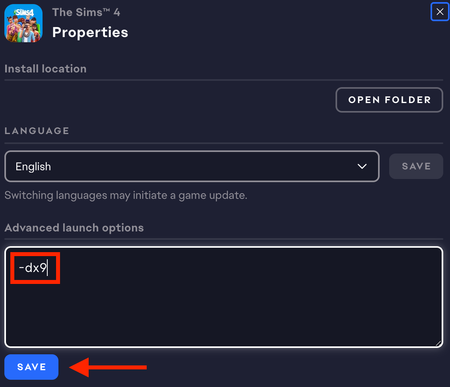

mu4txr2z1y9f Your dxdiag lists a couple of crashes of the Windows USB 3 driver, which are probably not serious. Fixing this may be as simple as disconnecting all USB devices and restarting your computer, so please do that; you can reconnect the devices afterwards.
Please also update the driver for your graphics chip. You can use the newest one from AMD:
Run the installer as an admin: right-click the download and select "Run as administrator." Restart your computer (again) after installing and before trying to play.
Finally, please pause OneDrive syncing before playing. Right-click the cloud icon in the lower-right corner of your screen, or it may be hidden in the Tray (^ icon), to see the option.
If none of this helps, did you in fact try everything under Other in the first post of this thread? The Windows 7 and Windows N sections don't apply to you, of course, but the rest may be helpful.