Sharp outline around Sim bodies despite ultra quality settings
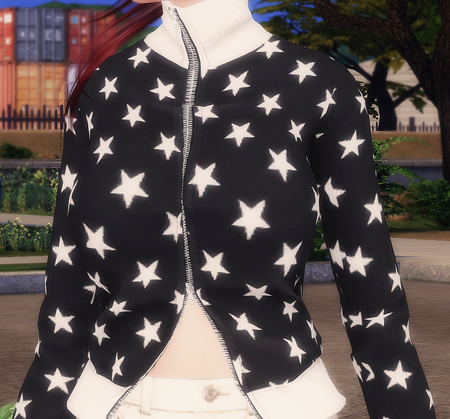

AshenBloom Have you added anything else that makes the game look different, like ReShade/GShade or a modified GraphicsRules file? If so, please remove all of that and repair the game.
Please also test with post processing disabled; it's a check box with the other graphics settings. Restart the game after changing the setting and before testing.
If that doesn't help, please let me know what in-game resolution you're using and whether the problem is present in both fullscreen and windowed modes.
Please also provide a dxdiag, for reference. Click Windows key-R, enter dxdiag in the run box, wait for the scan to finish, click "Save all information," and save the file to your desktop. From there, you can attach it to a reply using the paper clip (Attachment) icon included with the other formatting buttons.
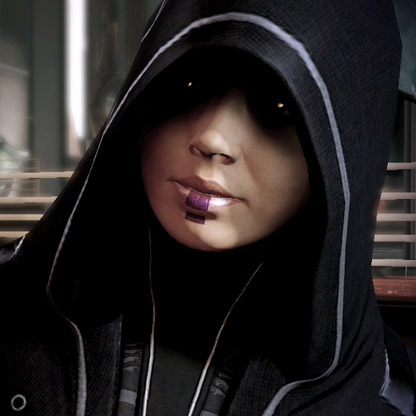
I am getting this as well. I've updated Reshade to the latest version and have repaired my game to fix/remove any lighting configurations that modify files in the Data/Delta folders. I've tried turning off post processing to no avail. There is a distinct sharp 'line' around my sims which is noticeable.
My specs:
FIXED IT! You need to turn off Edge Smoothing under the Graphics settings!