Forum Discussion

puzzlezaddict
3 months agoHero+
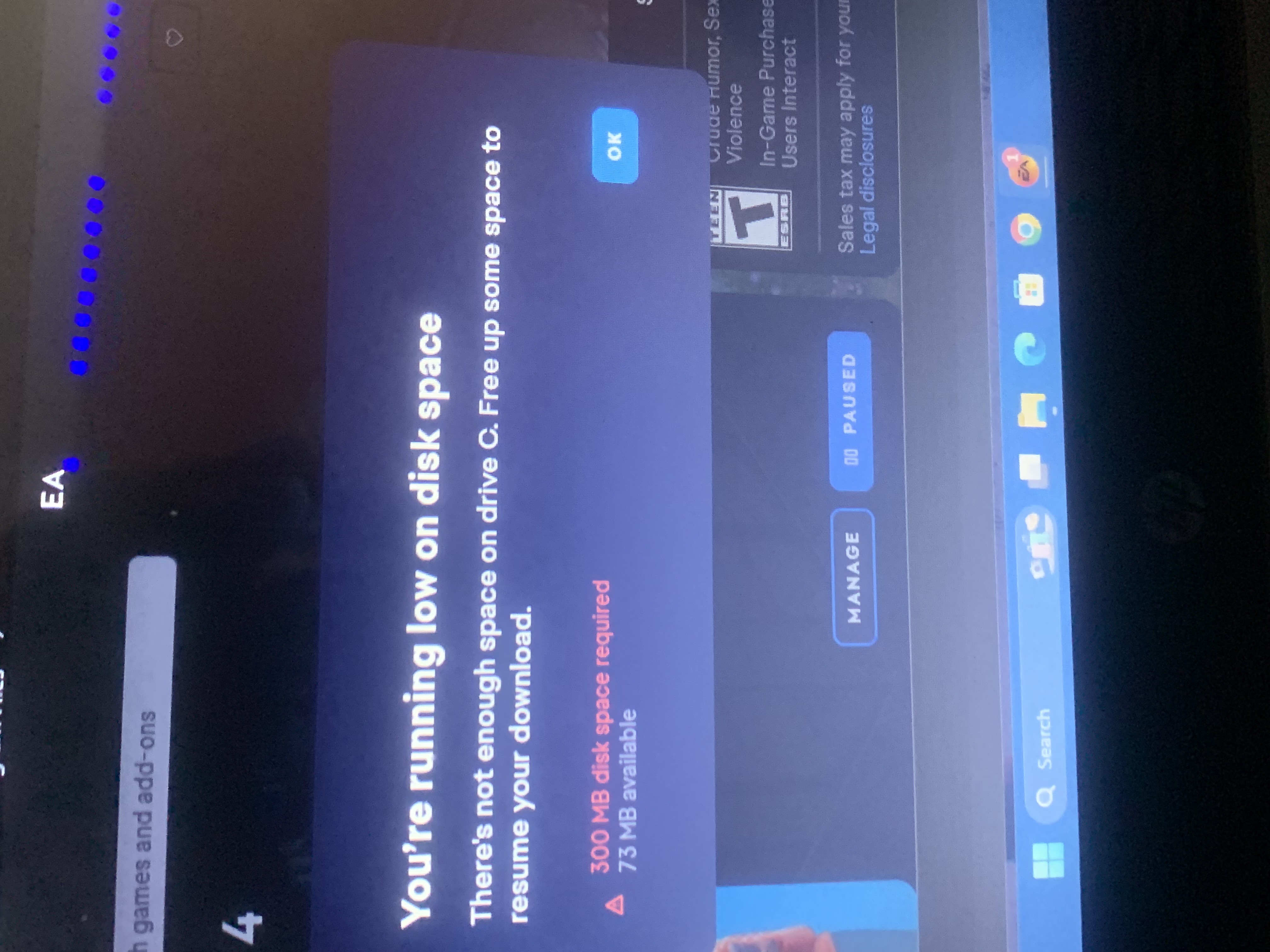
deletingthiscrap Ignore the EA App errors for the moment and focus on what Windows says is your free space. Please clear the EA App's cache, which is where data is stored for updates until they're applied. If your update got stuck, that interim data may not have been flushed.
https://help.ea.com/en-us/help/faq/clear-cache-to-fix-problems-with-your-games/
If that doesn't help, clear as much space as you can, perhaps from the Downloads folder, and repair the game (Sims 4 > Manage > Repair).
If you can't do that, clear the App's cache again, then uninstall the game with Revo Uninstaller (the free version is fine), using the method described in the accepted solution of this thread:
[CURRENT ISSUE] Sims 4 DLC shows as installed, won't load in-game | EA Forums - 11831673
That should clear hidden data as well, and then you can reinstall the game itself without having to clean out anything extra that the App may have downloaded.
Featured Places