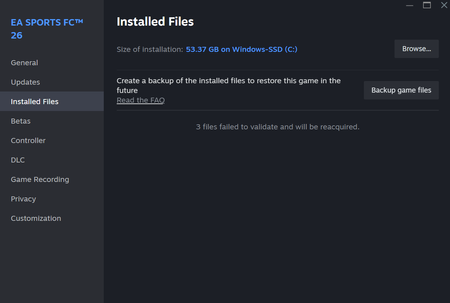
After file verification on Steam 3 files fail to verify.


 Community Manager
Hey everyone, I see that some of you are running into an issue where three files show as corrupted during file verification on Steam. I’d like to look into this further and see if there’s a common factor causing it, since it doesn’t seem to affect all players.
Here are a few things to try:
Let us know if any of these steps help.
