
My UI is broken in cas but only when I use cheats to modify a sim in game. It still happens in a brand new save. Already tried a repair. No mods or cc. I play on pc. Any idea how to fix?
Edit By crinrict: Adjusted Title
My UI is broken in cas but only when I use cheats to modify a sim in game. It still happens in a brand new save. Already tried a repair. No mods or cc. I play on pc. Any idea how to fix?
Edit By crinrict: Adjusted Title

 Community ManagerCommunity Manager
This problem started happening in my game again, too.
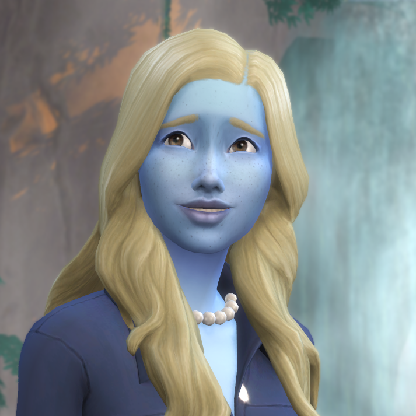
I'm having the same issue. It happens when I go into cas from live mode through the buttons in the symbology panel or with a wardrobe (change sim option)

I have this happening to me too. I noticed it when I used MCCC but even after removing my mods folder in a fresh save, it happened when I clicked "Change Sim" on a mirror and "Modify in CAS" when shift-clicking on a Sim. I play on a Mac.

I am from the MCCC support team and assisted the above player with this issue. We did extensive testing and confirmed this does happen on a completely vanilla game whenever entering CAS without cas.fulleditmode enabled.
Users experiencing this should be able to correct this by either:
-Clicking on the Plumbob in CAS to reset the traits menu (close and reopen) AND/OR
-Enabling testingcheats and cas.fulleditmode prior to entering CAS which ideally should avoid this issue altogether
This will obviously need a fix officially, but this is the way to currently correct affected games as it does not seem to be anything other than visual.

 The Sims Team