
Just updated the sims 4 on my pc/laptop and now it’s displaying the controls on the left side. I have not messed with any settings at all, I even double checked to make sure I didn’t accidentally cha...
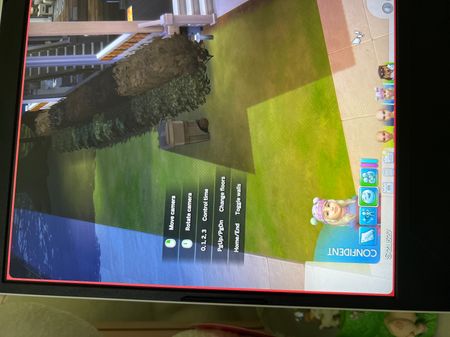

I think I figured it out! I was having the same problems. I went to the menu, game options, tutorial and tips and I unselected everything under the tutorial section and it’s gone. Just select apply changes. Hope this helps

This worked for me! Thank you so much!

 The Sims Team