
Just updated the sims 4 on my pc/laptop and now it’s displaying the controls on the left side. I have not messed with any settings at all, I even double checked to make sure I didn’t accidentally cha...
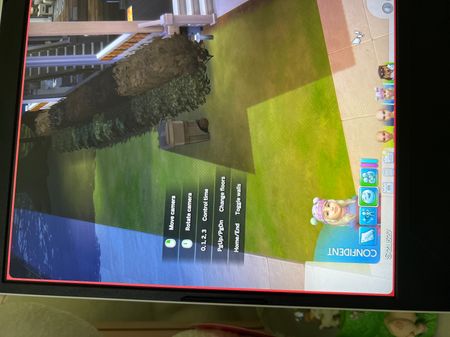

Open up the hand holding the ? question mark you will pull up the help menu. You need to uncheck the "Show Controls Legend".

Thank you, LeighsGarden, that did the trick. 😊Yay!

 The Sims Team