Forum Discussion

SimBear18's avatar
SimBear18
New Novice
6 months ago

UI Missing

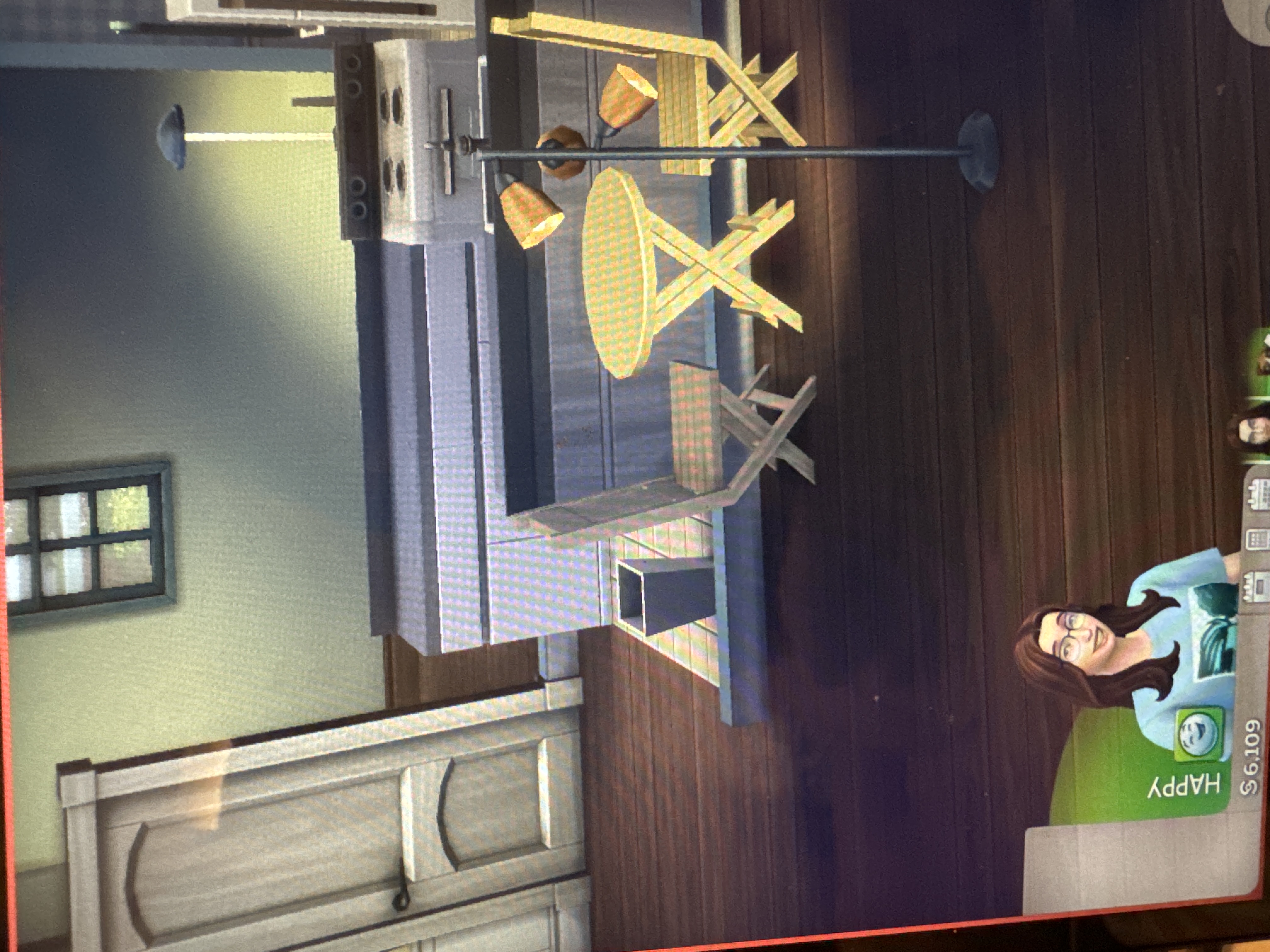
The entire panel where discovery quests, holiday goals, event goals, etc is missing. It’s completely gone, it’s not even blank, it just isn’t there and is currently making the game unplayable because you cannot use active careers, holidays, etc

8 Replies

  • Could you please provide the following information

    • Are you using mods/cc in your game ? Please remove them and test without them if you do.
    • Are you currently playing any scenario ?
    • Did it disappear when you started the game or when you did something in the game ?
  • SimBear18's avatar
    SimBear18
    New Novice
    6 months ago

    I am currently playing unmodded, I play on PC. I just repaired the game and it is still doing this in all saves.

  • crinrict's avatar
    crinrict
    Hero+
    6 months ago

    Do you have any LastUIException files in Documents\Electronic Arts\The Sims 4 ?

    - Delete the ones you have
    - Trigger the error again
    - Check if new ones are created
    - If that is the case, please copy/paste the content here. You can open the file with any text editor.


    Deleting the file won't fix your issue. Posting the info is meant for troubleshooting. 

    Did you also try a user folder rename ?

    To be sure, you also have this if you don't play a scenario ?

  • SimBear18's avatar
    SimBear18
    New Novice
    6 months ago

    Yes I have this in all families and saves. I do have LastUIException files and am trying what you suggested, unsure what you mean by user folder rename

  • crinrict's avatar
    crinrict
    Hero+
    6 months ago

    You need to copy/paste the content, you can't upload them

    For the folder rename

    Try the following

    - Close the game
    - Rename Documents\Electronic Arts\The Sims 4 to Documents\Electronic Arts\The Sims 4_Old
    - Repair the game
    - Start the game. All your content will be gone now as the game created a new folder. All your saves/.. is still in the old folder so not to worry. 
    - Start a new save game
    - Check if you still have the error
    - Report back with your results for further steps on how to get your stuff back.

  • SimBear18's avatar
    SimBear18
    New Novice
    6 months ago

    The issue was still occurring but no new LastUIExceptiom files, I will try the rename

  • SimBear18's avatar
    SimBear18
    New Novice
    6 months ago

    Ok, it’s working now, how do I get my old saves and sims back without corrupting again?

  • crinrict's avatar
    crinrict
    Hero+
    6 months ago

    You can now start to copy back things from Documents\Electronic Arts\The Sims 4_Old to the new Documents\Electronic Arts\The Sims 4 folder that was created.

    First only copy (I suggest to copy so you can go back in case anything goes wrong along the way) the content of the folder Saves (these are your save games). If you are prompted if want to overwrite a save, decide if you want to keep that testing save you just made or not. If not, just overwrite if, if you want to keep it, rename the save to a different number that isn't taken.

    Test just your save game with nothing else added back. If that works, you can start copying back the rest. If not, check back.

    You will need the following folders

    - Tray (your households and lots you have saved to library)- Custom Music (if you added any)
    - Screenshots (if you've taken any)
    - Videos (if you've taken any)
    - ConfigOverride (if you made any although I recommend redoing those)
    - Options(.ini) (although I recommend to just redo your settings in the game)

    Now test again. If that still works, you can put back your mods. Put them back in groups and make sure they are still compatible with the game.

    All other files are recreated and not needed.