Forum Discussion

adamwalker48's avatar
3 years ago

Need for speed rivals no save

Product: The EA app
Platform:PC
Error Report ID (learn how to create an Error Report ID in the sticky post)
Which client functionality are you experiencing this bug with? Other (Please Describe)
Please describe Game won't save
When did this happen? (dd.mm.yy hh:mm) 13/3/23
Summarize your bug The game won't autosave and ther isn't a manual save option I've entered garage command post ive completed speedlist it just won't save
How often does the bug occur? Every time (100%)
Steps: How can we find the bug ourselves? I have no idea it just does it
What happens when the bug occurs? It doesn't save I have to play the same thing over and over
What do you expect to see? A fix to the issue it's annoying and very frustrating

the game won't save it crashed on saving on speedlist 4 and now won't save at all I use the dlc car jaguar was working fine up until that point 

4 Replies

  • EA_Darko's avatar
    EA_Darko
    Icon for Community Manager rankCommunity Manager
    3 years ago

    Hey @adamwalker48 can you check where you are saving the game to?

    It can happen that your system is set to save to the One Drive rather than your system or the cloud.


    Darko

  • Hi darko  I've spent the last 2 and half hours on the phone to Microsoft trying to figure out if my save files are on one drive or on the system they are not and nothing to do with one drive as there is nothing on it all this has become frustrating for me as its been going on a matter of days now and no further then criterion games file missing 

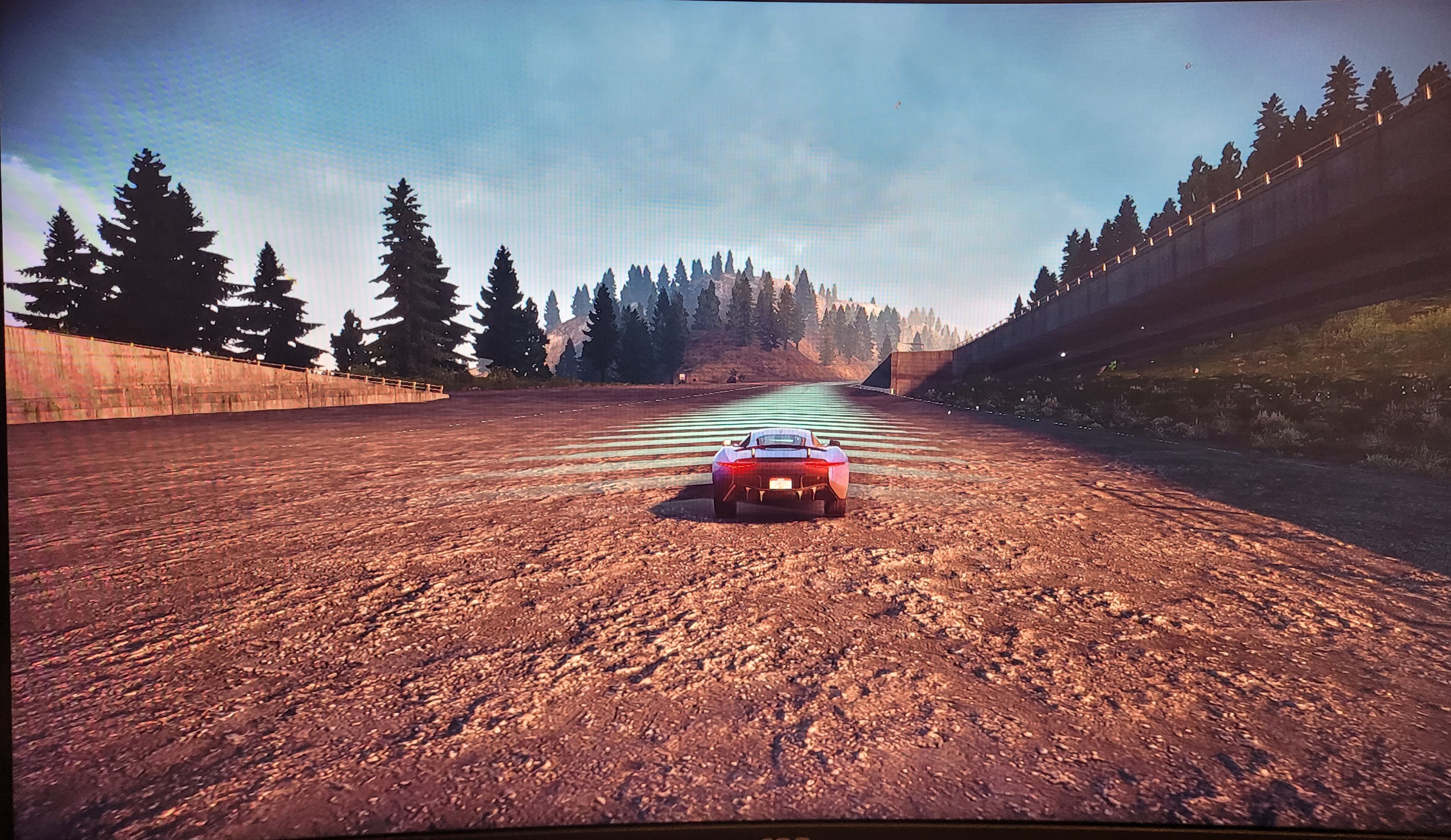
  • So I managed to sort my no save issue but at a cost of it happening again straight after I've shared a screenshot of how it happened again the same thing now I have to start all over again a repair on ea registry edit I shouldn't have to do this to the ea app for it to work and save stuff it's apauling anyway for anyone who does stumble across my issue here are the steps I took 

    Windows search

    Regedit

    Find you're folder should be 

    Ghost games was for me 

    Remove it entirely from the entry 

    Redownload the app 

    Start downloading everything again 

    Have fun 

  • So I managed to sort my no save issue but at a cost of it happening again straight after I've shared a screenshot of how it happened again the same thing now I have to start all over again a repair on ea registry edit I shouldn't have to do this to the ea app for it to work and save stuff it's apauling anyway for anyone who does stumble across my issue here are the steps I took 

    Windows search

    Regedit

    Find you're folder should be 

    Ghost games was for me 

    Remove it entirely from the entry 

    Redownload the app 

    Start downloading everything again 

    Have fun 

Featured Places

Node avatar for EA app Technical Issues & Bugs

EA app Technical Issues & Bugs

Having issues with the EA app? Join us to report bugs, and find help with downloads, DLCs, purchases, and login errors.Latest Activity: 28 minutes ago
8,805 Posts