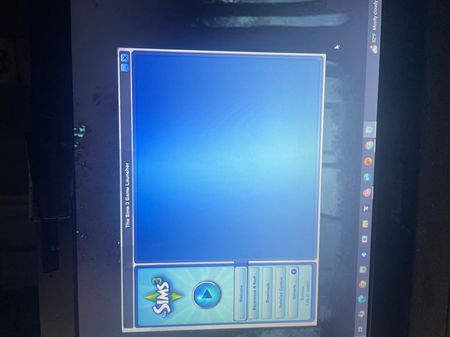
wildflowerrr3 Please clear Edge's Internet Explorer-mode data, as described here:
https://support.microsoft.com/en-us/microsoft-edge/view-and-delete-browser-history-in-microsoft-edge-00cf7943-a9e1-975a-a33d-ac10ce454ca4
If that doesn't help, clear the data again, and also rename the Sims 3 folder in Documents > Electronic Arts. This will remove, but not delete, your saves and other content. The idea is to see whether the game works with no added content. If it does, you can rebuild your content in the new Sims 3 folder; let me know if you need help with that. Otherwise, the problem is elsewhere.