Forum Discussion

puzzlezaddict
4 months agoHero+
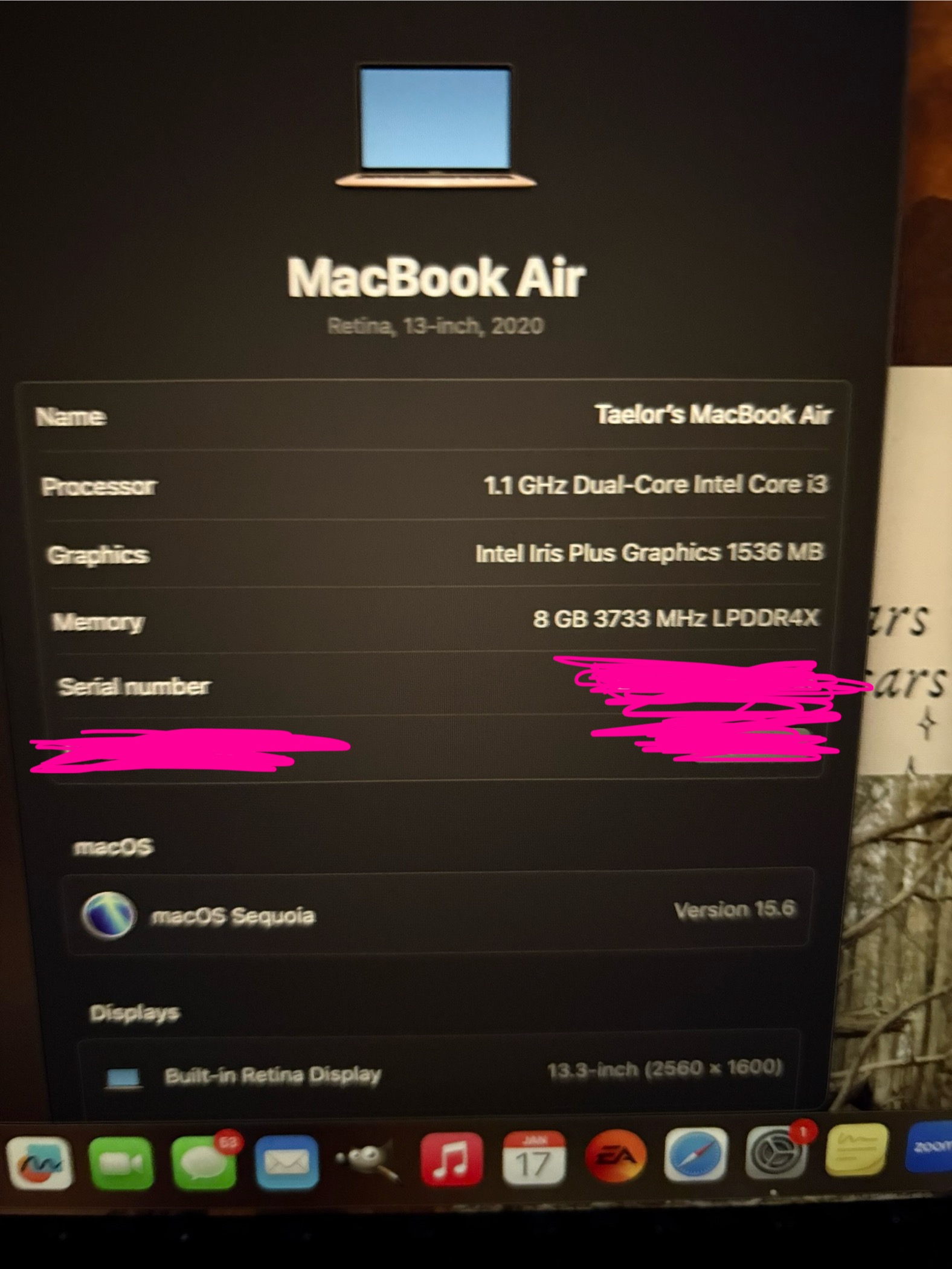
raeynbow Are you using iCloud Drive and syncing the contents of Documents? To check, open System Settings > Apple ID, and if iCloud Drive is checked off, click Options. Desktop & Documents will be at the top of the list.
If you are syncing your documents but don't want to stop, create a new admin user account on your Mac and don't link it to your Apple ID. Open the EA App in that account, repair the game (Sims 3 > Manage > Repair), and it's important to do this in the new account, then try to play.
If you use a third-party antivirus, please disable it before creating the new account, and don't reenable it until after you've tested the game. As long as you don't do anything else during this time, your computer should be safe, and you can reenable the AV once you have your results.
The service initialization error is often permissions-related, as in, the game can't access the user folder in Documents. That's not the only cause but the most common one, especially in macOS.
Featured Places