Forum Discussion

AmJesse_'s avatar
2 years ago

The sims 3 freezing every 2 - 5 minutes

I haven't played the sims 3 in a very long time, recently i got a new laptop and i installed all my sims games. My sims 2 and 4 are working perfectly fine but my sims 3.... not really.

For the past 2 days I've been trying to play the game but i can't, when i first installed i got a message saying the game couldn't recognize my graphic card so i looked online how to fix it, i couldn't fix it so i just tried to play it anyway. When i go to CAS also works perfectly fine but when i choose a sim lot, here's where the problem starts, the game just freezes and all i can do it's hear the music and that's it, my game usually freezes after 2 - 5 minutes after i leave the CAS and stay frozen for like 5 minutes. Sometimes it also freezes, i can hear the music but the screen gets kinda white seems like the game is not responding. I've installed and uninstalled and it keeps freezing, I've looked online and I've done everything possible. At first i thought it could be my CC's so i removed everything and still freezing, the only DLC i have is Supernatural.

I don't know what to anymore I just wish i could play my the sims 3 for more than 3 minutes ☹️

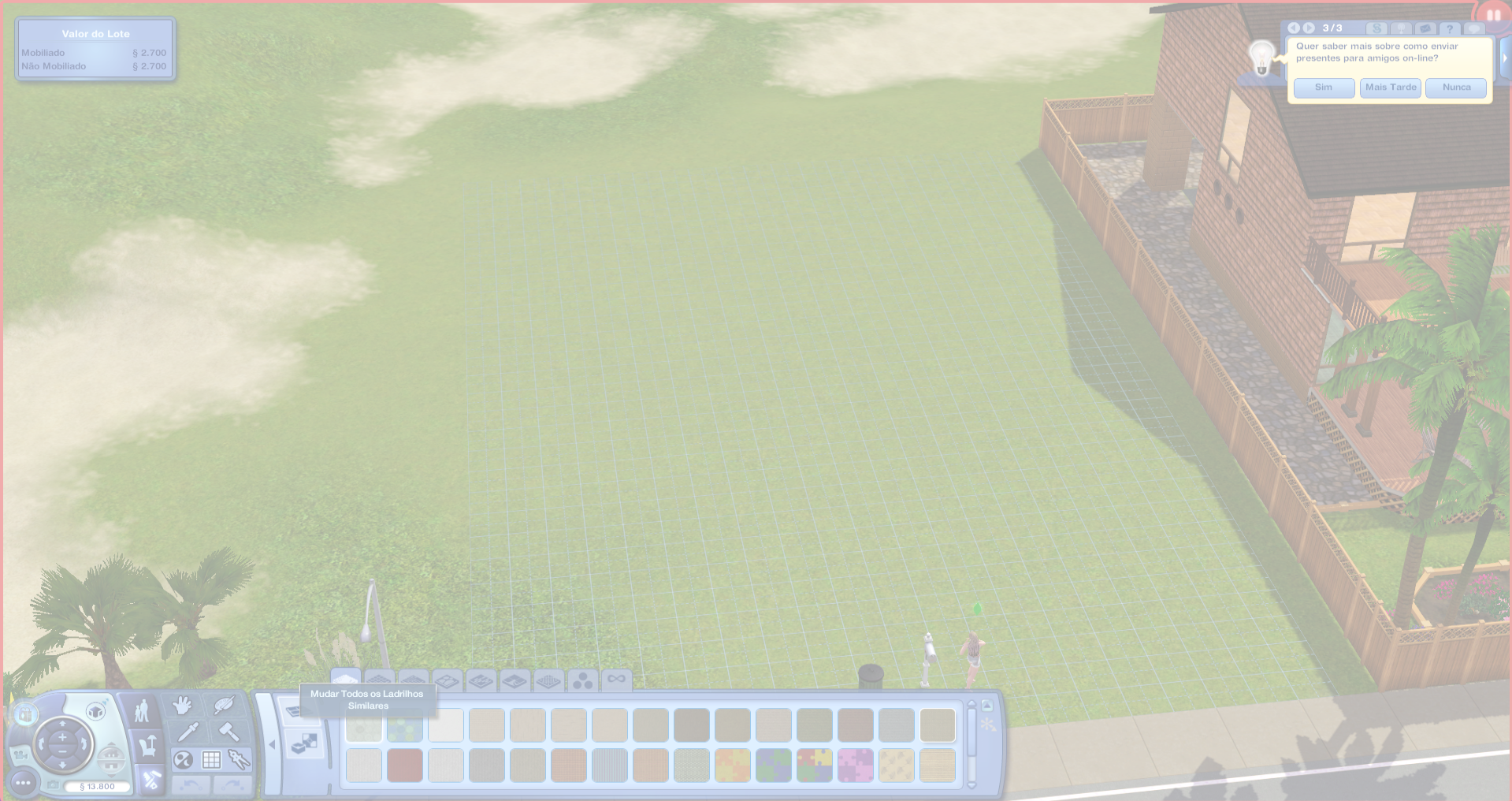
Here's also a few screenshot of what my game looks like in 2 different days and 2 different saves.

6 Replies

  • AmJesse_'s avatar
    AmJesse_
    2 years ago

    Hello @puzzlezaddict !

    I tried to run the game again just to try again and still the same, i counted and i could only "play" for 2 minutes and i had to close it because i froze... again.

    Here is my dxdiag attached: 

  • puzzlezaddict's avatar
    puzzlezaddict
    Hero+
    2 years ago

    @AmJesse_  The Sims 3 crashes in your dxdiag are just access violations, too generic to be much help here.  So it may take some experimenting to figure out the problem.  To that end, please try playing in a clean boot:

    https://support.microsoft.com/en-us/topic/how-to-perform-a-clean-boot-in-windows-da2f9573-6eec-00ad-2f8a-a97a1807f3dd

    The one service to leave enabled is the EABackgroundService, which the EA App needs in order to run.  Disable the rest as described.

    When you reboot your computer, go through the Task Manager's background processes list shutting down any service that doesn't absolutely need to be running, for example anything from MSI Afterburner to RGB software might still be enabled.  If you accidentally kill a critical process and it doesn't restart on its own, just reboot your computer again.

    Don't open anything other than Sims 3 and the EA App while testing, not even a browser window.

    Additionally, make sure your laptop is plugged in while you're playing—running on battery can cause the laptop to throttle performance to save energy.  And tell Windows to use the Nvidia GPU for Sims 3 as well.  Hit Windows key-i, open System > Display > Graphics settings, click Browse, select TS3.exe (without the W), choose the high-performance option, and save.

    If this doesn't help, let me know whether you've taken steps to limit your in-game framerates.  Your laptop's Nvidia MX130 isn't all that fast, and in fact I wouldn't expect it to be able to run all Sims 3 packs together, at least not very well.  But it's fast enough to produce higher framerates than necessary while running only the base game plus Supernatural, and limiting fps may help here.

  • AmJesse_'s avatar
    AmJesse_
    2 years ago

    @puzzlezaddict I just did everything i was told to do and still pretty much the same. I select a random sim from the map to test it and as soon as i start playing it freezes and i had to close the game :/

  • puzzlezaddict's avatar
    puzzlezaddict
    Hero+
    2 years ago

    @AmJesse_  Please try everything I described, except now while your computer is offline.  You can sign into the EA App and put it in offline mode, then disable wifi and/or disconnect the ethernet cable.  Please also pause OneDrive syncing, if OneDrive is running at all; you can see the option by right-clicking the cloud icon in the lower-right corner of the screen.

    If that doesn't help, try everything again (including the clean boot) except in a new admin Windows account.  Make it local, as in, don't link it to your Microsoft account.  You'll be able to launch Sims 3 without reinstalling anything, but your saves and other content won't be available.  That can be addressed later; the point now is to find out whether the game runs properly.

  • highly recommend a video by acottonsock on youtube (ULTIMATE SIMS 3 FIX GUIDE 💫 (2021)) to have this fixed. Is a very step by step guide and I am certain the steps on the first 20 minutes will help.