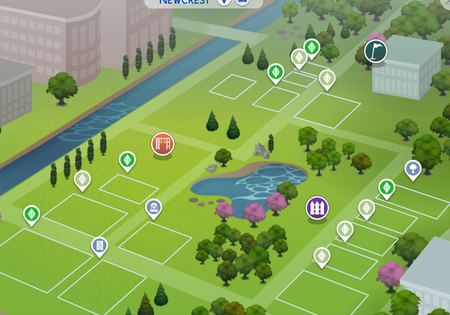
fatuma2013 Are all your lots gone, or just some? Are the lots gone in your backup saves as well? Here's how to recover them to test with:
https://sims4.crinrict.com/eng/2014/09/recover-backup-save-game/
Even if the lots are gone in the backups, don't save your progress. It's possible the lots simply aren't loading and the data is still preserved in the saves themselves. But saving over the backups before fixing the issue would likely delete the lots' data.
Please also load your main save, and with the save still open, go to this location:
C:\Users\your username\AppData\Local\Temp\Electronic Arts\The Sims 4\scratch\scratch_[numbers]
If the scratch_[numbers] folder isn't present at all, let me know. Otherwise, tell me how many files are inside, sort it by file size, and also tell me how many files are 1 kb or less.