Forum Discussion

Breegrace456's avatar
Breegrace456
Rising Rookie
3 days ago

game stutters despite high end pc and fps please help!

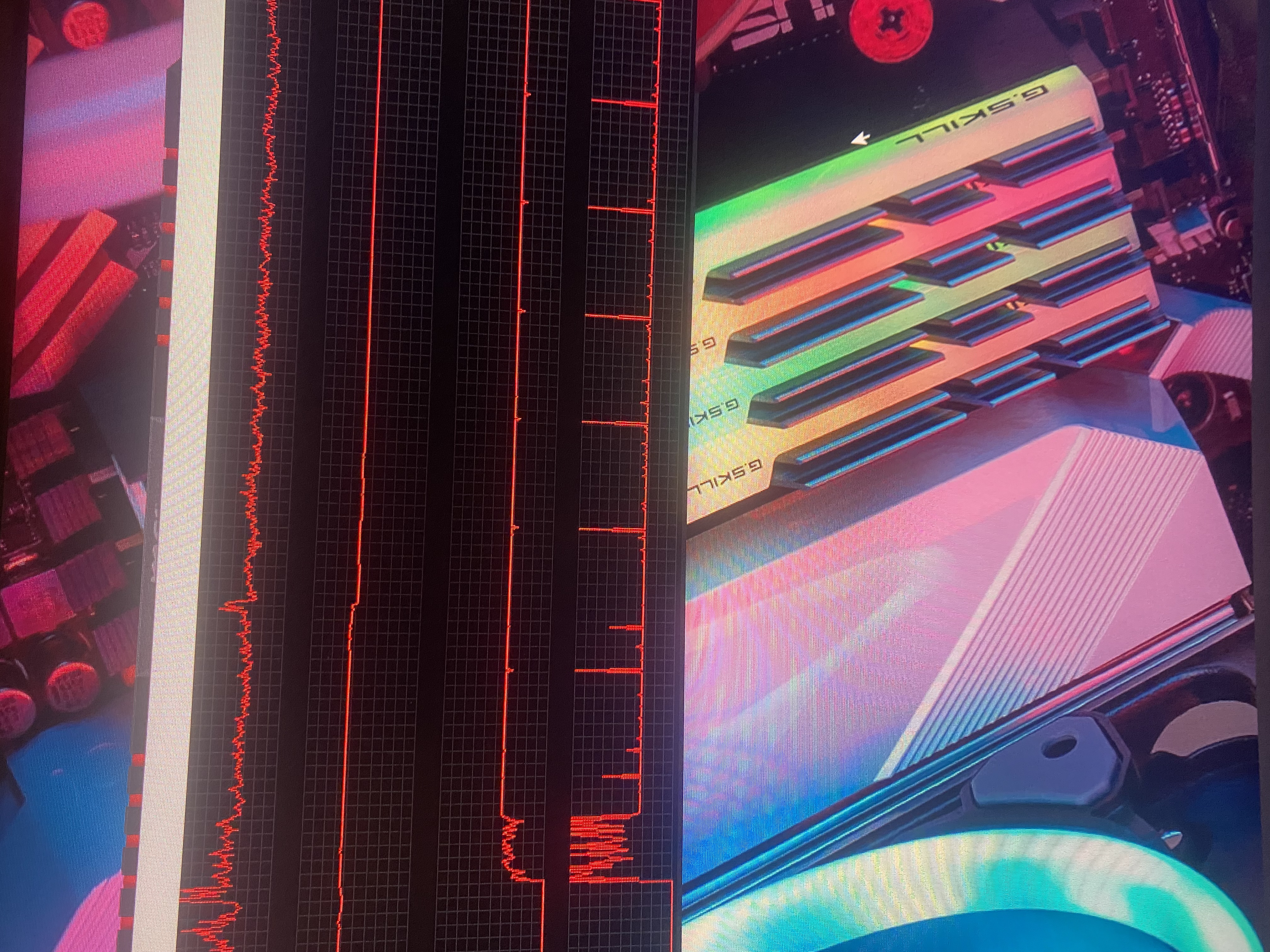
at this point i’m at my wits end. i’ve tried just about everything. wiping my mods folder, reinstalling sims, even doing a fresh install of windows. i’m still struggling with stutters even though i get extremely high fps 300+


my specs are:

NVIDIA GTX 4090

AMD 9950x3D

64 GB Ram DDR5

1tb SSD


has anyone else experienced this issue lately? it didn’t use to happen it just seemed to get worse

7 Replies

  • Breegrace456​  Do you have the Nvidia Control Panel installed on your computer?  (You might have the Nvidia App instead, and I don't know as much about it.)  If you do have the CP, which you would be able to open by right-clicking your desktop, one setting that might help is Dynamic Super Resolution.  In the CP, choose Manage 3D Settings > Program settings, select ts4_x64.exe, and pick the lowest DSR value.  Since you're playing at 1080p, that should be 1.778x, or 1440p.  If that isn't good enough, try 4x.

    DSR is a setting that tells the GPU to render the program in question at a higher resolution than what the program is calling for, then scale it down to fit afterwards.  It does take more resources, but your GPU is capable of handling the extra load.  And for some reason, sometimes this actually makes certain games run better than they do at the native resolution.

    I would expect the Nvidia App to have this option too but don't know exactly where it is.

    If that doesn't help, try playing in a clean boot:

    https://support.microsoft.com/en-us/topic/how-to-perform-a-clean-boot-in-windows-da2f9573-6eec-00ad-2f8a-a97a1807f3dd

    The one service to leave enabled is the EABackgroundService, which the EA App needs in order to run.  Disable the rest as described.

    When you reboot your computer, go through the Task Manager's background processes list shutting down any service that doesn't absolutely need to be running, for example anything from MSI Afterburner to RGB software might still be enabled.  If you accidentally kill a critical process and it doesn't restart on its own, just reboot your computer again.

    Don't open anything other than Sims 4 and the EA App while testing, not even a browser window.

    If this helps, you can selectively reenable services until you find the culprit, then either leave that disabled or (if it belongs to an app you want to keep using) let me know what it is so we can try to fix the underlying issue.

    If that doesn't help either, try doing a clean uninstall and reinstall of the graphics driver, as described here:

    https://crinrict.com/blog/2019/02/clean-re-install-of-graphics-drivers-with-display-driver-uninstaller-ddu.html

    Except, try a slightly older driver from Nvidia.  You can get them here (choose Game Ready Driver as the Download Type to go back further):

    https://www.nvidia.com/en-us/geforce/drivers/

    I would try 581.80, from November 4, since the next driver after is a version jump, which usually indicates something significant changed.  I'm not saying that a driver update caused this, but it's possible the newest driver combined with how Sims 4 runs these days means more stutter.

    ———

    I'm curious as to whether the stutter depends on having sims or pets in the picture.  Do you see it when looking at an unpopulated lot, other than whichever single sim you bring with you?  The other sims wouldn't even necessarily need to be in the frame, just close enough that the game has to account for them.

  • Breegrace456's avatar
    Breegrace456
    Rising Rookie
    2 days ago

    it mainly only stutters when i move my camera ANY way steady 144 fps but as soon as i move my camera it drops down to like 80 then shoots back up again. i uploaded my dx diag below. i was playing the sims probably a week ago and i had no issues this is all the sudden 

  • Breegrace456​  Please describe the stutter in more detail, or post a video if it shows what you mean.  I'd like to know exactly what I'm dealing with before suggesting anything else.

    If the game only stutters when you move the camera, please try all the ways of moving it—edge scrolling, right-clicking to center, the arrow keys—and let me know if any of them works better.

  • Breegrace456's avatar
    Breegrace456
    Rising Rookie
    2 days ago

    tried :/ didn’t help i also capped fps with no luck

  • I know this might sound ridiculous but when I have stuttering issues what helps is pressing escape and going into game options and then just closing that and going back to the game 😶

  • Breegrace456​  Please cap that fps using vertical sync to see whether it helps.  There's an in-game option, and the Nvidia Control Panel has an option too (choose ts4_x64.exe).  The Nvidia App should as well, but I don't have it installed and can't check.  At any rate, try both On and Adaptive.

    If that doesn't help, you could try the .sgr edits listed in this post:

    Camera movements very choppy since BH patch | EA Forums - 12185589

    They make a difference to a lot of players, but not everyone.  The good thing is that reverting is as simple as trashing the edited copy of the file that you placed in ConfigOverride.