Forum Discussion

StoatLotus's avatar
StoatLotus
Seasoned Rookie
9 months ago
Solved

My Sims game is not accessing the worlds in my Sims folder

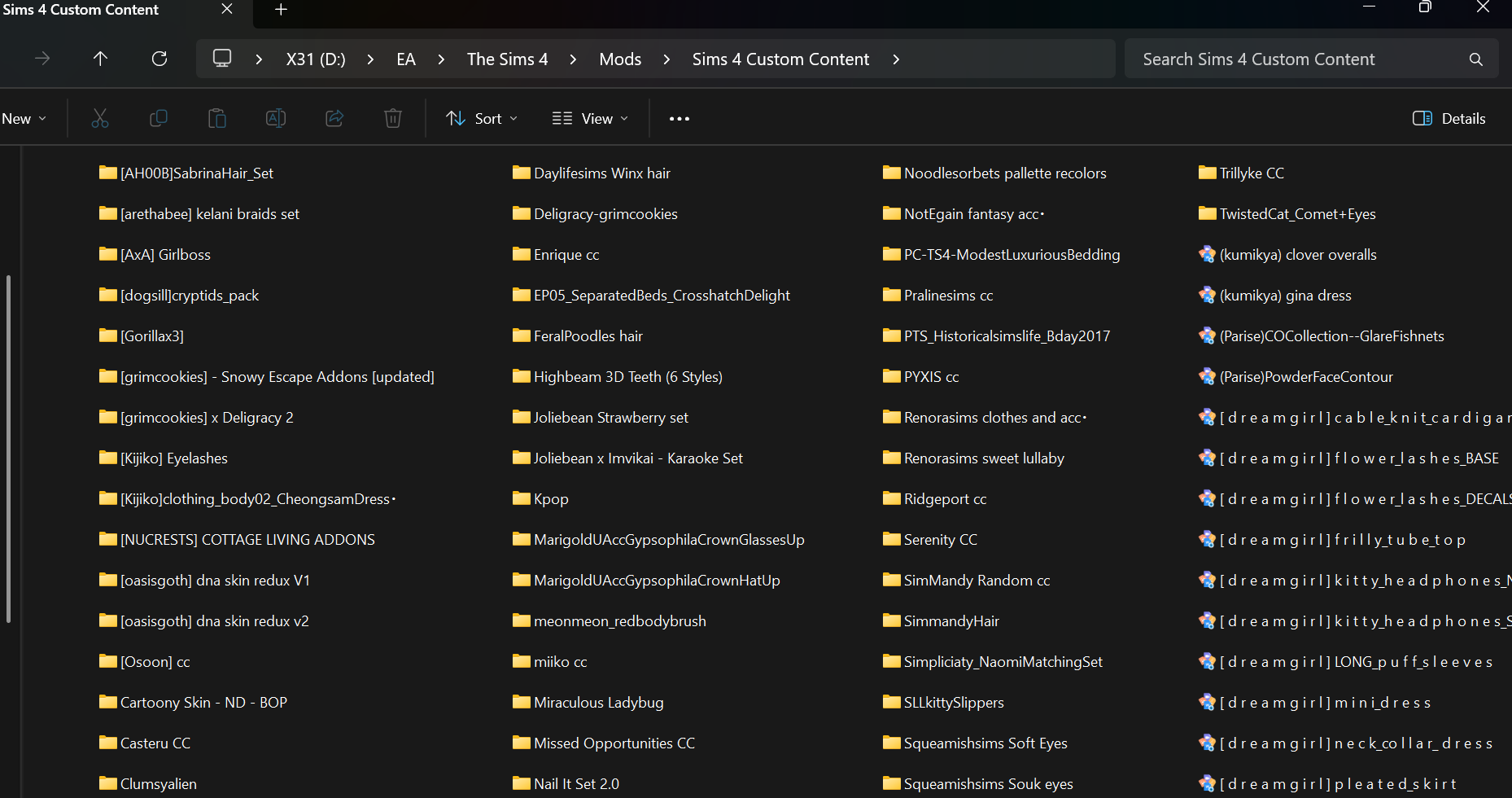
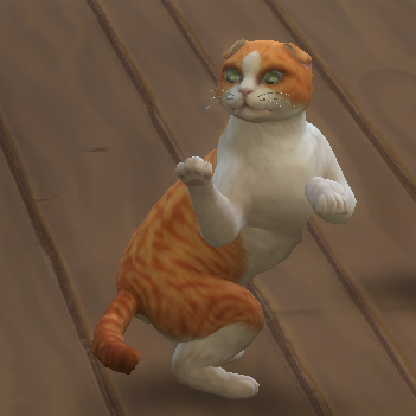
Every time I open my game it loads only 3 saves, but I have 7 saves in my saves folder. I even renamed the saves in game and saw no change in the folder. It also only recognizes a couple of mods, but not all of them. I just want to figure out where the game is pulling the info from if it's not from the folder that I designated it to be. I added images below showing my mods, and saves folder. I also took photos of what I'm seeing in game. I also added a video showing what I'm seeing.

4 Replies

  • StoatLotus  This is how to find the folder the game is reading:

    https://sims4.crinrict.com/eng/2018/07/how-to-find-your-user-folder/

    Please make sure the entire file path matches up to "The Sims 4."

    Additionally, the game won't recognize Slot_00000001.save , as this was previously the automatic backup slot.  The first save it reads is 00000002.  So renumber this one to 00000008 or whatever you want.  And strip the .ver0 off of Slot_00000007.save so the game can read it too.

  • StoatLotus's avatar
    StoatLotus
    Seasoned Rookie
    8 months ago

    I found out where it was accessing the game, so thank you! Also would you know how to change where the game pulls the game files from? It seems the install location and the location of the game files are different.

  • StoatLotus​  The install location and the location of the user folder should be different.  Combining them can and will cause a variety of issues, so hopefully you haven't done so.

    If you want help separating the data again, or you want to move the user folder elsewhere (not sure what exactly you've done), feel free to ask.