Ideas
141 Comments
 mumofharry7 months agoSeasoned Ace
Hi i was having this problem too on ps5 burglar alarms was causing mine dont know why but since i removed them and disabled burglars its been fine it hasn't worked for everyone but could give it a try it definitely worked for me
 Meech8217 months agoNew Novice
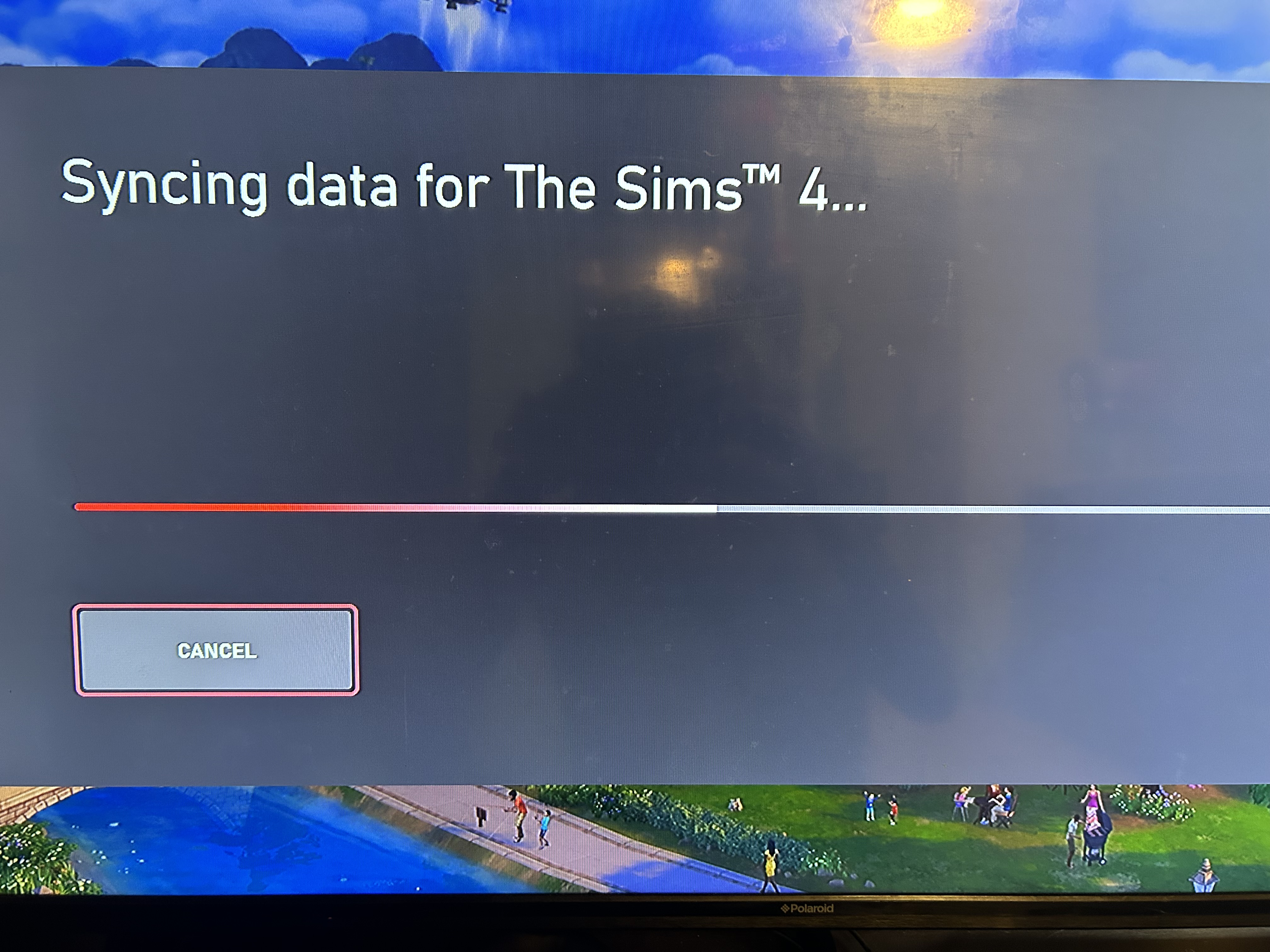
My Sims 4 is not syncing data and continues to crash. I uninstalled reinstalled cleared local data you name it. I’m on Minecraft till someone help me please.
- Gillybags7 months agoRising Novice
It's since we didn't get the most recent patch. No update on when we are either
- Meatballpower807 months agoSeasoned Rookie
So I tried to play my game today and it started freezing instantly and it is every 30 seconds and then I tried to save my game after building a house and it crashed and a error occurred and you can’t save your game due to corrupted safe file and this is a constant issue I’m having because I don’t have any mods or cc because I’m a console player and I can’t even use the gallery
- nickienok7 months agoSeasoned Traveler
I am also having this exact issue. My game is unplayable. Every time I try to save my game comes up with a PS5 game error message, throws me out and does not save my progress. It also did this when I wanted to exit to main without saving. I have no CC or mods on either. I have tried everything like deleting my game and reinstalling, defragging my PS5 and no improvement. I cannot play my game. Please help. Thanks
- freshlycutlemonn7 months agoNew Spectator
i play on xbox series x and only cas works when i try to play with my sims or go to build my game crashes. I restarted my console, power cycled it, even freed up space in my storage. I just wanna play the Sims man.
- LavaFire406 months agoRising Rookie
My game has been crashing on loadup for 3 YEARS. I play on xbox series x, and I have done everything to try and get my game to play. I contacted Microsoft, and we found out that isn't a problem with the Xbox, but the game.
We did every troubleshooting step that we could, and I did every troubleshooting step that I could on EA Help. Nothing worked.
I'm hoping this can get looked at, because no matter how many times I say that I've tried every troubleshooting step available, I always get asked if I tried one thing, and I'm just sick of it.
I'm glad that people try to help me, but I'm sick of my game not loading. It's my favorite game, and I've tried loading it on my sister's xbox series x, and it doesn't load on there either. The only console it loads on is a xbox one s. And I have disc and digital. I tried both my disc, and loading it digitally.
It always crashes in the blue loading screen, when the plumbob is filling up the little bar. The plumbob glitches, and the music stops. Screen goes black, and I get kicked to the homepage. I've been trying to get acknowledged by the sims for the 3 years my console hasn't played the game, and I haven't got the acknowledgement I'd hoped for. I believed that maybe someone from the game would read my posts, and try to help me, or have someone from customer service talk to me. I've reached out by email, and EA help. Nothing from there worked either.
The forums are my last resort, so I'm posting about this in a couple categories, until I can get the help from someone, or the sims gurus.
Thanks for reading, and thank you for maybe helping.
 MisterBellum6 months agoSeasoned Scout
It's the forced readjustment of graphic settings mechanism overlapping and causing the crashes, clearly it's been broken since the burglars update, unless you haven't played for months, then you'll automatically think it's the most recent patch or previous patches after the burglars update.
- Goldeneaglex2x6 months agoSeasoned Rookie
My 4th post on crashing in this thread.
So there was a update to the ps5 system which fixed the crashes and i was able to play without crashes. THEN 2.13 update came and the crashes started again when traveling or saving the game. REALLY?!?! I just pre ordered enchanted by nature expansion since it was working. EA from the bottom of a returning customer…… Fix This and dont blame Sony or my equitment its obvious a issue at your end.  1489ac4390da61a46 months agoSeasoned Rookie
So any update on this months old bug that has rendered the game completely unplayable? I can't even participate the new event because when I try to leave my lot to visit a park.....yup you guessed it CRASH! I littraly haven't been able to play this game since the release of Business and hobbies and now we're only a couple of weeks away from a new expansion. This is actually obscene that you continue to leave console players hanging like this! I don't think I've ever experienced another modern games company let paying customers put up with this insanely long fix
Featured Places