Easy anti-cheat just doesn't work
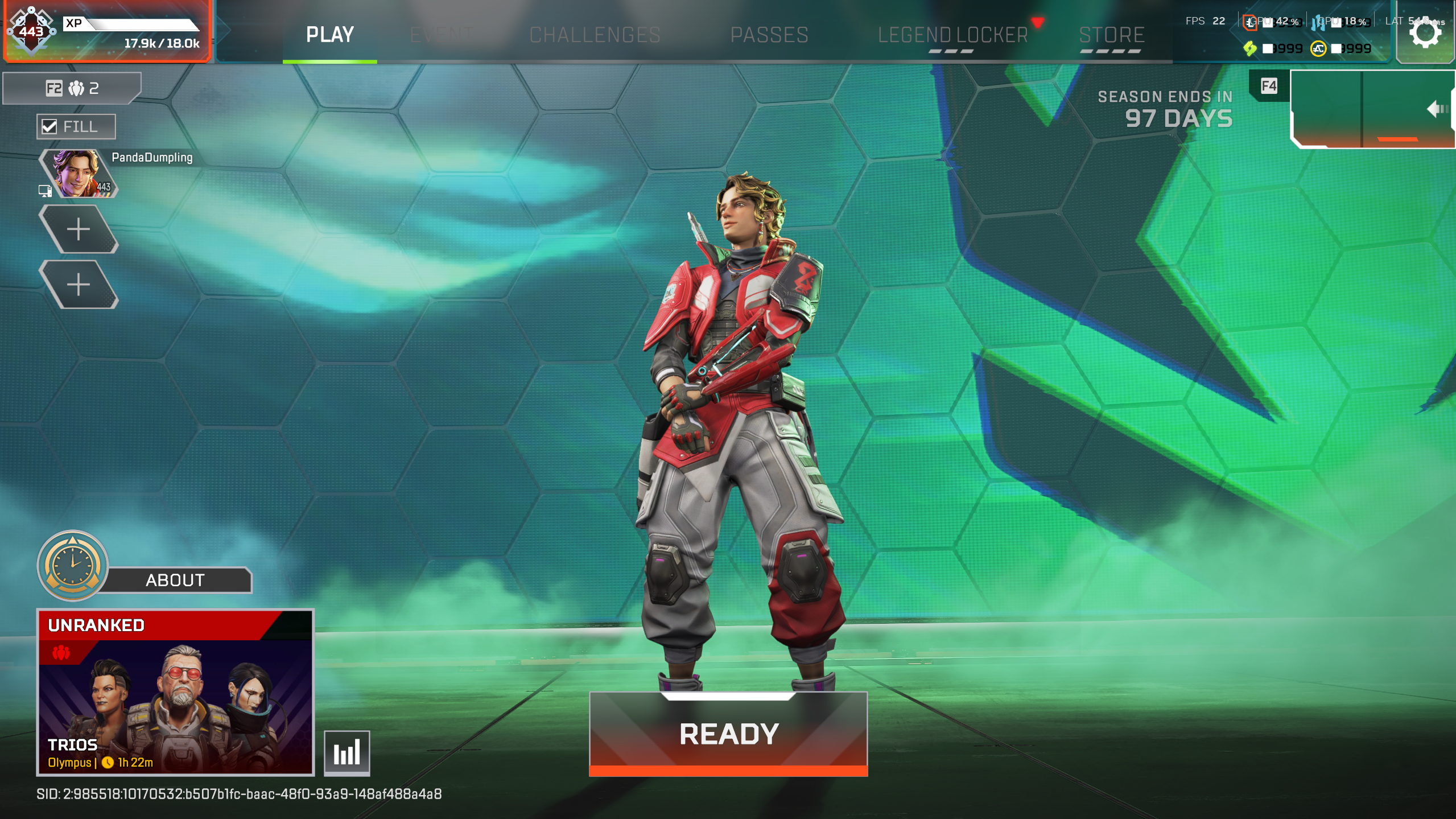
the client is no running the anti-cheat, or has failed the anti-cheat authentication is what I receive whenever I try to queue and the main interface before queueing is freezing every few seconds moves and then freezes again.
I have tried every different solution I have seen and none have worked. I have done multiple clean installations of the game as well as verifying the integrity of game files. I have also done a clean boot which still didn't work as well as deleting easy anti-cheat, running it as admin (both apex and easy anticheat), installed different games that require easy anti-cheat and nothing has worked.
This another thing I have tried
- Run the command: cd C:\Program Files (x86)\EasyAntiCheat_EOS
- Run the command: EasyAntiCheat_EOS.exe qa-factory-reset
- It is normal that no text is output. The next command will confirm that it worked.
- Run the command: echo %ERRORLEVEL%
- If you see 0 then the uninstall operation succeeded. If you see something else then it failed. Make sure you are running an Administrator Command Prompt and try again.
- Close the Command Prompt
- Delete the C:\Program Files (x86)\EasyAntiCheat_EOS directory
If you are successful in manually resetting EasyAntiCheat then you will need to uninstall Apex and reinstall. I have it downloaded on both EA launcher and Steam and had to uninstall and reinstall on both since EAC is installed in the game directory for each launcher seperately.
The attachments provided show what it looks like when freezing and the message I receive.