Forum Discussion

ivaripoll's avatar
ivaripoll
Newcomer
10 months ago

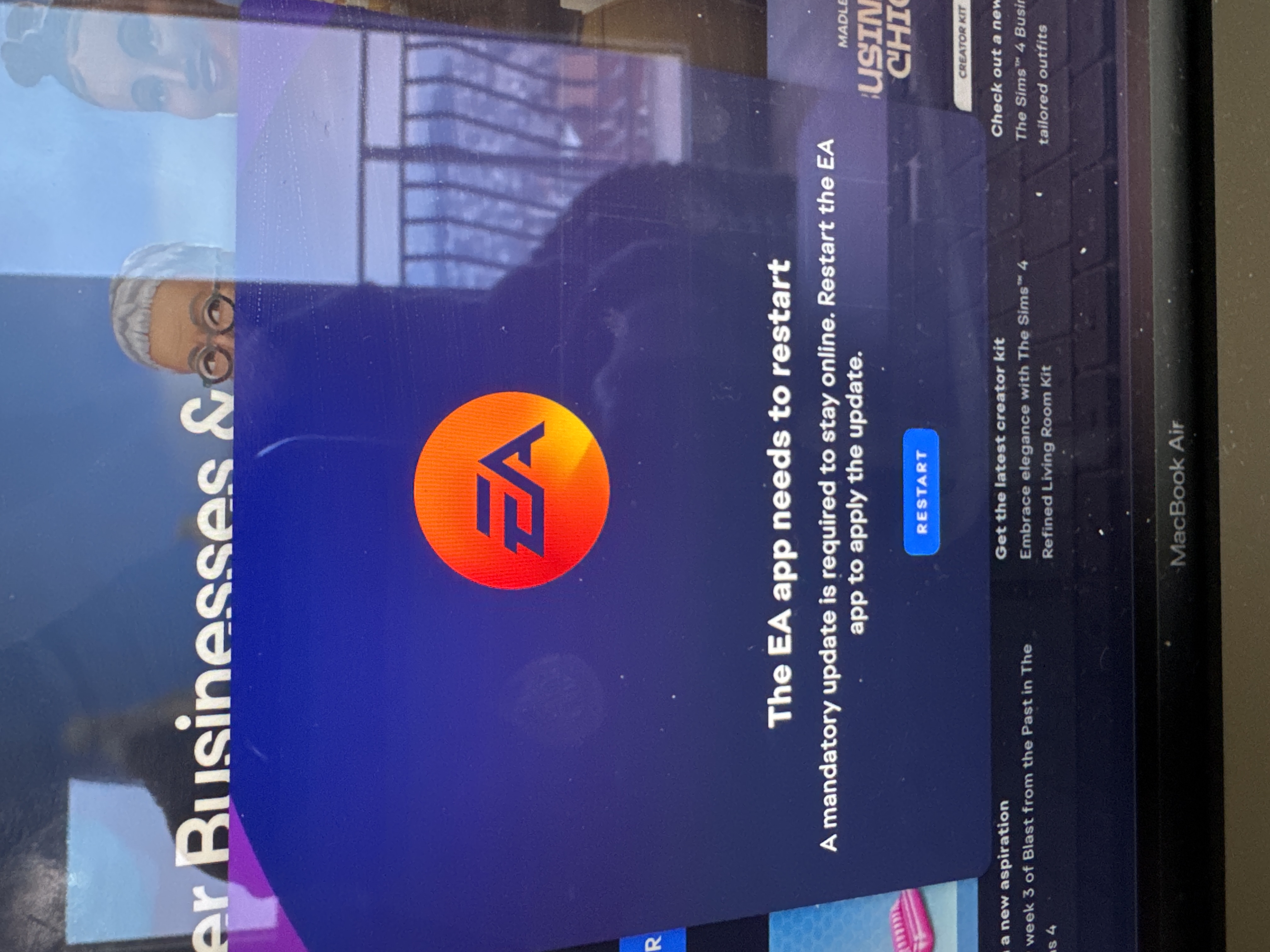
EA app needs to restart

I have problems to access and play Sims 4 on the EA app. Whenever I open the app I get a following message: “The EA app needs to restart.” When I click to restart, the app os being downloaded and when it’s done it’s closed. I reopen the app and have THE SAME MESSAGE AGAIN. Can anyone help me how to resolve this please!? I am so frustrated, this lasts for says! 

1 Reply

  • EA_cuervo's avatar
    EA_cuervo
    Icon for Community Manager rankCommunity Manager
    10 months ago

    Hey there, 

    Are you able to access the EA app settings before this message pops-up? If yes, you can try clearing the EA app's cache: 

    1. Go to the EA app’s menu.
      • On Windows, select the three dashes in the far-left corner of the EA app.
      • On macOS, click Help at the top of the screen, then choose App Recovery.
    2. Scroll to Help.
    3. Click App recovery.
    4. Select Clear cache.

Featured Places

Node avatar for EA app Technical Issues & Bugs

EA app Technical Issues & Bugs

Having issues with the EA app? Join us to report bugs, and find help with downloads, DLCs, purchases, and login errors.Latest Activity: 5 hours ago
8,403 Posts