CC Pet Default Replacement eyes causing issues after patch
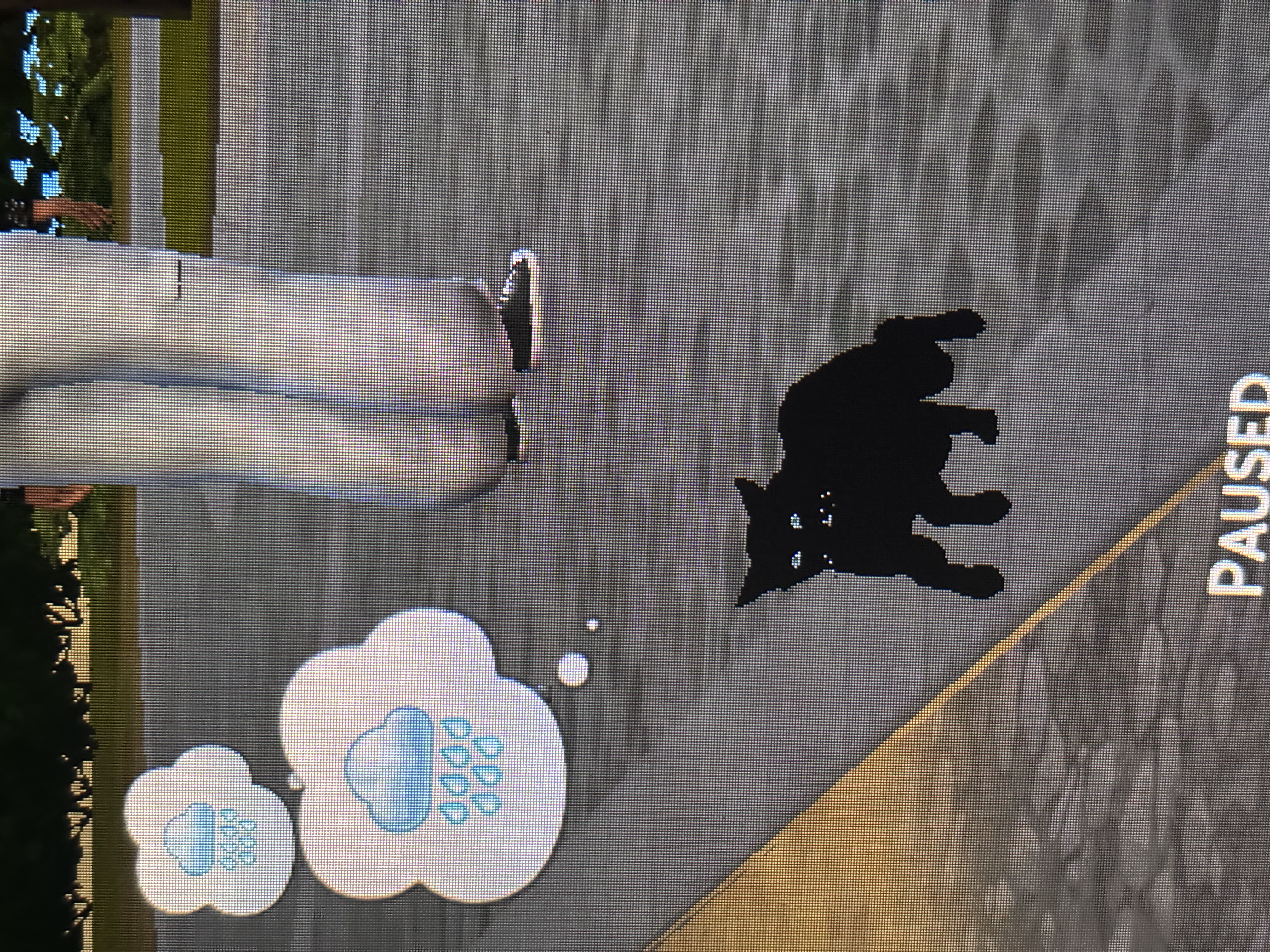
After the patch, I loaded up my game with my CC enabled and I noticed all my pets with custom painted coats had turned completely black. Replacing the pet with a fresh copy from the gallery didn't work - they were fine in CAS but once in gameplay mode, they'd turn black too.
After some troubleshooting with CC, I discovered it was the default eye replacements for dogs and cats that caused it - specifically Wrixles' dolce eyes. This was the only dog and cat specific CC I had. Removing it allowed new pets to be created and not turn black in game but it didn't fix the ones already affected. I had to revert to an earlier folder save pre-patch and doing that restored all the painted coats in my saves (but I lost like 5 days of gameplay).
If you have default replacement pet eyes, I'd suggest removing them entirely before updating. Unknown if this affects horses that use Wrixles' eyes, I use a different default replacement with no issues so far. This only seems to affect cats and dogs with custom painted coats - it's fixed for me but I wanted to report it in case it pops up for others.
There are issues (reported by myshunosun) after patch 1.116 with at least some default replacement eyes for cats, dogs, and horses. However, pets (and Sims) turning black appears to be a game bug with customizing coats (or tattoos). For the game bug, see Sims turn completely Black after Customization | EA Forums - 11972065