Forum Discussion

babygirlatwell's avatar
7 hours ago

cas on pc

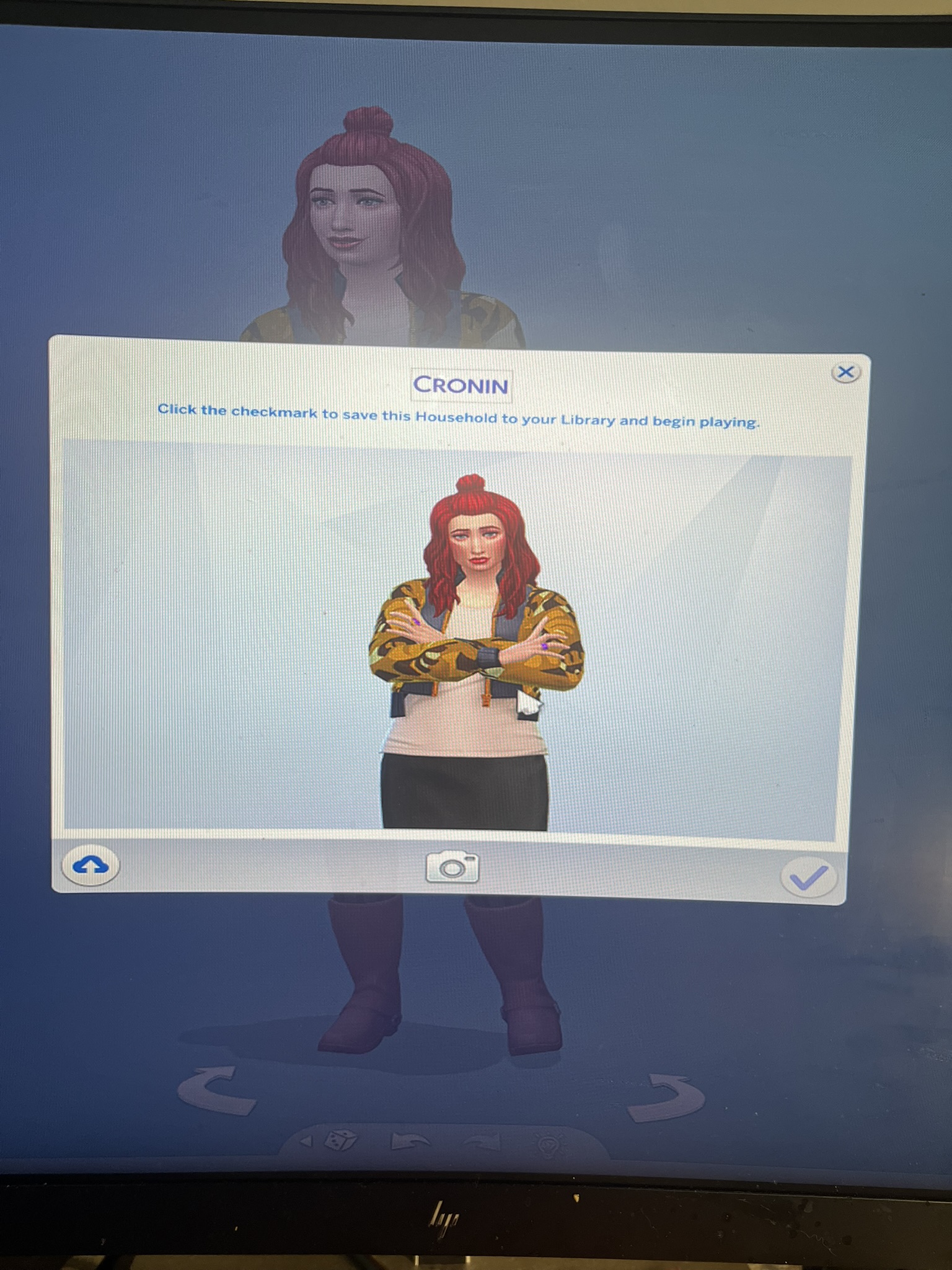
i don't know if i'm in the right place, but after my game updated yesterday on the 12th, my game will freeze right when i press the check mark to go into the game. i took pictures and posted them on x. and told the commutation sims team as well on x. it's been like this even today.  i even had an memory limited popped up after it crashed yesterday. i even tried getting my event today, i froze. luckily, i went  back in quick and got my event item and left before the game crashed again. i even repaired it, removed the sims 4 folder from docs, uninstalled it and reinstalled. tried without mods with mods. did the same thing.

6 Replies

  • babygirlatwell​  I wasn't arguing that it was your firewall; I was saying that an antivirus is the most common suspect but that this issue is usually permissions-related in general.  Permissions is a more general category than just antivirus.

    And to be clear, an antivirus and a firewall are two distinct tools, even if many security programs include both.  If you've only changed firewall settings, then you haven't tested without your antivirus.  If you have a third-party firewall app that doesn't include an AV, you're using Windows Defender, and it (especially the Controlled Folder Access component) can easily cause all these issues.  If you're using the terms interchangeably, fine, but if not, please check your antivirus specifically.

    Other than that, please post the full file path to the user folder, and we can go from there.

  • babygirlatwell's avatar
    babygirlatwell
    New Scout
    2 hours ago

    its not my firewall. if it didn't do this before its not now. it started this AFTER i updated my game. i already repaired my game, as you see in pictures. i already said i did AND did not both, use mods seen in pictures. i deleted my whole sims 4 folder in my docs first, before anything, still doing it in pictures. i also uninstalled and reinstall my game still doing it as seen in pictures. i don't have any saves game files for months now, and with a new game and a new save file it still does this. it is not my firewall, i already turned it off as suggested and still freezes as in the pictures. my options also do not save as well, as shown in the pictures. i did everything, from deleted cache, restarted the app, everything. even the ea app is newly redownloaded. my game freezes after the update. because i was playing on a new save game and deleted that save file when i finished playing days before the update.

  • nope. turned off my firewall and nothing. still the same. and my options keeps reverting back as if i never changed them.

  • babygirlatwell's avatar
    babygirlatwell
    New Scout
    6 hours ago

    my av shouldn't be a problem because it never did that before. but i'll try it anyway.  and i come back here with an update. it all started after the update. so idk.

  • babygirlatwell​  Please check your antivirus for any Sims 4-related actions.  The "out of memory" error is often AV-related, as is the inability to load images from the Gallery.  Freezing when exiting CAS is more generic but can be caused by an antivirus as well.

    If your AV isn't blocking the game, or you don't think so, it's still worth disabling it temporarily, just as a test.  As long as you don't do anything else at the same time, your computer should be safe.

    If the AV is the problem, set exceptions for TS4_x64, TS4_Launcher_x64, TS4_x64_fpb if you use or want to use the Memory Boost feature, TS4_DX9_x64 if you use DirectX 9 mode, and EADesktop.exe as well.