Solved
error Linking to your EA Account requires the steam overlay to be enabled.
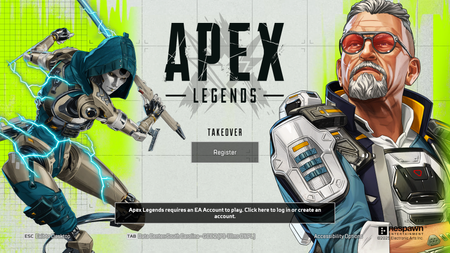


I already solved it by uninstalling and reinstalling steam :).

Heya,
In your current case, Apex wants to open a pop-up where you can log into your EA Account, which can be necessary in some cases.
But since you have the Steam Overlay disabled, it's not able to open this pop-up.
Follow these steps to turn on your Steam Overlay:
If it's still not working, then it's possible you might've disabled the Steam Overlay globally for all your Steam games.
To enable to overlay globally:
Once you've done that, restart your game/steam, and it should work as intended.
I already tried this and it doesn't work.

 Community Manager

