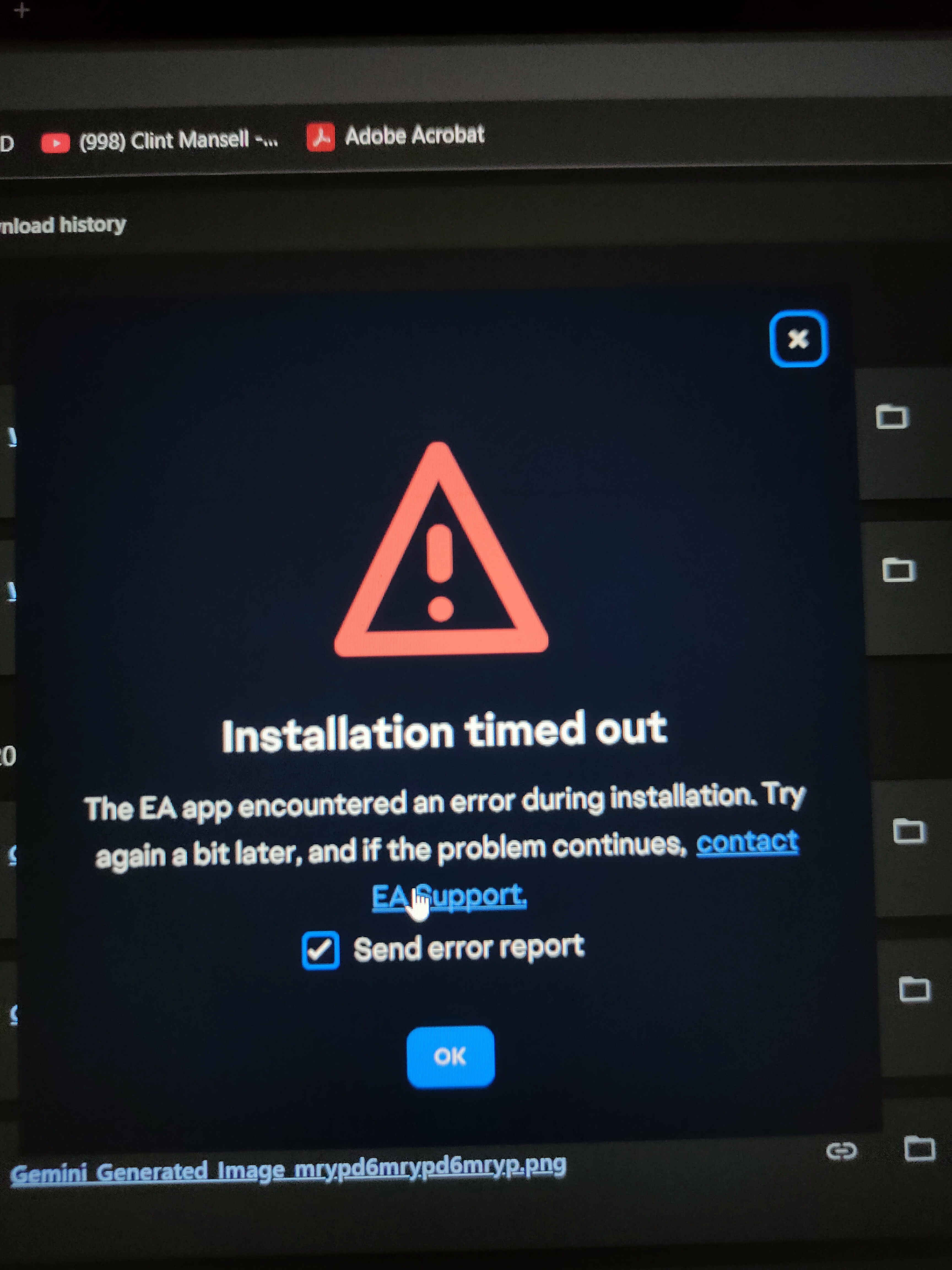
EA App Installation Timeout Error
Hi Everyone,
If you'll are facing this stupid issue and have tried all methods of cleaning your folders and all but still get it. I have a solution for it since none of the methods in the forum worked. But still before trying this one just clear everything that's related to EA.
So this error was not an issue from EA side it's from your laptop antivirus that's preventing it. Just turn of this feature before installing and then turn it back on after installation.
Turn off Ransomware Protection in Windows Defender (Windows 10 / 11)
Steps:
- Open Windows Security
- Press Windows key → search Windows Security → open it.
- Go to Virus & threat protection
- Click Manage settings (under Virus & threat protection settings)
- Scroll down and select Manage Controlled folder access
- Toggle Controlled folder access to Off
- Confirm the User Account Control (UAC) prompt.
Note:
Controlled Folder Access is the ransomware shield in Windows Defender. Turning it off removes protection for protected folders like Documents, Desktop, etc.
ooooooooooooooo
Turn off Ransomware Protection in Avast Antivirus
Steps
- Open Avast Antivirus
- Click Protection (left panel)
- Select Ransomware Shield
- Clicktoggle Ransomware Shield directly to Off
- Choose a duration if prompted (e.g., 10 minutes, Until restart, or Indefinitely)
oooooooooooooo
And Yes it was Ransomeware Sheild which was literally deleting the folder after getting installed 😭 Hope it fixed your issue.
Happy Gaming 🫂🤜🏻🤛🏻