Forum Discussion

MisterDiego310's avatar
MisterDiego310
New Novice
22 days ago

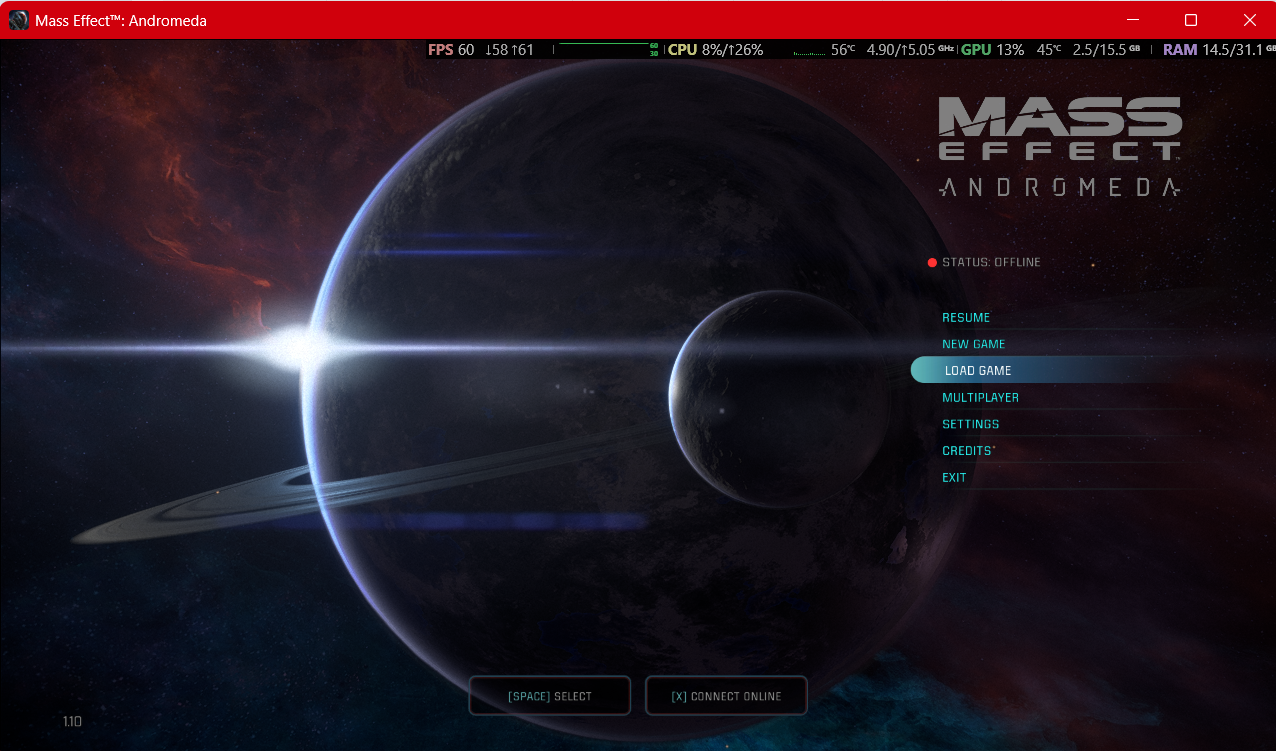
Mass Effect Andromeda: Missing Online Access

Hello, a couple days ago I reinstalling Mass Effect Andromeda on my steam account MisterDiego310, to play it again. Since then each time I try to get in the Online Features are disabled with the message: Missing Online Access.

I can't Import or Export my character personalization nor can I access the Multiplayer side, and it is very frustrating because 2 years ago I bought and played the game normally, but now this issue is making me reconsider buying EA games if they are going to have this kind of online problems.

I followed the troubleshooting guide on the EA Support page, but none of them have worked. I deleted and reinstalled the game, logged off and on and even uninstalled the EA App to check if those things could fix it up but nothing...

I also reported and sent a Support description of my problem, I don't know if they attend those things, but I would like to know if there is something else I can do to.
9 Replies

  • healthcover's avatar
    healthcover
    Seasoned Newcomer
    22 days ago

    Hey MisterDiego,

    Re: Can't access Online Features of Mass Effect Andromeda | EA Forums - 9189355

    This is the solution that has worked for me in the past.  I am currently going through the same problem with you.  I have spent 2+ hours on the EA Chat help, but all i am getting is "I need to transfer you to the technical team" and then "i need to transfer you to another team". 

    Currently i have this in the chat from an "Advisor"

    "Clear the EA App Cache: This is a common solution that can resolve account conflicts. Open the EA App menu (usually top left). Select Help > App Recovery. Choose Clear Cache. Delete License Files: This forces the game to re-verify your ownership and entitlements. Close the EA App completely. Press the Windows Key + R to open the Run dialog. Type %ProgramData%\Electronic Arts\EA Services and hit Enter. Delete all files within the "License" folder.

    Clear Temp Files: Press the Windows Key + R. Type %temp% and hit Enter. Delete all files and folders it allows you to (some might be in use). Repair or Reinstall the Game: In the EA app, go to "My Collection", select the three dots on the game tile, and choose "Repair". A full reinstall may be necessary if that fails. "

    If either of these work for you, let me know too.

    Edit: The solution provided by the chat person of clearing the cache, and hte licenes worked for me.

  • MisterDiego310's avatar
    MisterDiego310
    New Novice
    21 days ago

    Hello healthcover,

    I tried both methods, clearing the EA App Cache and clearing the Temp Files and neither worked, I am still with the same issue, Missing Online Access.

    I guess I should try to reach out to support again and see if they do something about it, because it is really frustrating.

  • holger1405's avatar
    holger1405
    Hero+
    21 days ago

    MisterDiego310​ 

    There is nothing on your side that would fix this error, its an account problem. 
    You need to contact EA Support again and find a help rep that knows the problem. 

    If you don't get it solved until Monday tag me with holger1405​  in this thread. 

  • healthcover's avatar
    healthcover
    Seasoned Newcomer
    20 days ago

    Support did do some things on the back end for me, so maybe it was this as well.  Definitely reach out to support and explain that it worked for me, copy this link and they might be able to look at what was done to solve your issue.

  • EA_Shepard's avatar
    EA_Shepard
    Icon for Community Manager rankCommunity Manager
    17 days ago

    MisterDiego310​ Can I get the EA ID that your Steam ID (MisterDiego310) is linked to? I need to make sure I have the correct account the game is being played under.

  • MisterDiego310's avatar
    MisterDiego310
    New Novice
    13 days ago

    Ohhh, hello EA_Shepard​, sorry for the late response, it's been a busy week.

    Sure, I'll give it to you, its the same name as the one on Steam and here on the forums: "MisterDiego310".

    I don't know if it is relevant now, but after holger1405​ told me to contact EA Chat, I did but they did no help me out, they passed me around a couple of Support Agents and told me to wait to another team that might look into my problem but I did not get contacted after. I'll attach the image of my case.

  • EA_Shepard's avatar
    EA_Shepard
    Icon for Community Manager rankCommunity Manager
    9 days ago

    MisterDiego310​ Hey, wanted to follow up on this one. Sorry about that. Never saw the message but I am taking a look. Let me know if you are still getting the same error.

  • MisterDiego310's avatar
    MisterDiego310
    New Novice
    8 days ago

    EA_Shepard​ Hello again, I checked the game yesterday and now it's working.

    I don't know what you did, but thank you so much, I can now play without issues. Hope you have a nice week, and thanks again 😁.

  • EA_Shepard's avatar
    EA_Shepard
    Icon for Community Manager rankCommunity Manager
    3 days ago

    MisterDiego310​ Hey,

    Glad to hear that the game is now working for you. If you run into any other issues with it, just reply to this thread!

    Cheers

Featured Places

Node avatar for Mass Effect Franchise Discussion

Mass Effect Franchise Discussion

The fate of the galaxy lies in your hands. Join the Mass Effect community forums and tell us how you'll fight for it.Latest Activity: 4 months ago
19,270 Posts